CBX Bookmark & Favorite for WordPress
Turn your WordPress site into a personalized save-for-later experience.
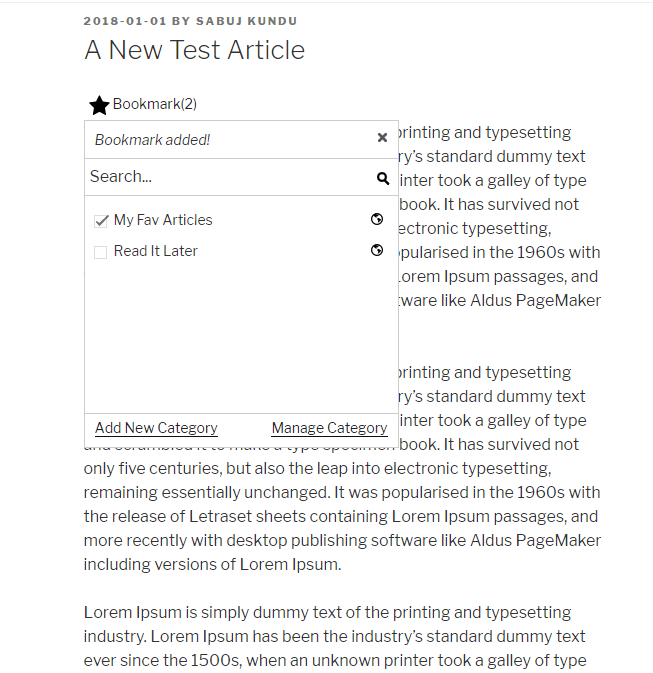
CBX Bookmark & Favorite adds a powerful bookmark and favorite system to WordPress, allowing logged-in users to save posts, pages, products, downloads, and other supported content for later.
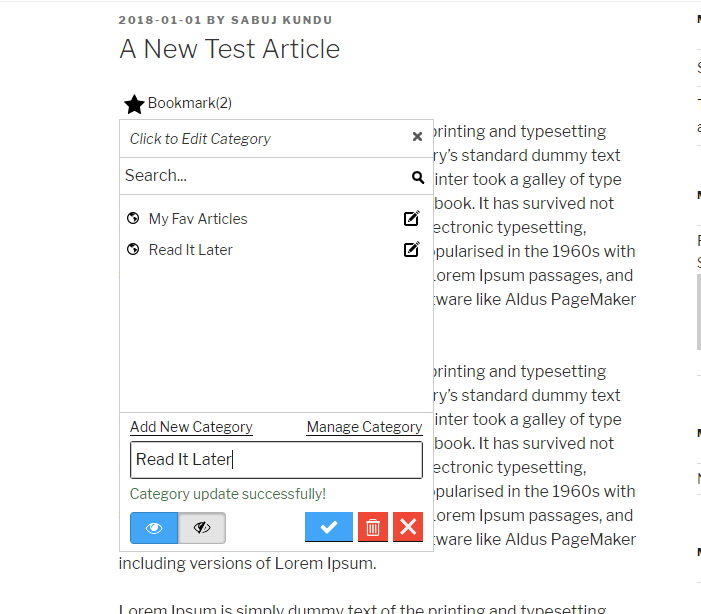
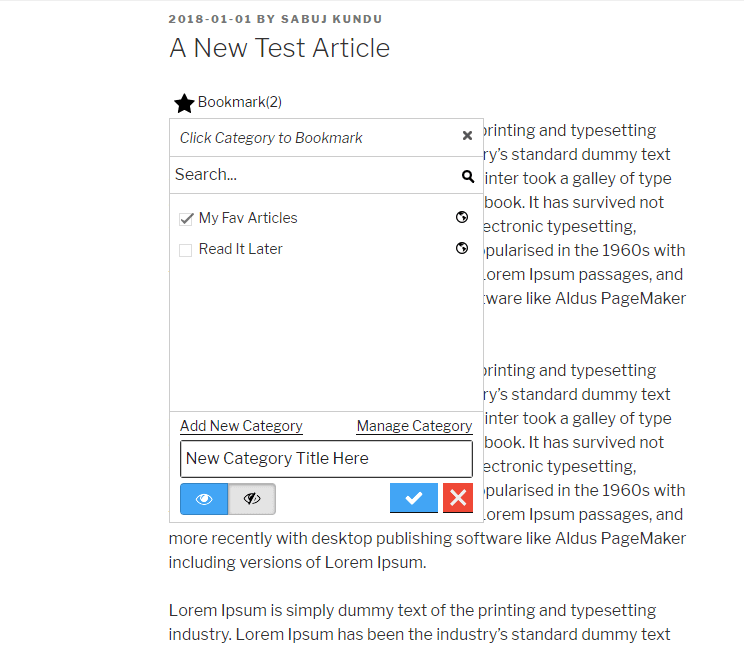
Give users a simple Save to Bookmark experience, then let them organize saved content into categories, keep bookmarks private, or share them publicly—just like the familiar save-and-organize experience people already use on popular content platforms.

With automatic bookmark buttons, customizable categories, shortcodes, widgets, Gutenberg blocks, Elementor widgets, and Pro integrations, CBX Bookmark gives you everything you need to build a personalized content-saving experience in WordPress.
Built for content sites, communities, membership sites, directories, WooCommerce stores and more.
Download Try It Free Documentation Version 2.0.10 GPLv2 or later
A Complete Bookmark & Favorite System for WordPress
Bookmark Button Control
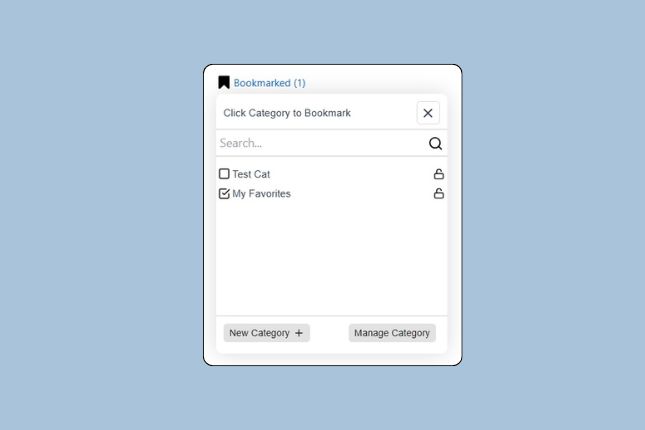
Auto integration of bookmark button without writing any single line of code.
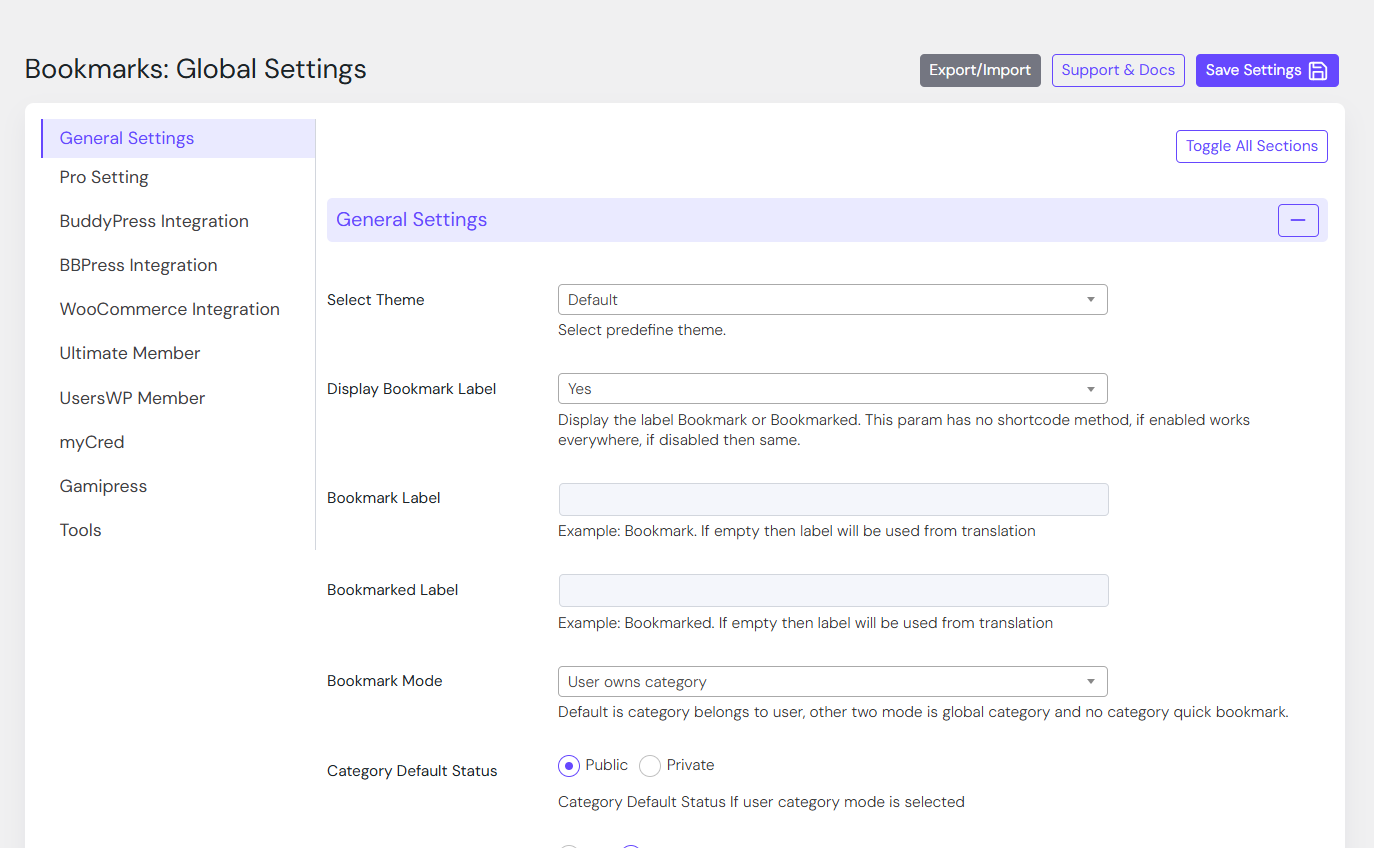
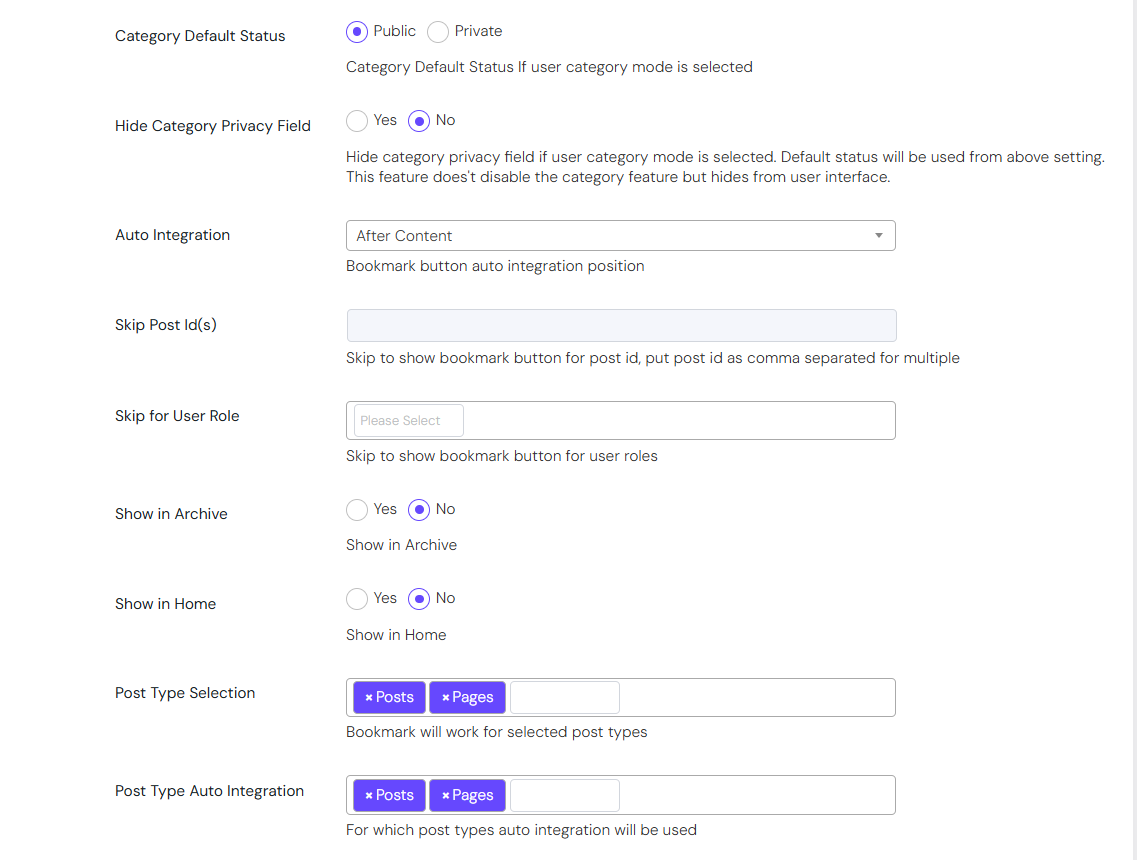
- Enable/disable auto integration
- Show bookmark button before or after content
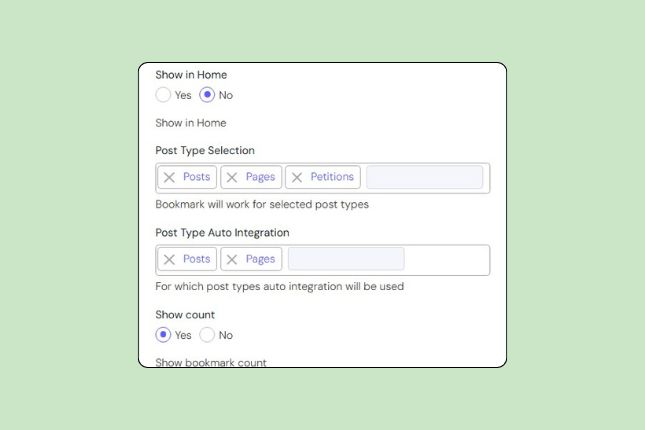
- Show in Home.
- Show in Archive
- Show bookmark button using shortcode
- Advance users can add bookmark button using custom code in theme
- Skip post id(s)
- Skip user roles
Works with Any Post Types
CBX Bookmark plugin works with built-in and custom post types.
- Post
- Pages
- Custom Post Types(Pro)
Three Modes Bookmark
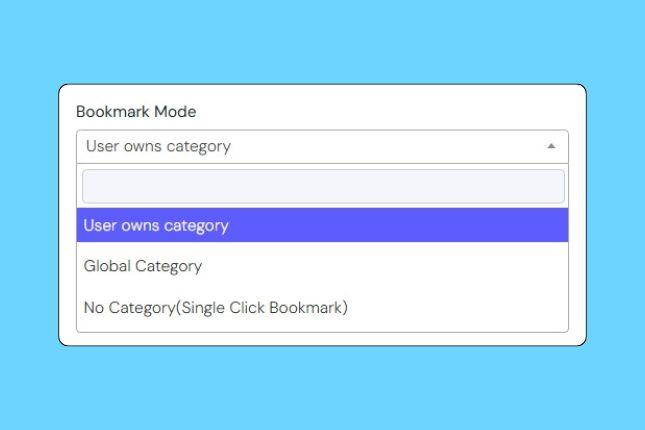
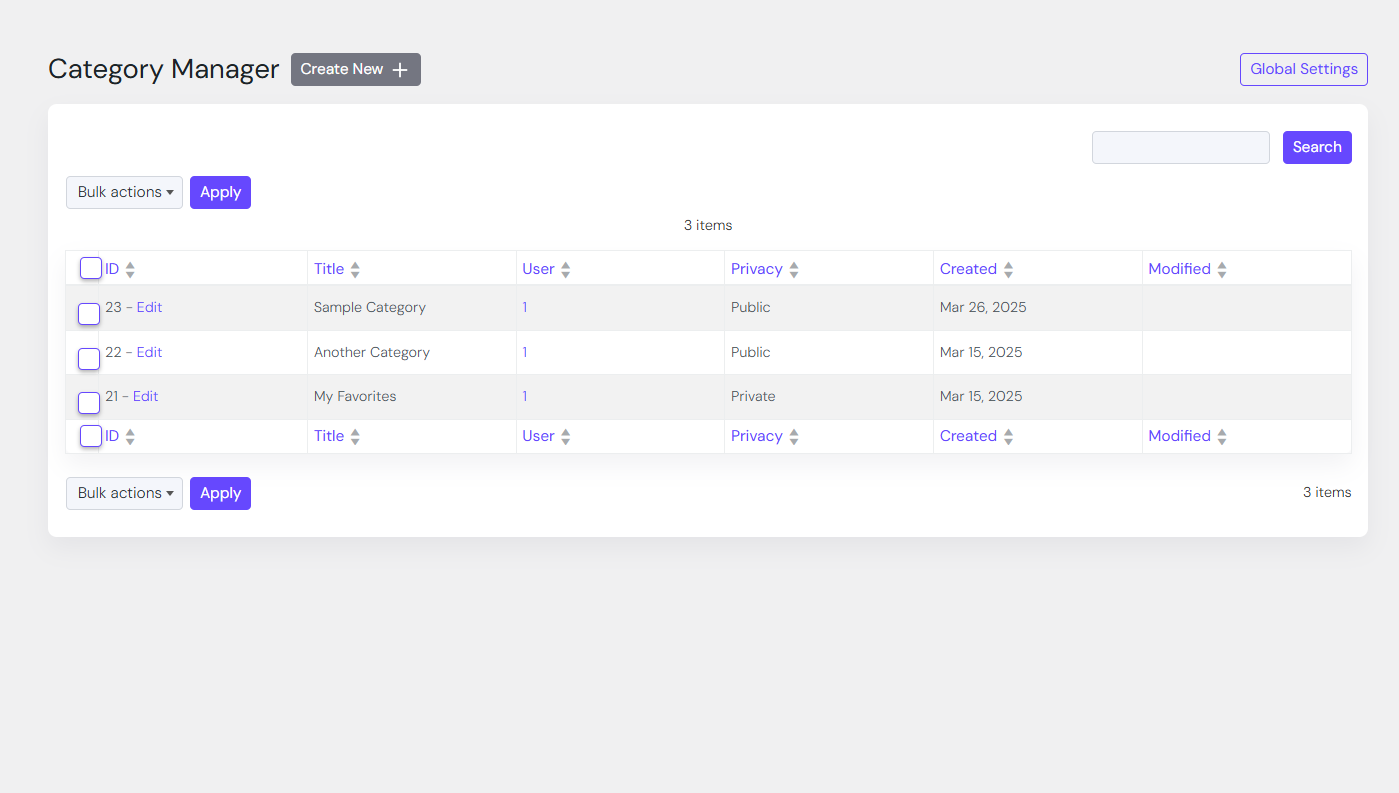
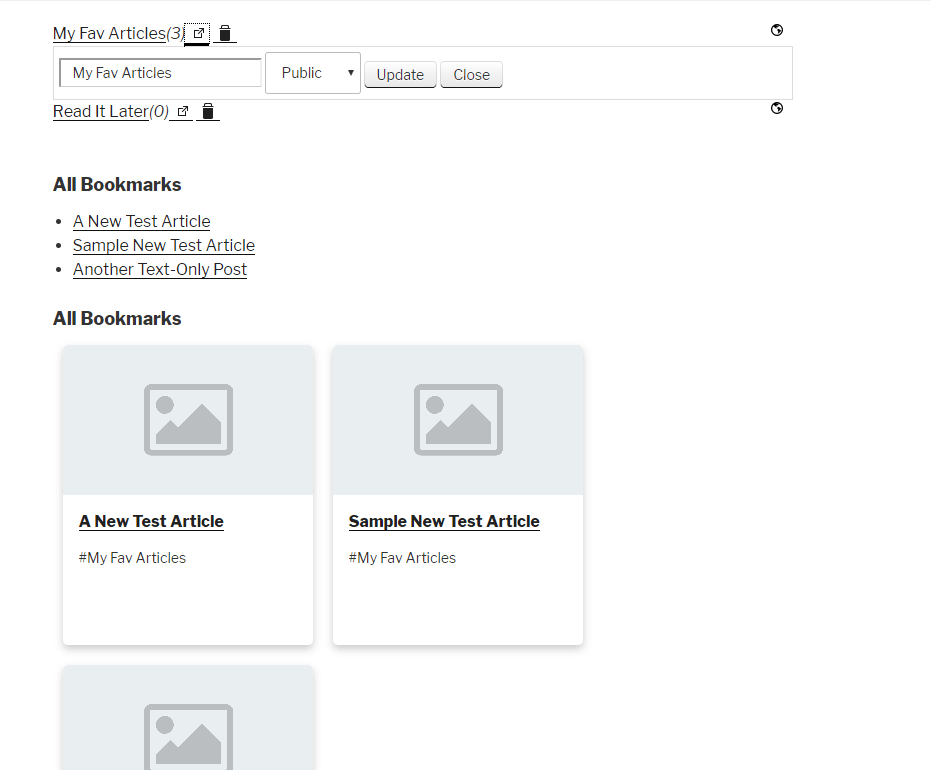
Bookmark category has three modes which helps to setup the bookmark list feature as fit any for any website. Admin can allow user own, can create global category from admin or no category at all.
- Three Modes – User own categories, global categories and no category mode
- Create unlimited categories
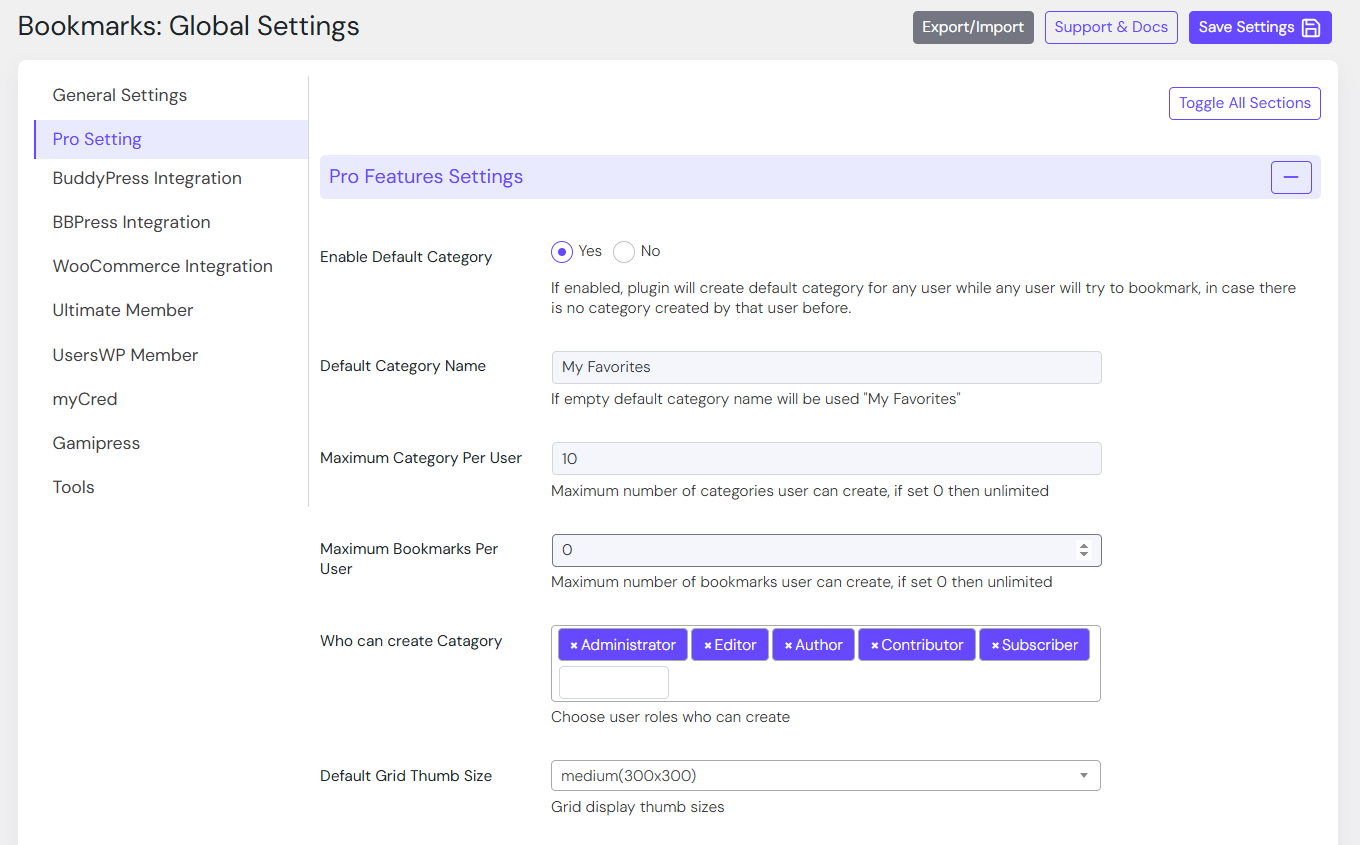
- Control maximum numbers of category for a user
- Set who can create category
- Private/Public category
Extendable Settings
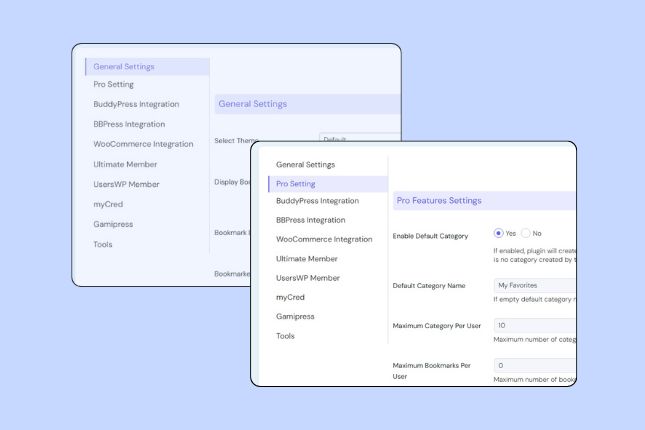
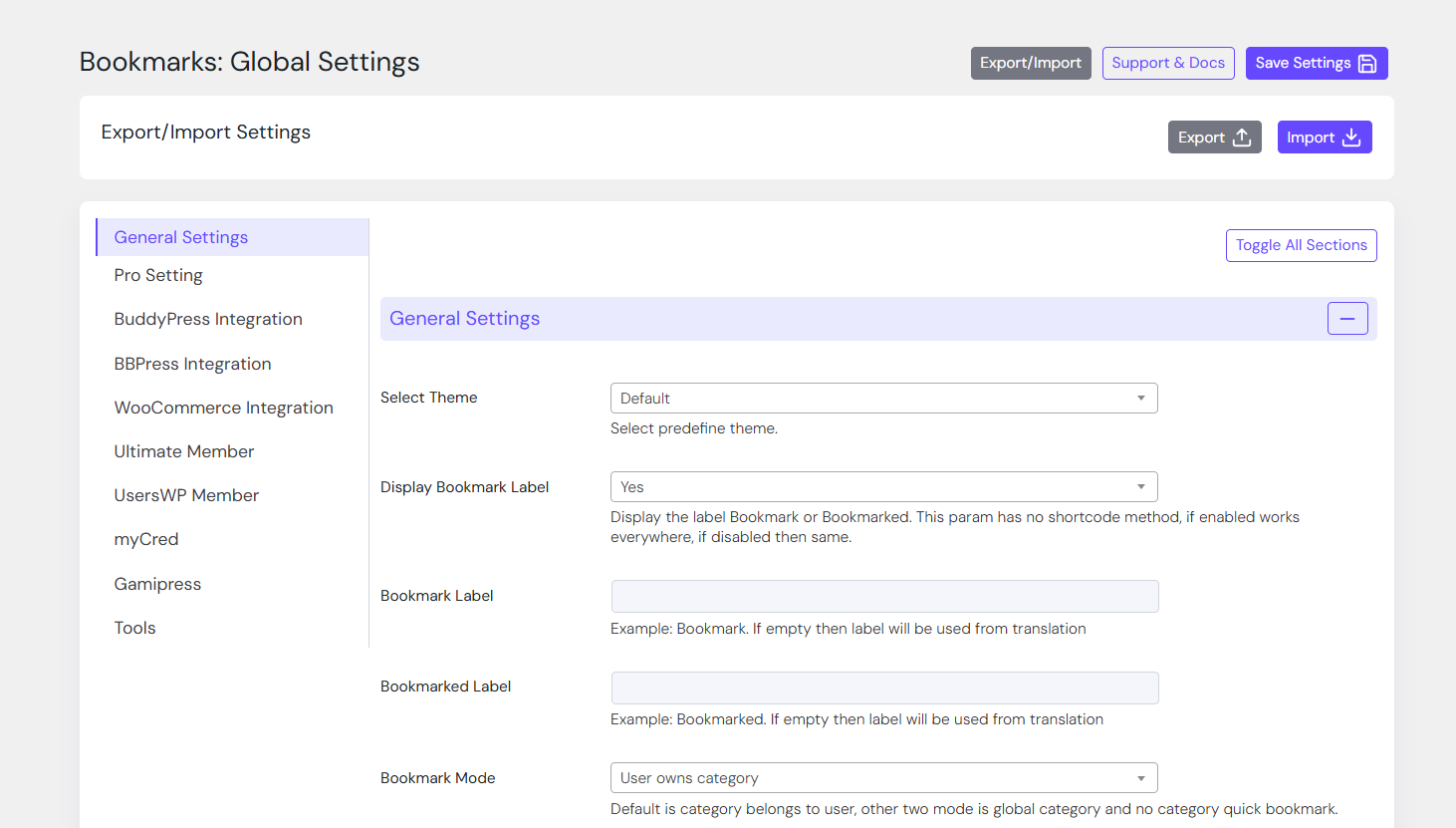
Plugin global setting follows WordPress core setting api and it can be extended easily to add new fields or new setting tabs.
- WordPress Setting Api compatible setting panel
- Extendable setting section and fields
- One click plugin setting reset
- Delete plugin data on uninstallation of plugin(eco-friendly)
Shortcode Powered
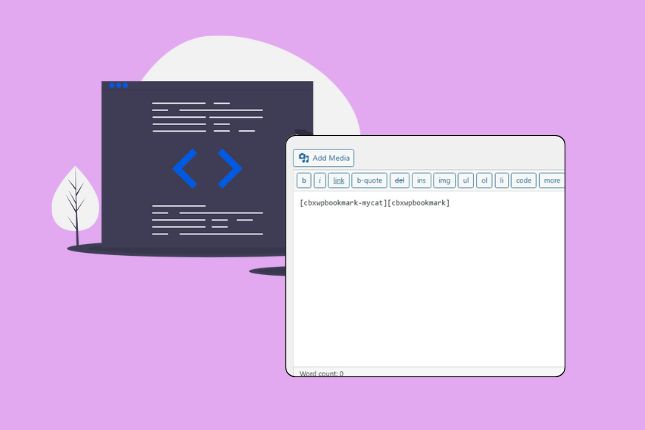
CBX Bookmark has all necessary shortcodes to add bookmark button, bookmarks or category anywhere. Every shortcodes has lots of params as need. Learn more about shortcode specific documentation.
- Bookmark Button [cbxwpbookmarkbtn]
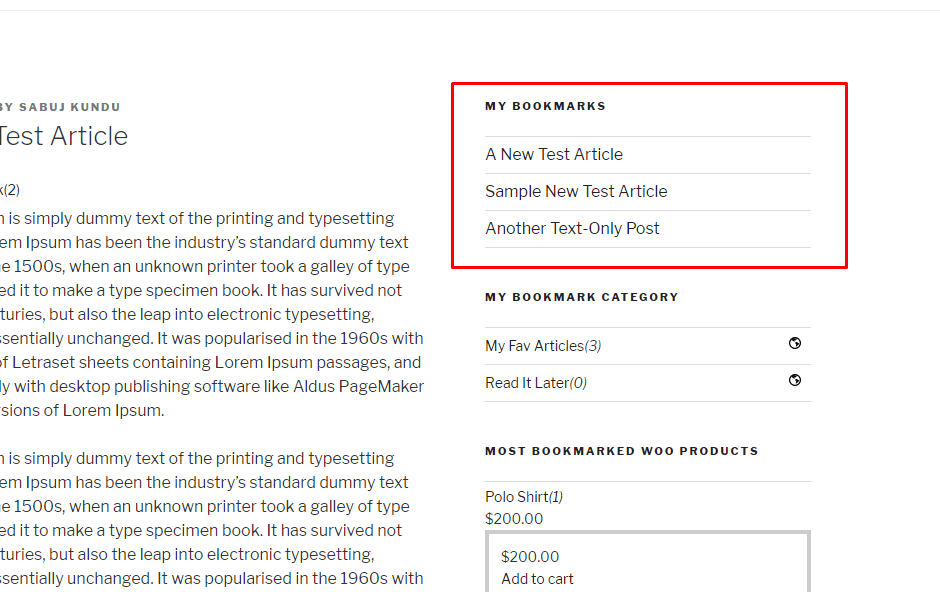
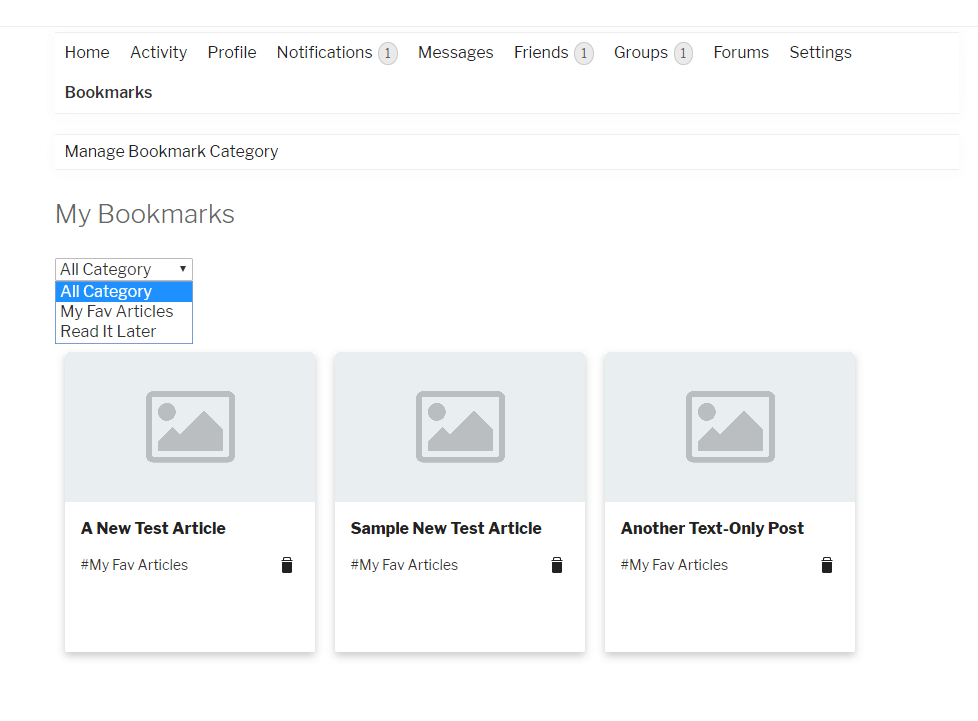
- User’s Bookmarks/My Bookmarks [cbxwpbookmark]
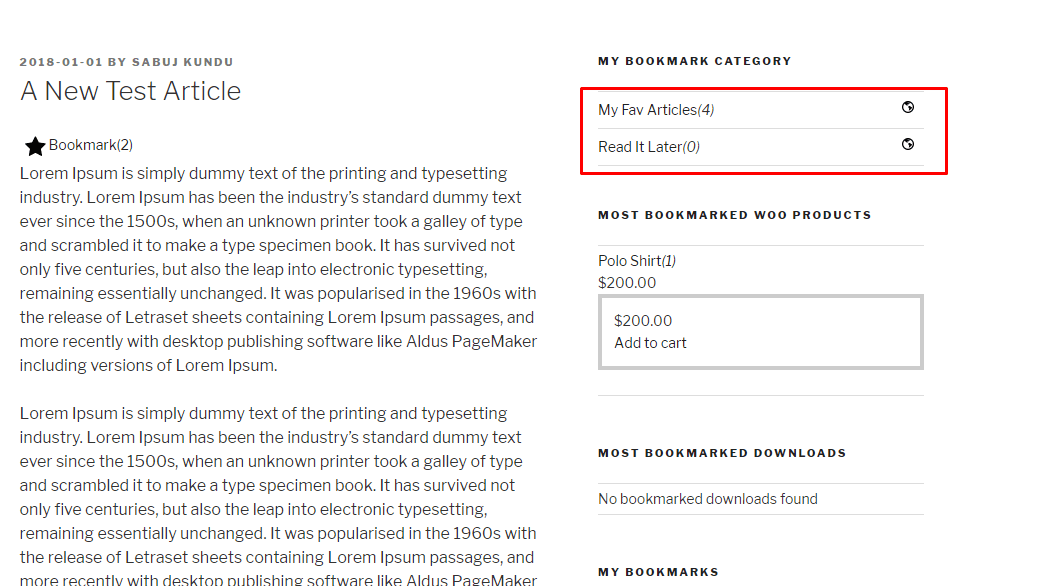
- My Bookmarked Category [cbxwpbookmark-mycat]
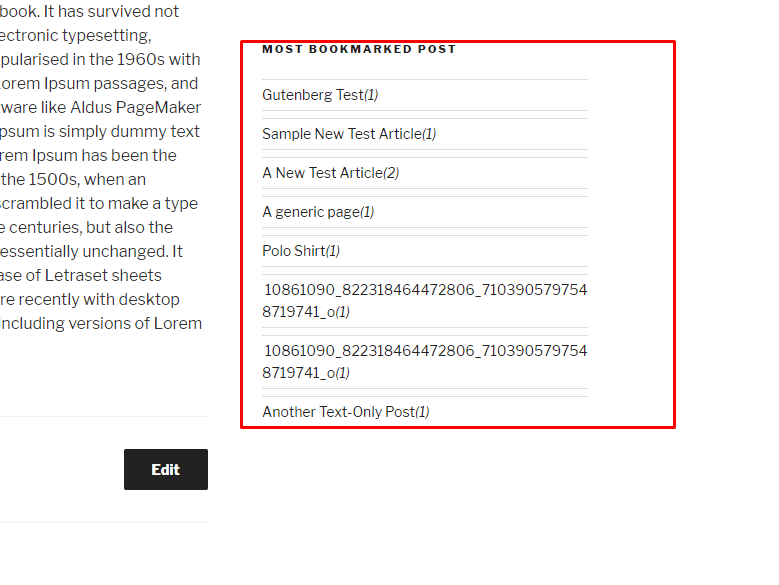
- Most bookmarked items/posts [cbxwpbookmark-most]
- My Bookmarked Posts Grid [cbxwpbookmarkgrid] – (Pro)
- Most Bookmarked Products(Woo) Lists [cbxwpbookmark-mostproducts] – (Pro)
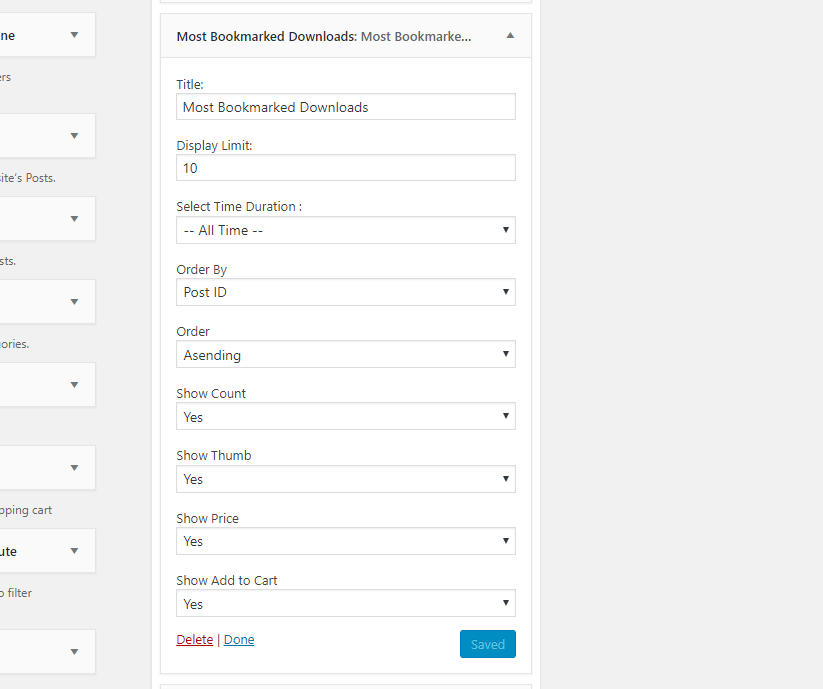
- Most Bookmarked Downloads(EDD) Grid [cbxwpbookmark-mostdownloads] – (Pro)
WooCommerce, BuddyPress & EDD
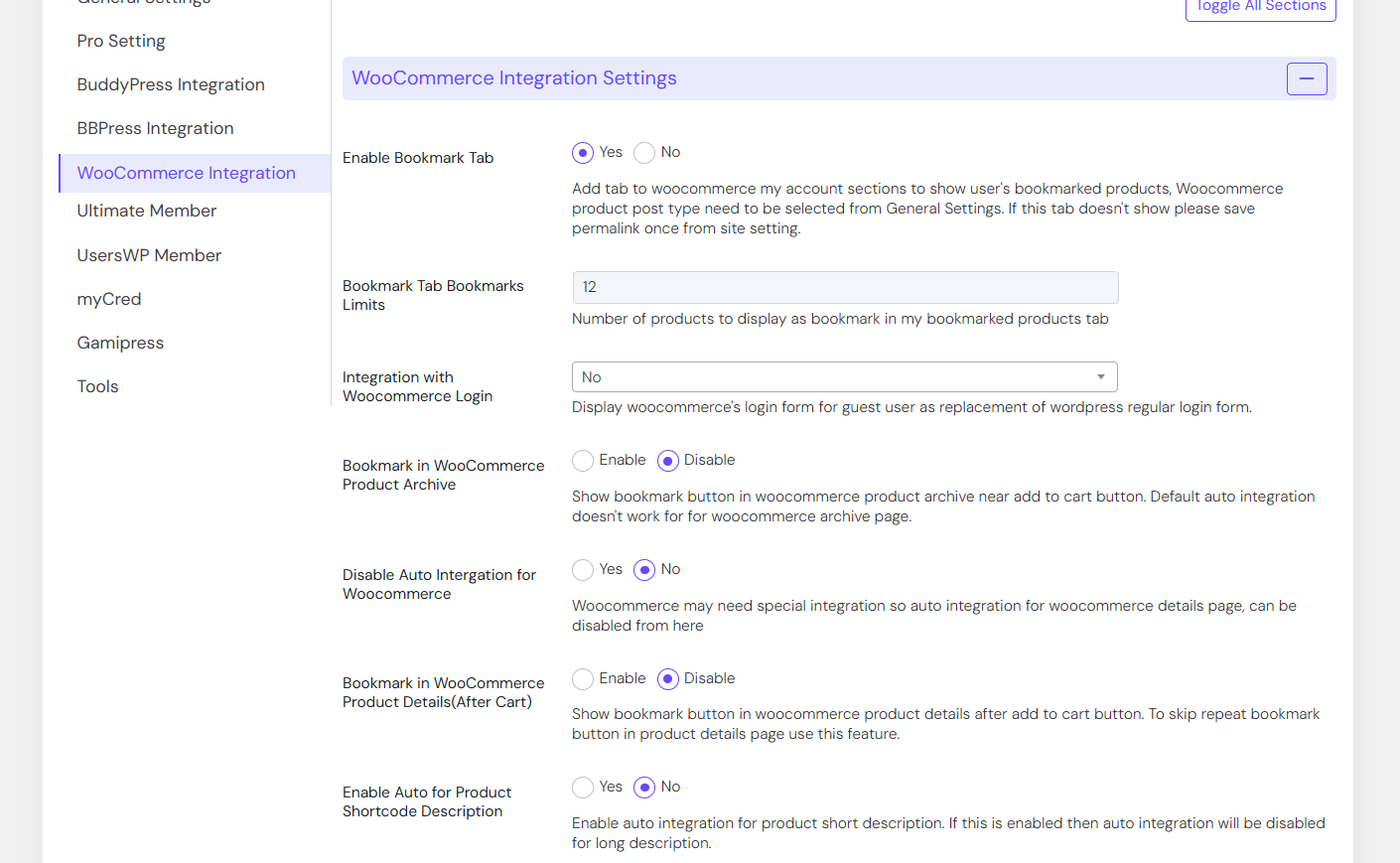
Woocommerce and BuddyPress has special integration support, Woocommerce and EDD has extra widgets
- Special widget for Easy Digital downloads (Most Bookmarked Downloads)-Pro
- Special widget for WooCommerce (Most Bookmarked Products)-Pro
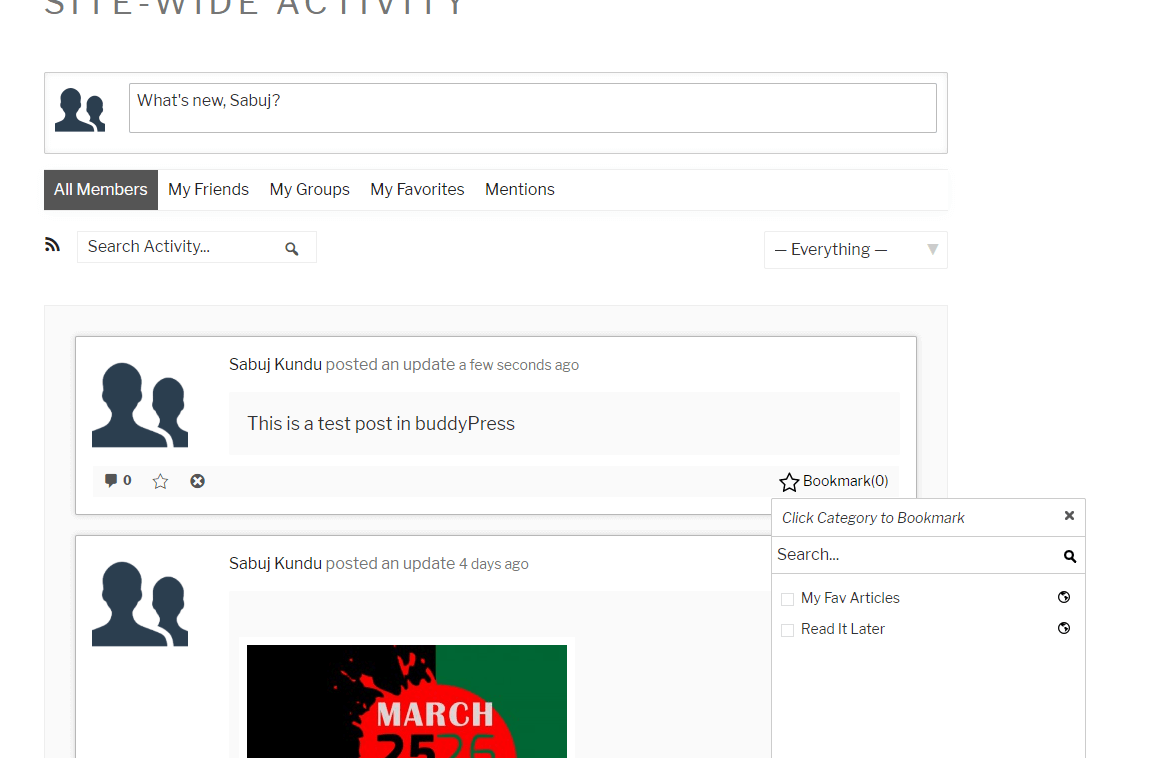
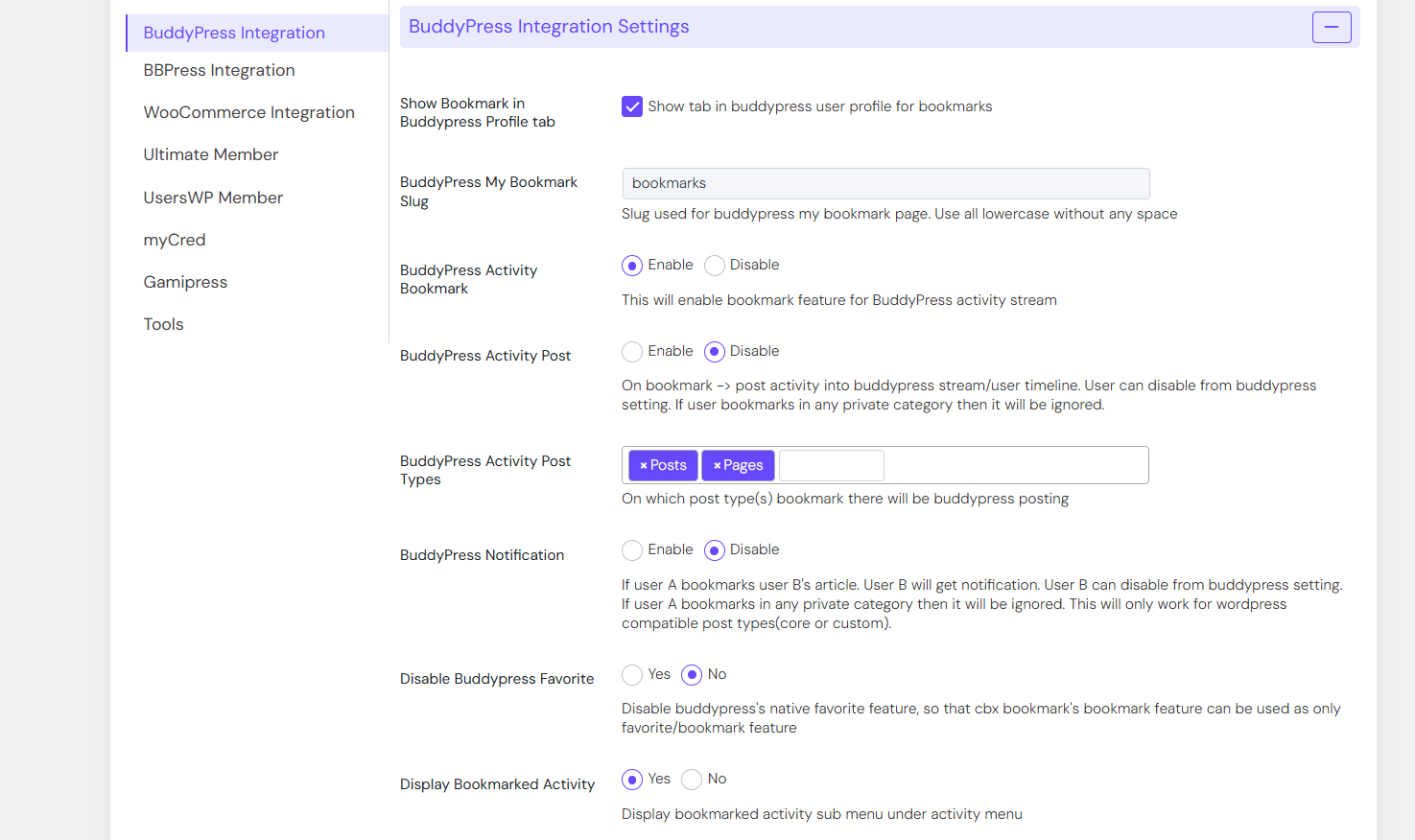
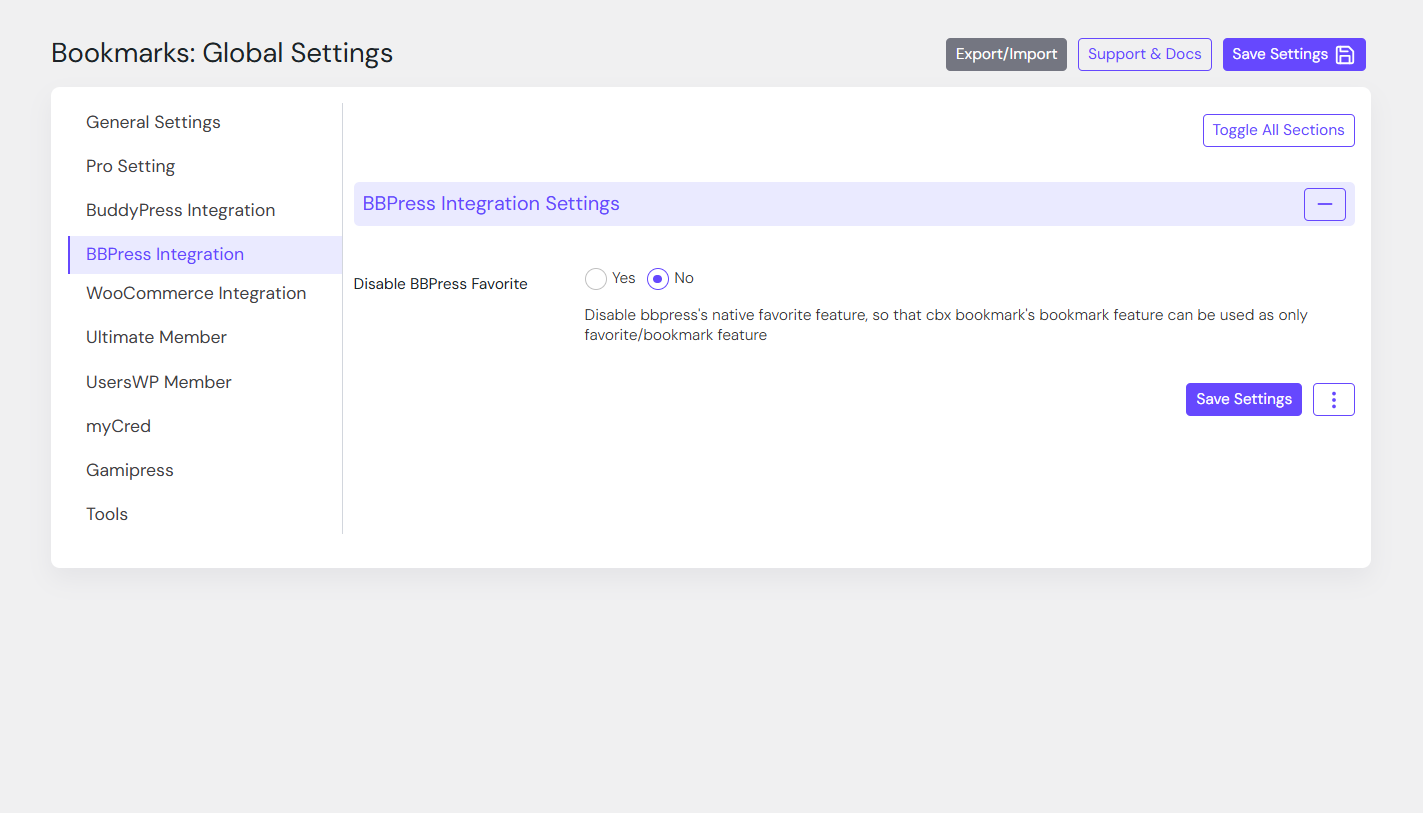
- Buddypress Integration to show bookmarks in user profile in grid manner(Pro)
- Bookmark for buddyPress Stream(Pro)
Classic Widgets
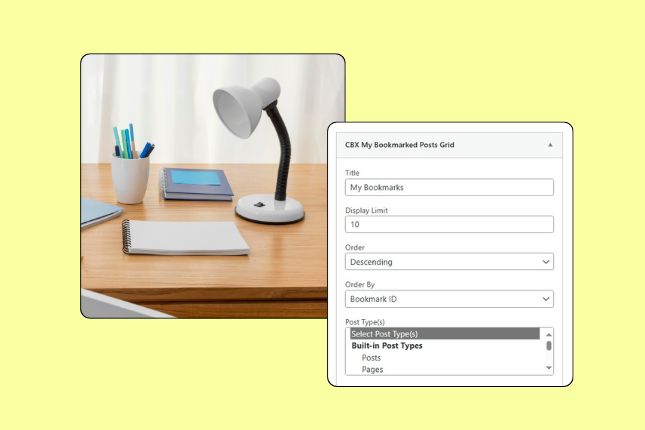
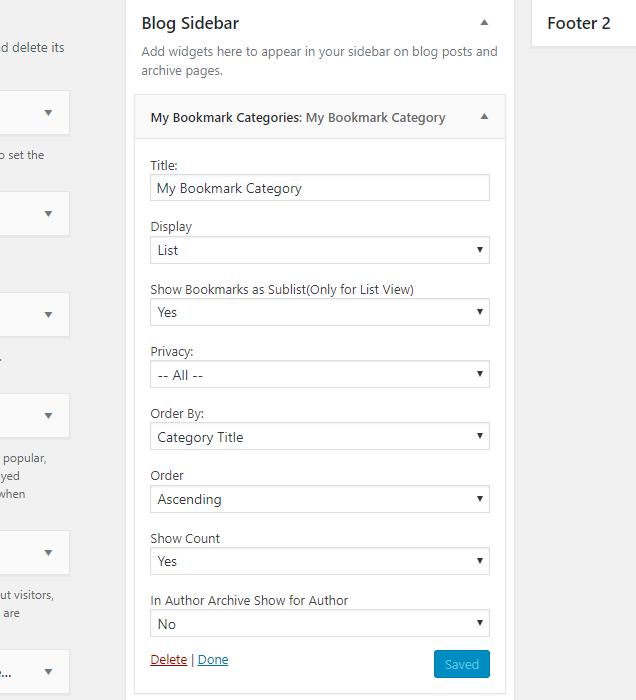
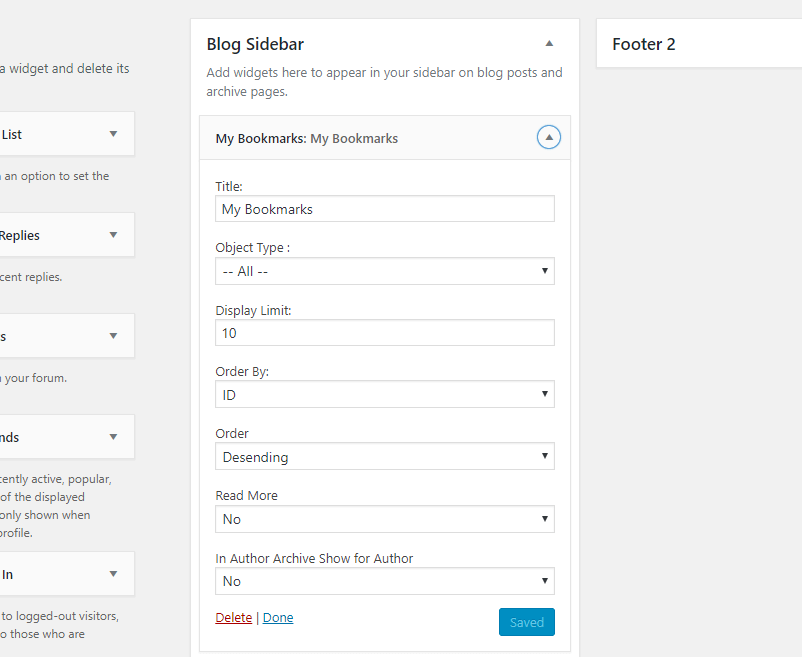
CBX Bookmarks loads with necessary widgets which helps to display near same functionality like the shortcodes
- My Bookmarked Posts
- Most Bookmarked Posts
- My Bookmark Categories
- My Bookmarked Posts Grid(Pro)
- Most Bookmarked Posts Grid(Pro)
- Most Bookmarked Downloads(EDD) List – Pro
- Most Bookmarked Products(Woocommerce) List – Pro
Gutenberg Blocks Available
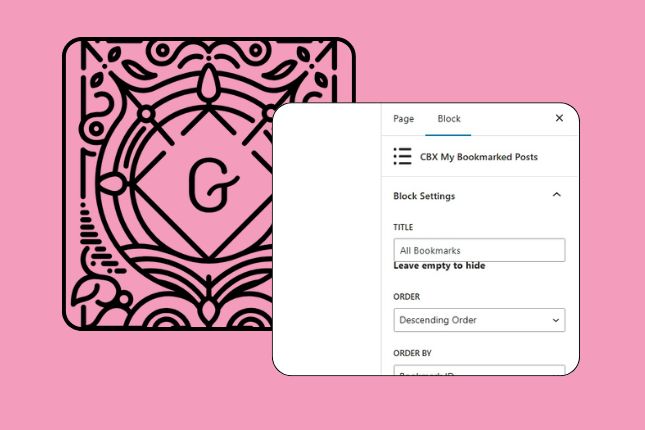
CBX Bookmark is Gutenberg editor compatible and almost all shortcode and widget has block version.
- Gutenberg block for bookmark button
- Gutenberg block for my bookmarked posts
- Gutenberg block for most bookmarked posts
- Gutenberg block for bookmark category
- Gutenberg block for my bookmarked posts grid(pro)
- Gutenberg block for most bookmarked posts grid(pro)
- Gutenberg block for most bookmarked downloads(edd) list (pro)
- Gutenberg block for most bookmarked products(woocommerce) list(pro)
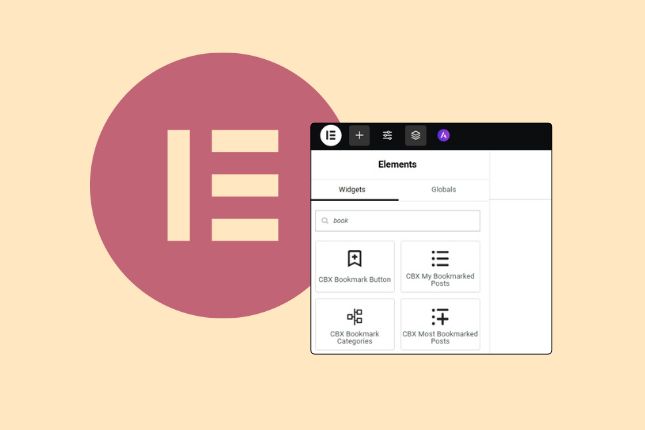
Elementor Widget Available
CBX Bookmark is Elementor editor compatible and almost all shortcode and widget has block version.
- Elementor Widget for bookmark button
- Elementor Widget for my bookmarked posts
- Elementor Widget for most bookmarked posts
- Elementor Widget for bookmark category
- Elementor Widget for my bookmarked posts grid(pro)
- Elementor Widget for most bookmarked posts grid(pro)
- Elementor Widget for most bookmarked downloads(edd) list (pro)
- Elementor Widget for most bookmarked products(woocommerce) list(pro)
Customize Templates Without Editing the Plugin
Match your bookmark interface to your site’s design.
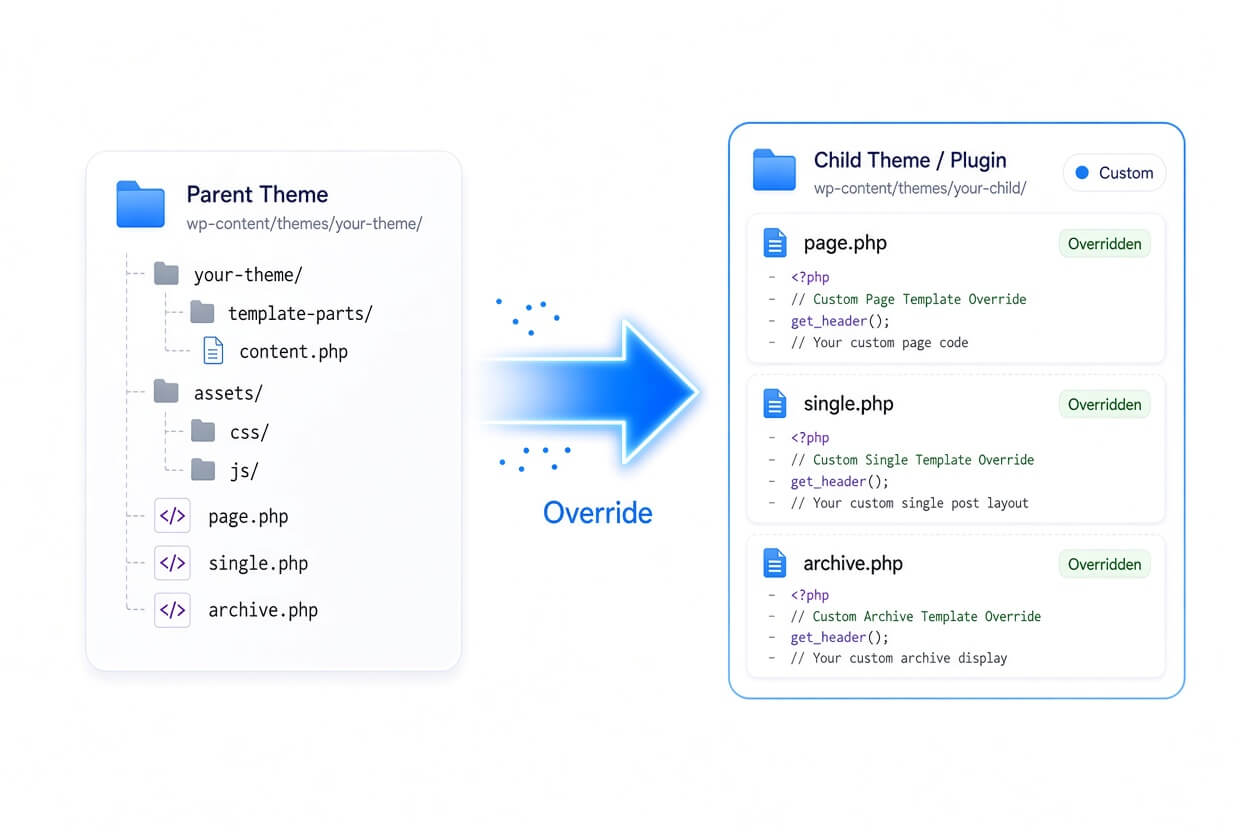
CBX Bookmark includes a template override system similar to WooCommerce. Copy the relevant plugin templates into your theme and customize the markup, structure, and layout without modifying the original plugin files.
That means your customizations stay separate from the plugin core, making future plugin updates much easier to manage.
Customize the experience without sacrificing update safety.
Extend CBX Bookmark with Hooks & Filters
Need more control? Customize the plugin without modifying its core files.
CBX Bookmark is built with WordPress developers in mind and provides actions, filters, and extension points throughout the plugin.
Use them to customize output, connect bookmarking with your own workflows, or build additional functionality while keeping your custom code separate from the plugin core.
All CBX Bookmark hooks and filters use the cbxwpbookmark prefix.

Ready for Translation
Build a bookmark experience for users around the world.
CBX Bookmark follows WordPress internationalization and localization standards, making its interface ready to translate with tools such as Poedit and Loco Translate.
A .pot translation template is included to make creating and maintaining translations easier.
Licence & Pricing
Free Core vs Pro Addon
| Feature | Free Core | Pro Addon |
|---|---|---|
| Auto Integration | ||
| Category / No-Category Mode | ||
| All Shortcodes | ||
| Classic Widgets | ||
| Gutenberg Block | ||
| Elementor Widget | ||
| Default Category, Maximum Category | ||
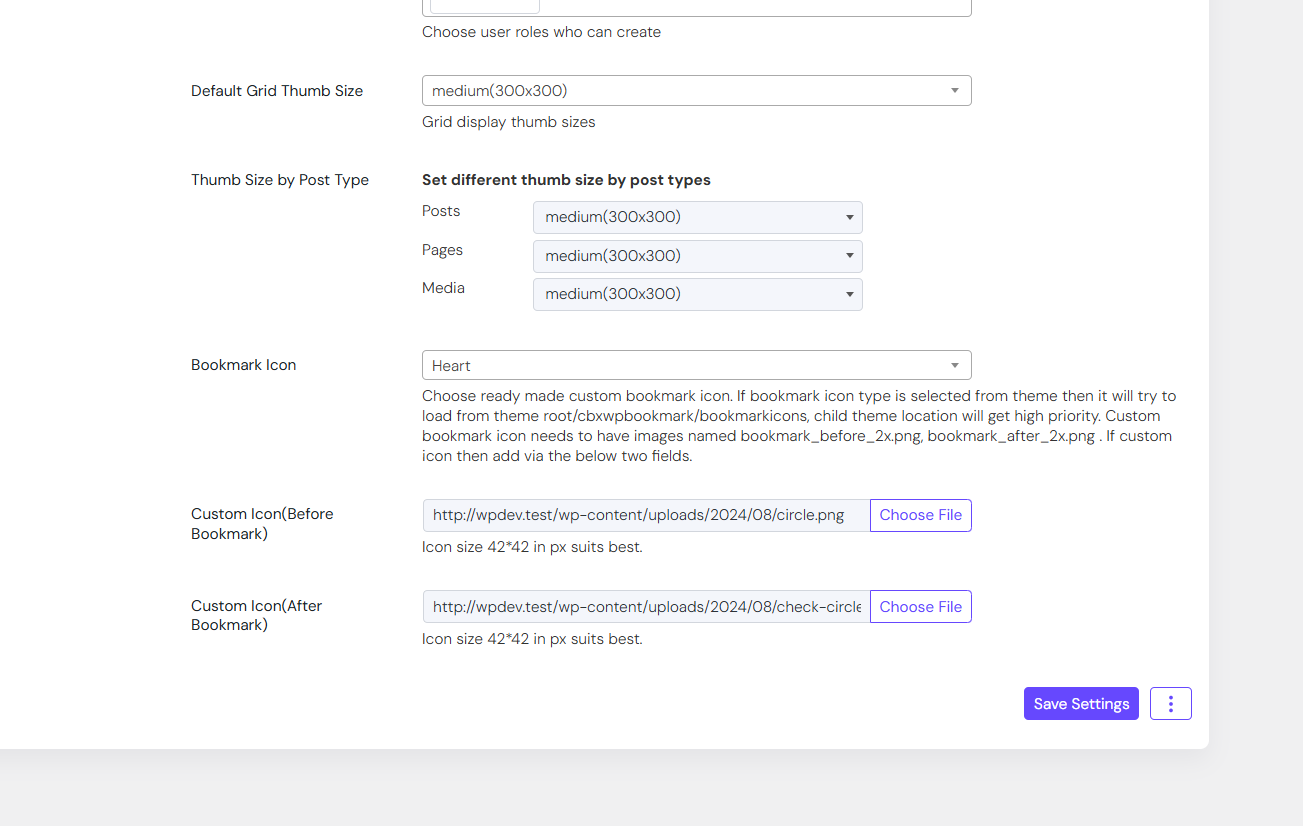
| Custom Bookmark Icon | ||
| Bookmark Grid Display | ||
| WooCommerce My Account Tab | ||
| BuddyPress Integration | ||
| myCred | ||
| GamiPress | ||
| Pro Shortcodes, Widgets & Blocks (Gutenberg / Elementor / WPBakery) |
Ready for the Pro features? Pick a license below.
CBX WP Bookmark Pro Addon
Choose your license term — every plan includes plugin updates and real developer support.
1 Site
- One Year Pro Support
- One Year Plugin Updates
- One Domain Support
- Email Support
2 Sites
- One Year Pro Support
- One Year Plugin Updates
- Two Domains Support
- Email Support
5 Sites
- One Year Pro Support
- One Year Plugin Updates
- Five Domains Support
- Email, Google Meet Support
1 Site
- Lifetime Pro Support
- Lifetime Plugin Updates
- One Domain Support
- Email, Google Meet Support
5 Sites
- Lifetime Pro Support
- Lifetime Plugin Updates
- Five Domains Support
- Email, Google Meet Support
Support Policy
Support is simple and predictable. Every purchase includes one year of support for a single domain — updates and help for one production site, starting the day you buy.
1 Domain, 12 Months
Activate on one production site and get updates plus support for 12 months from purchase. Terms scale with the duration and domain count you choose at checkout.
Unlimited Dev & Staging
Building the project out? Use the plugin freely across any number of local, staging, or development sites — no separate license needed while you work.
Except 1 domain, there are other options in the pricing section. Need a custom feature? Talk to our sales team — we’ll reach you in email asap.
Customer Reviews
Real feedback from real customers using our plugins and products.
