CBX Petition for WordPress
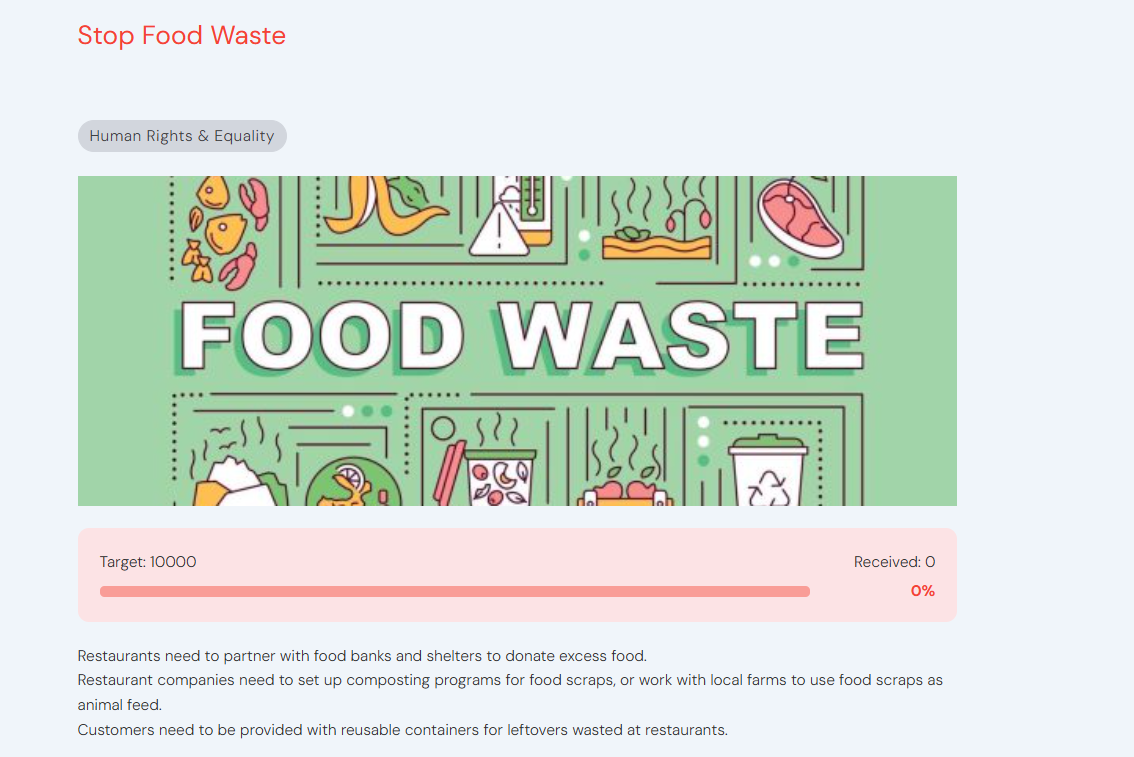
CBX Petition for WordPress makes it easy to create, manage, and showcase online petitions—right from your WordPress dashboard.
Whether you’re driving change locally or globally, this plugin gives you the tools to build momentum, collect signatures and inspire action.

Demo Download Try It Free Documentation Version 2.0.1
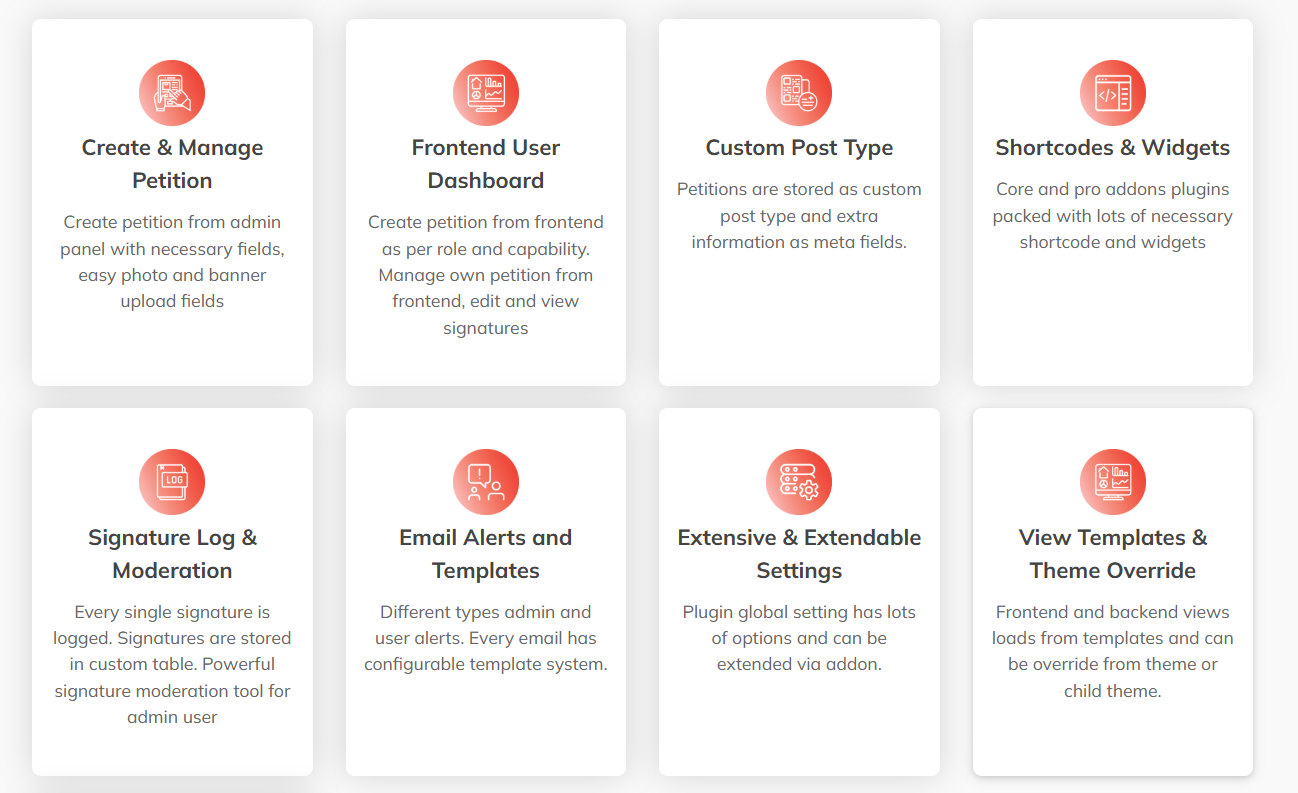
Create & Manage Petition
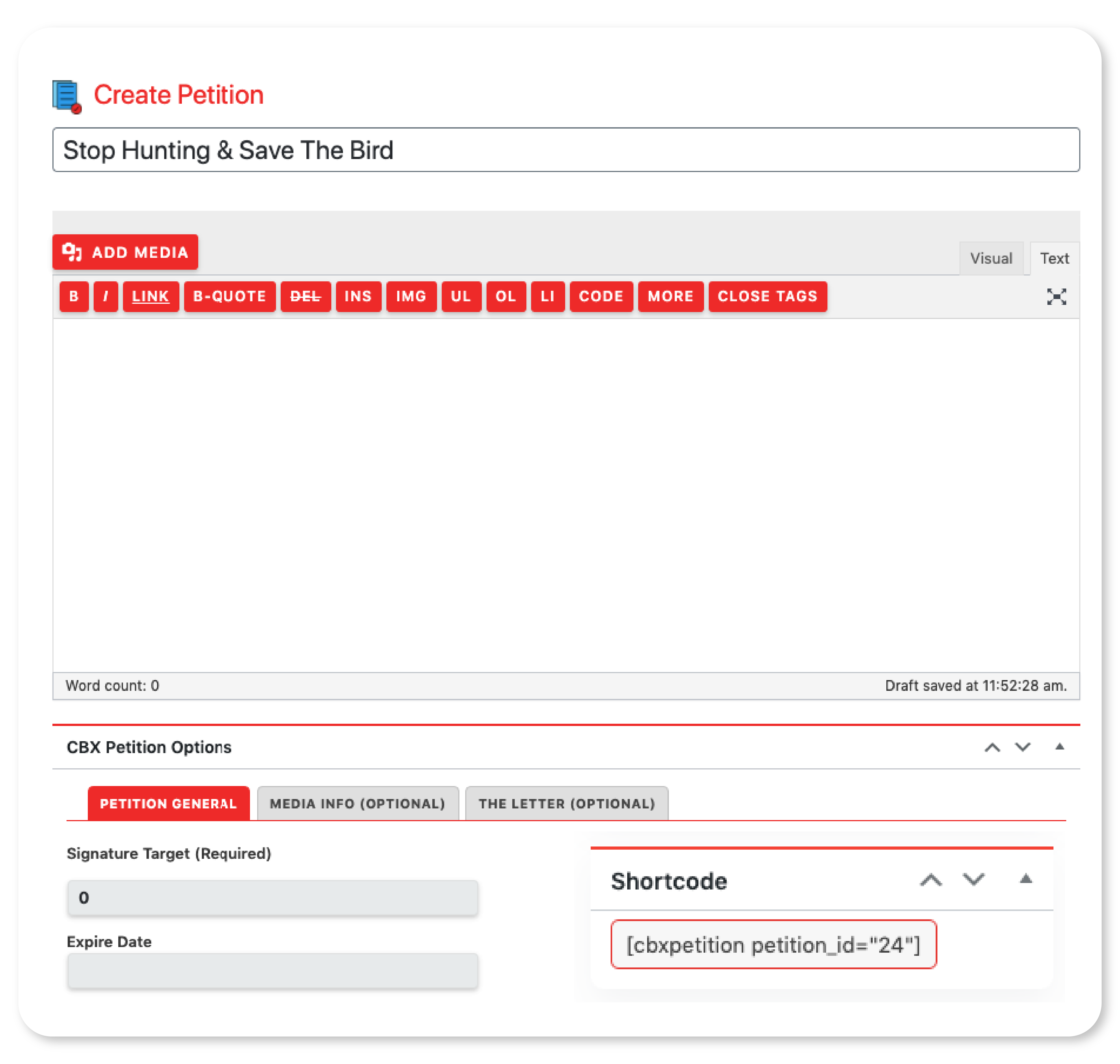
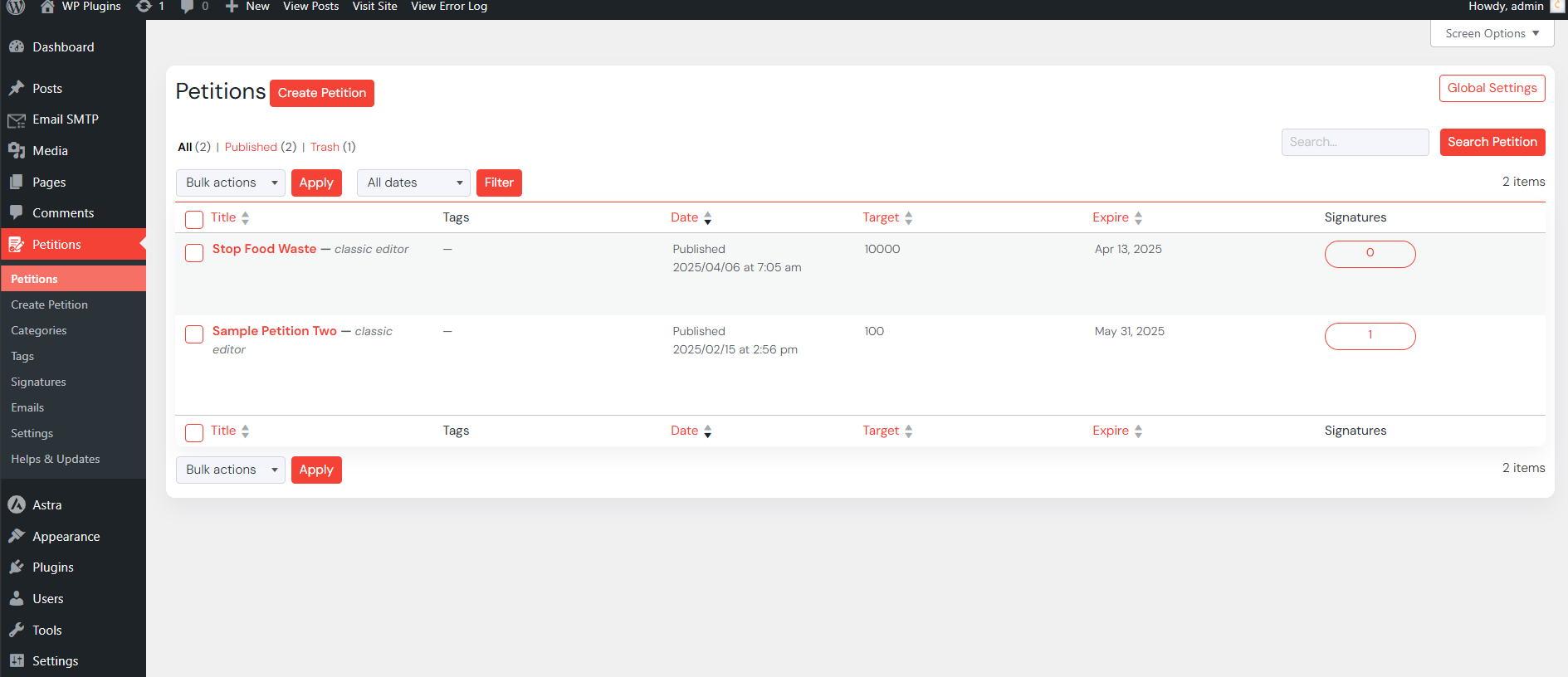
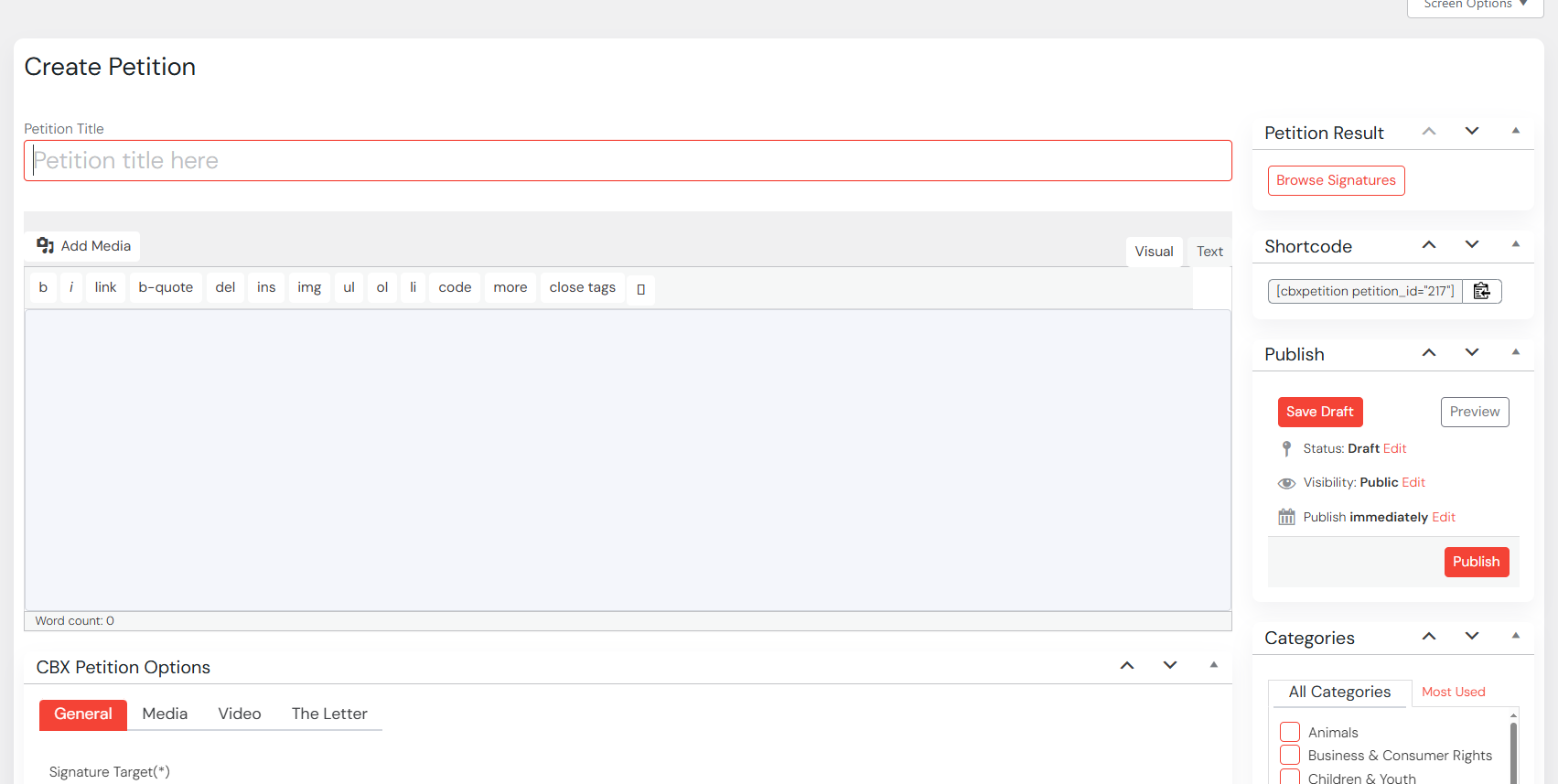
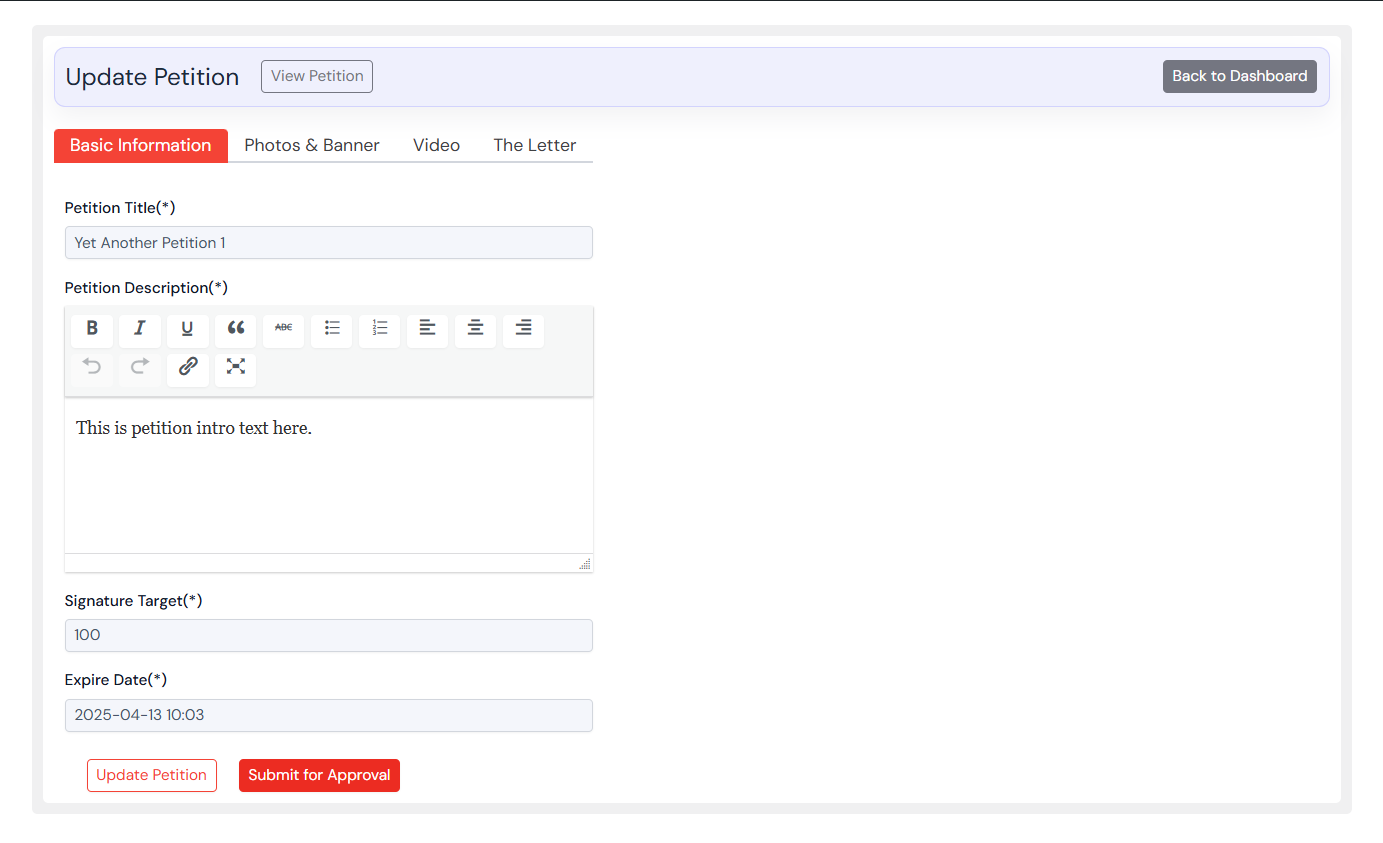
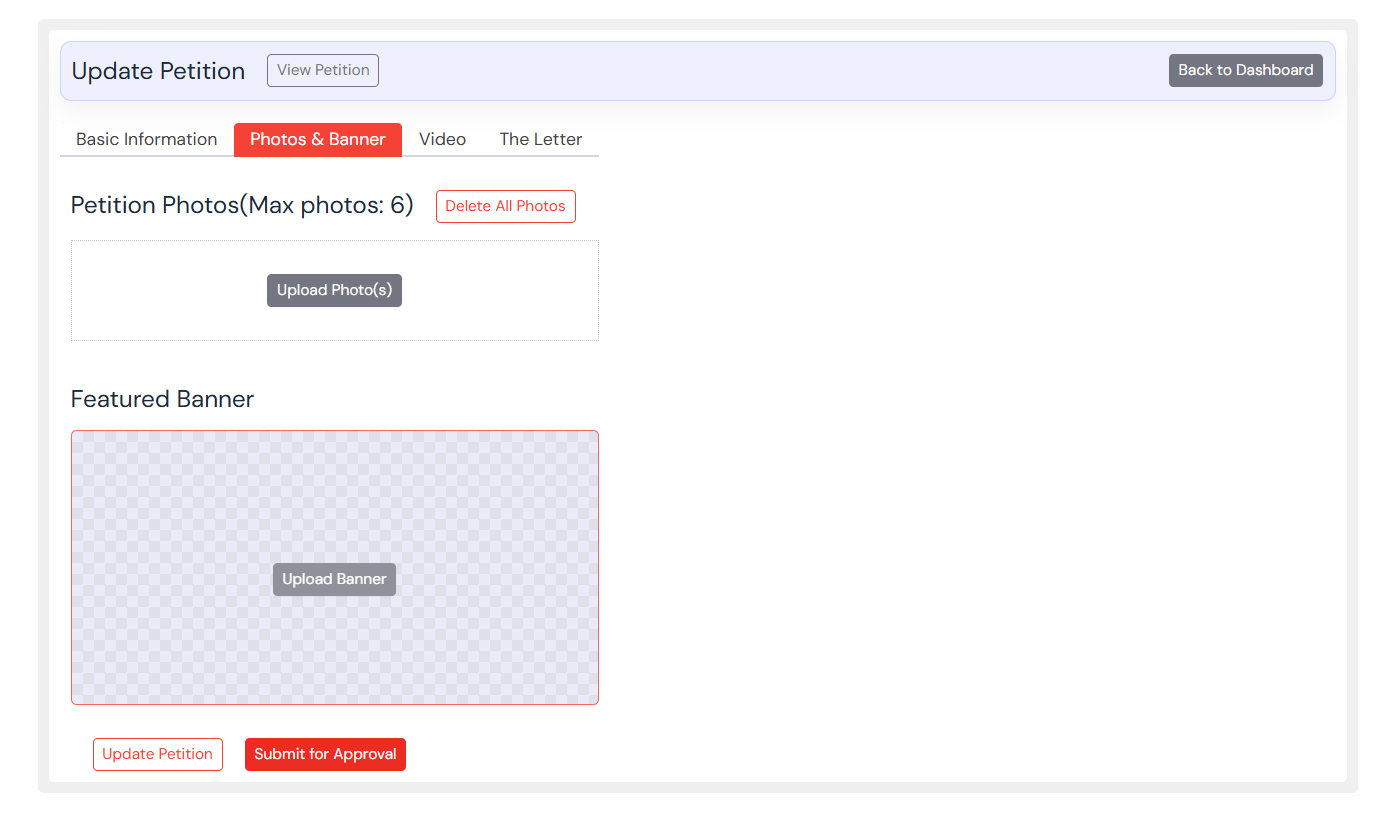
Create petition from admin panel with necessary fields, easy photo and banner upload fields
- Title
- Create Petition from admin panel
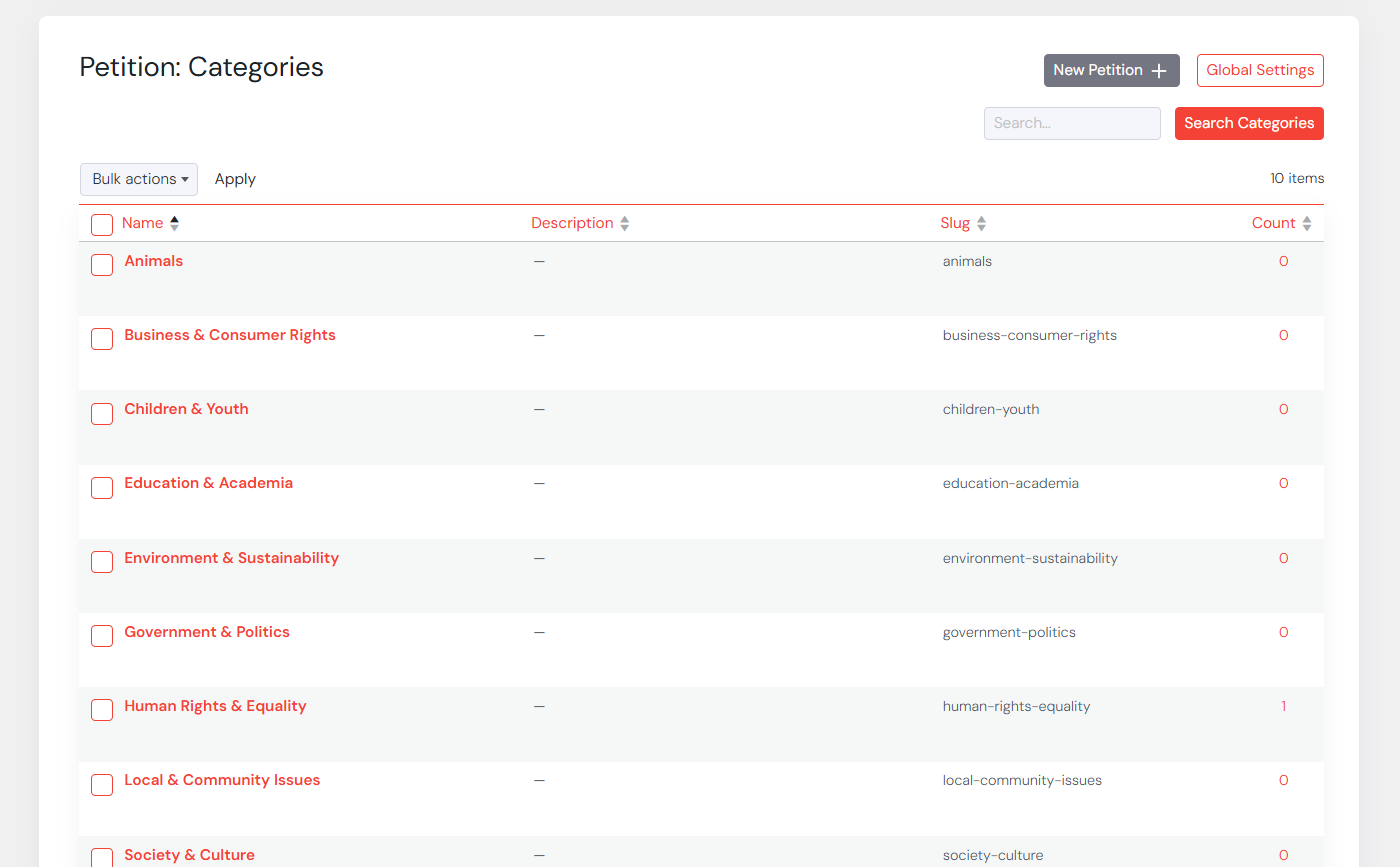
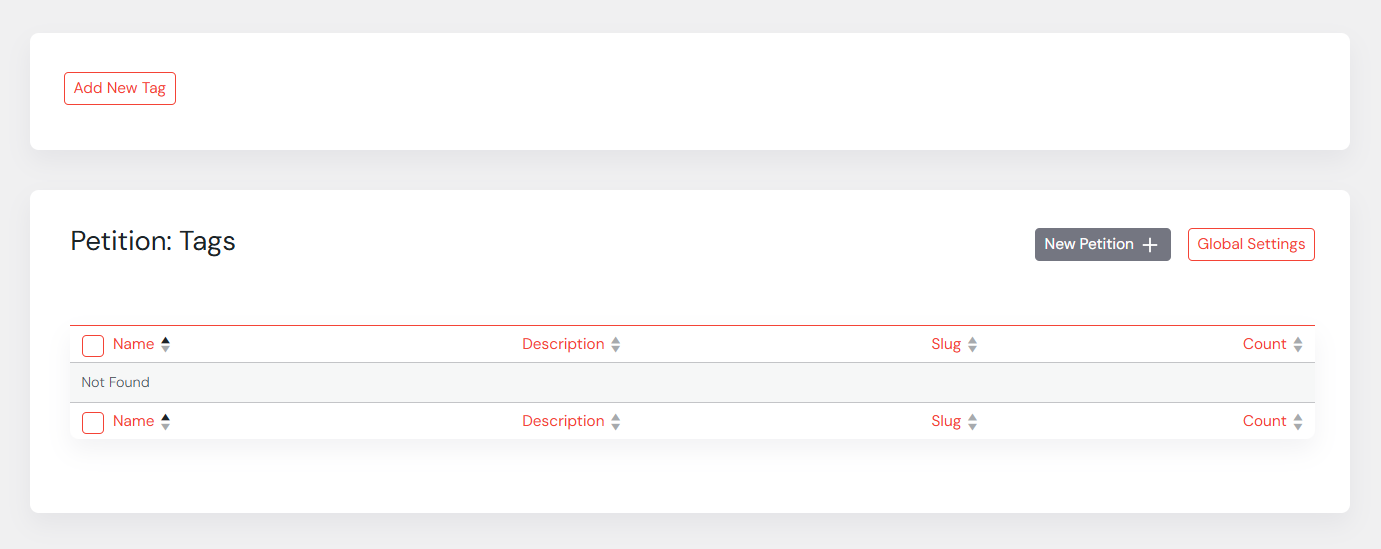
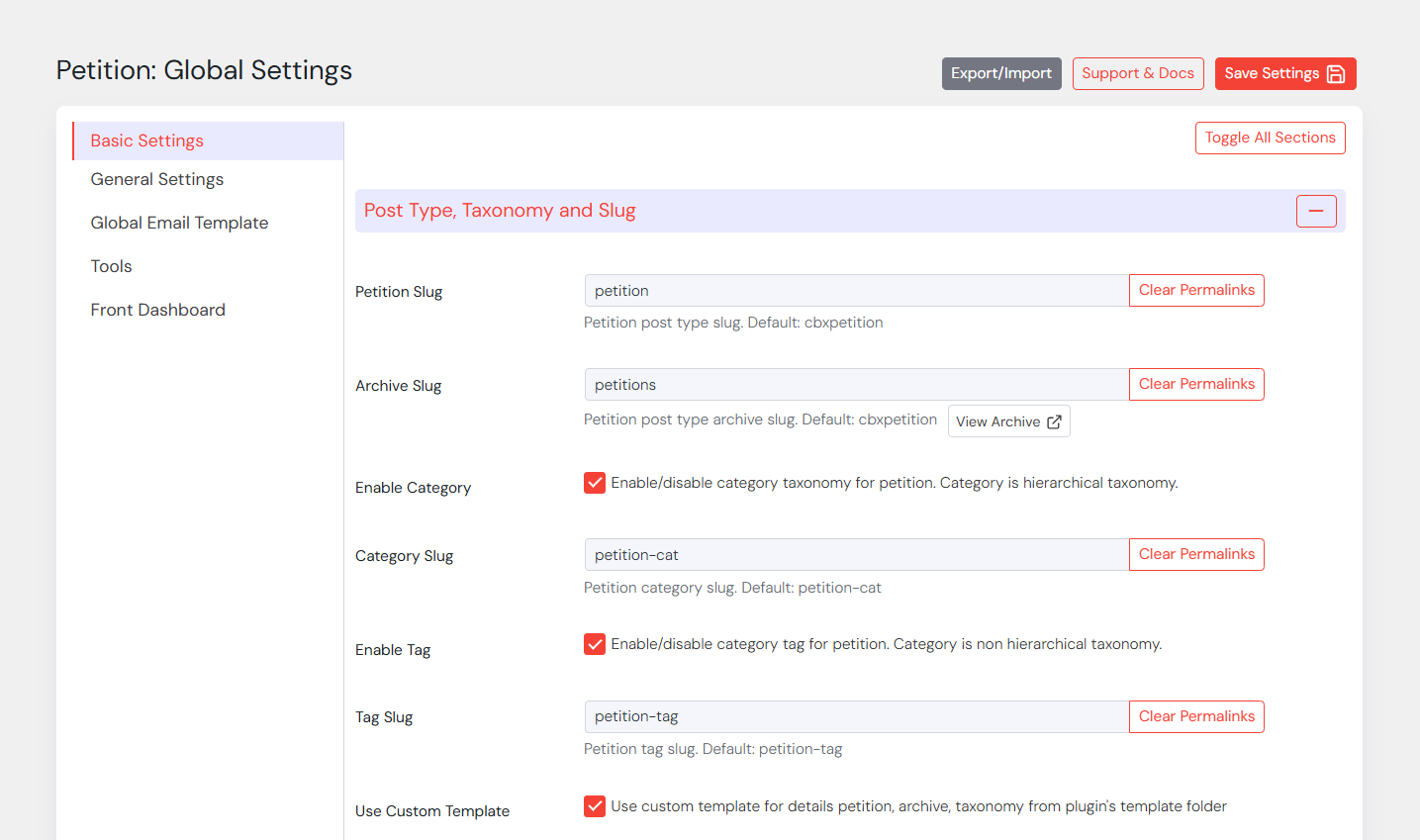
- Custom category adn tag taxonomy with petition
- Petition Title and Description using wordpress core
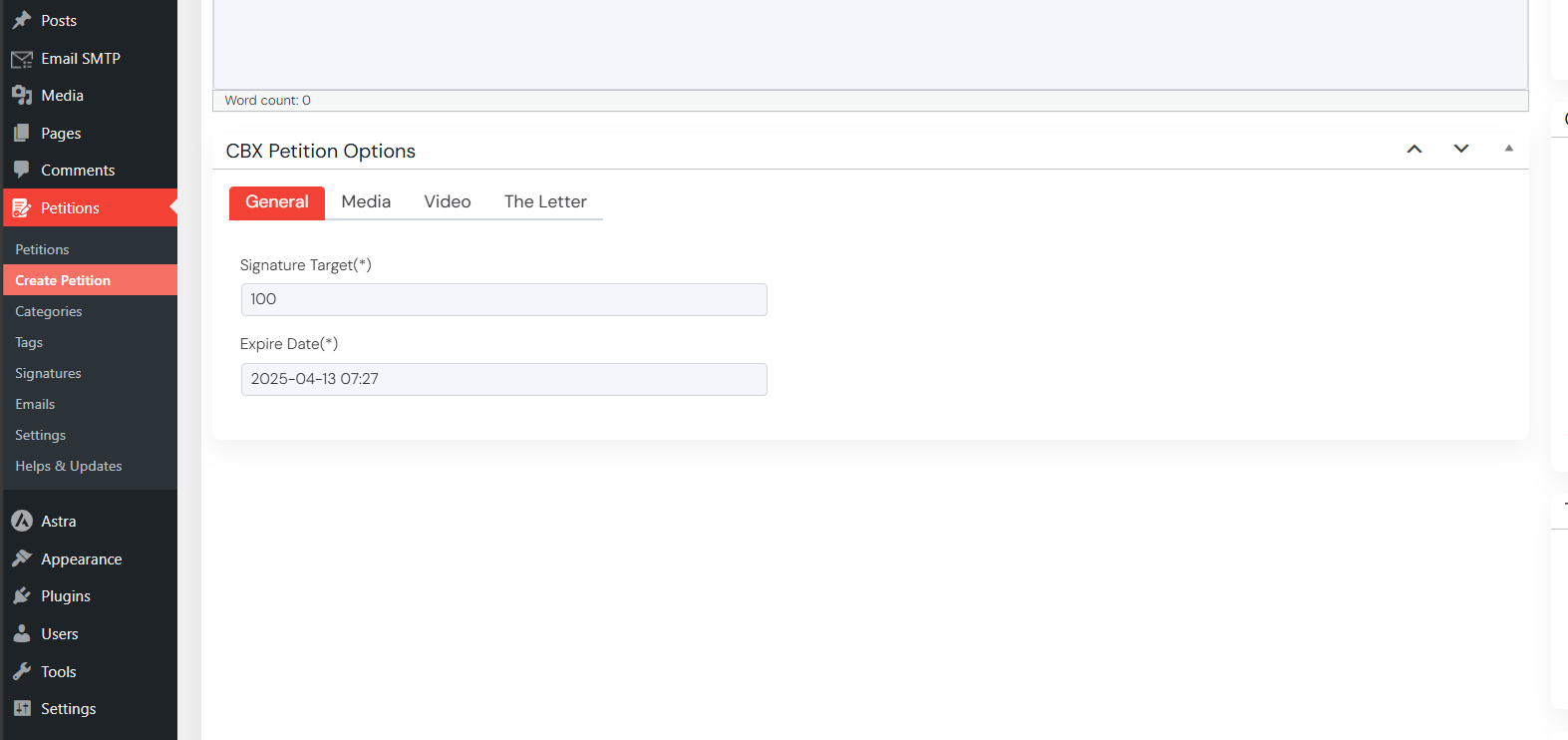
- Petition Meta fields
- Signature Target (Required)
- Expire Date
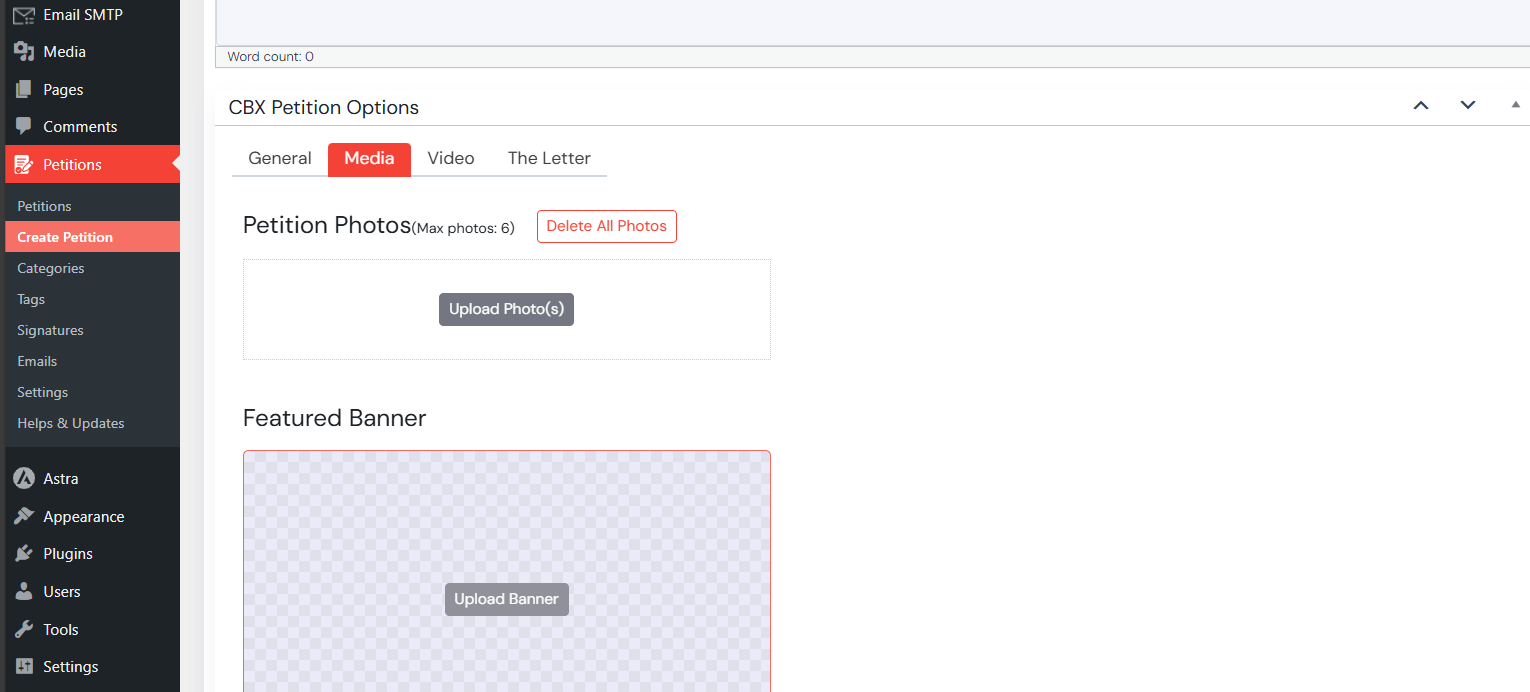
- Petition Photos (Drag and drop photo upload to custom uploads dir, no wordpress media manager used)
- Petition Banner (Drag and drop photo/banner upload to custom uploads dir, no wordpress media manager used)
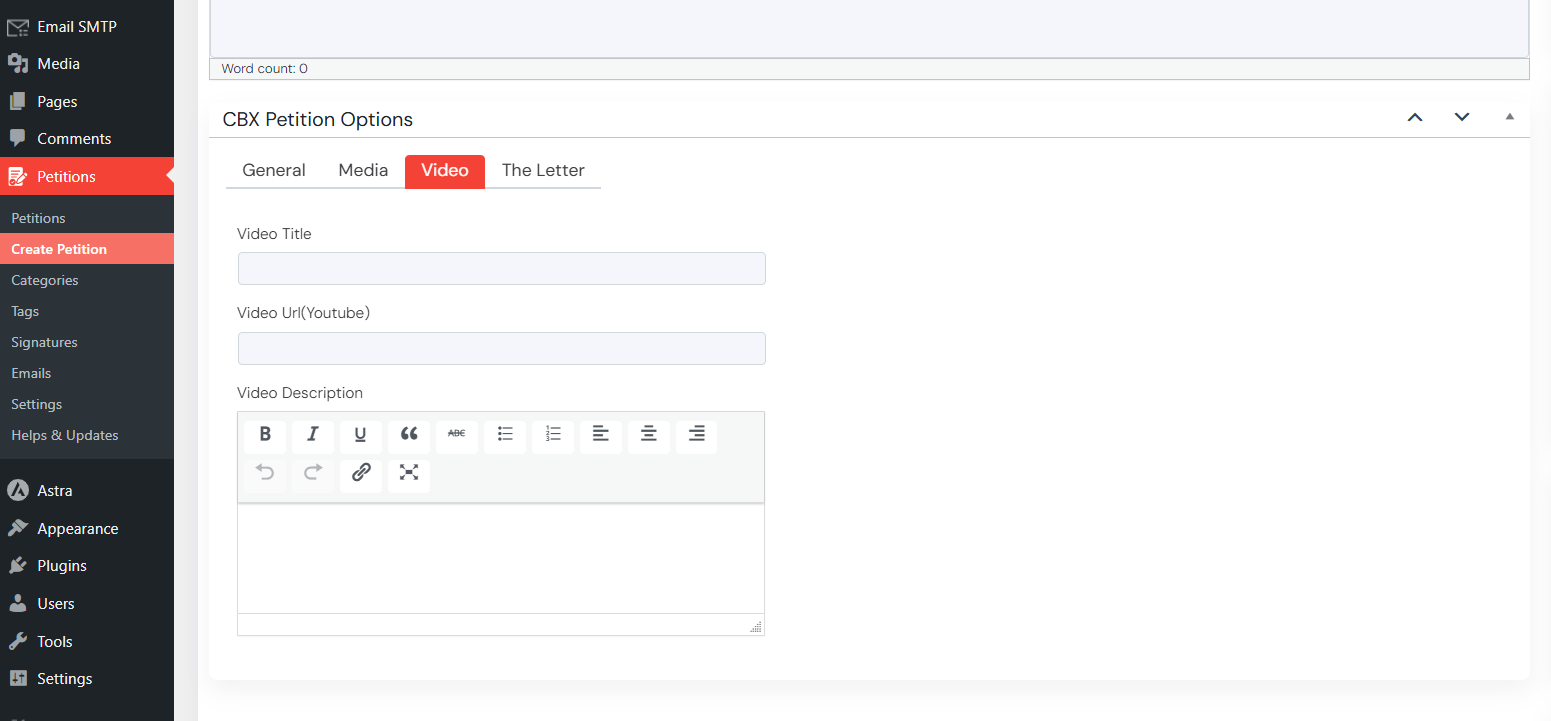
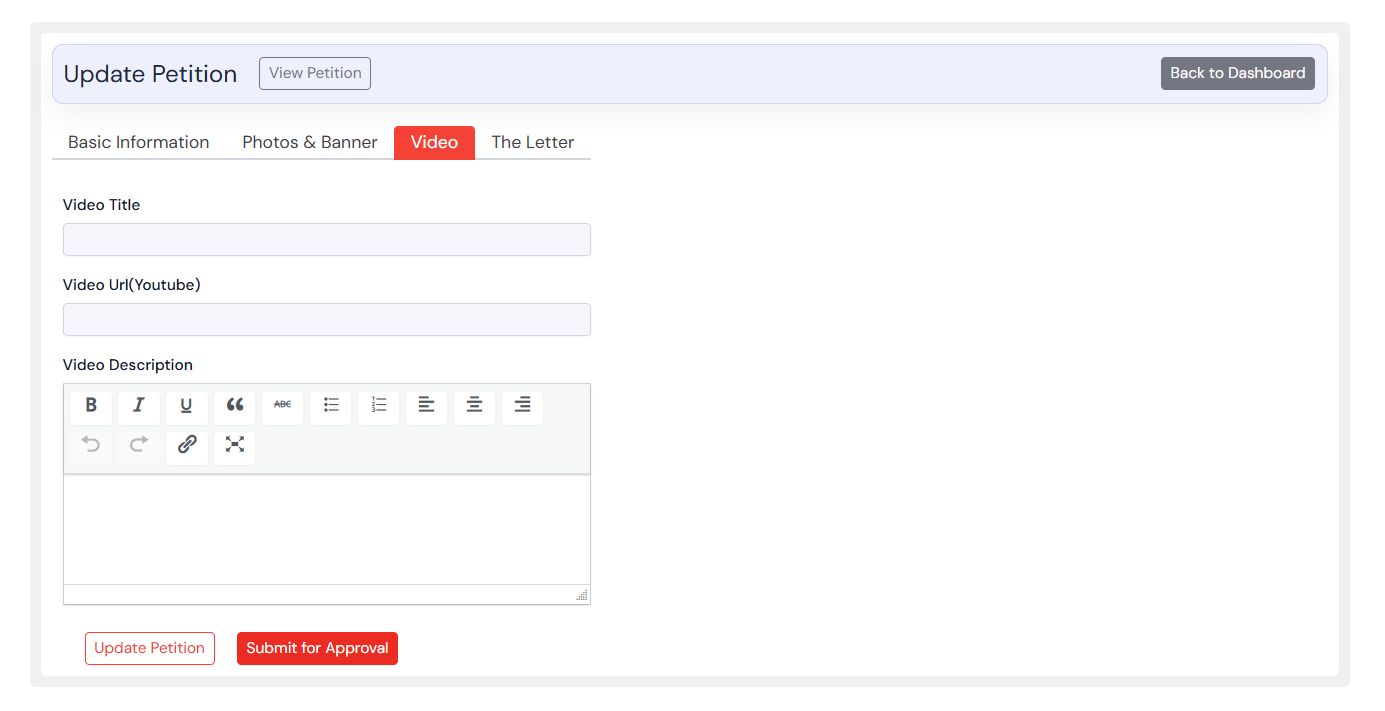
- Youtube Video url, title, mini description
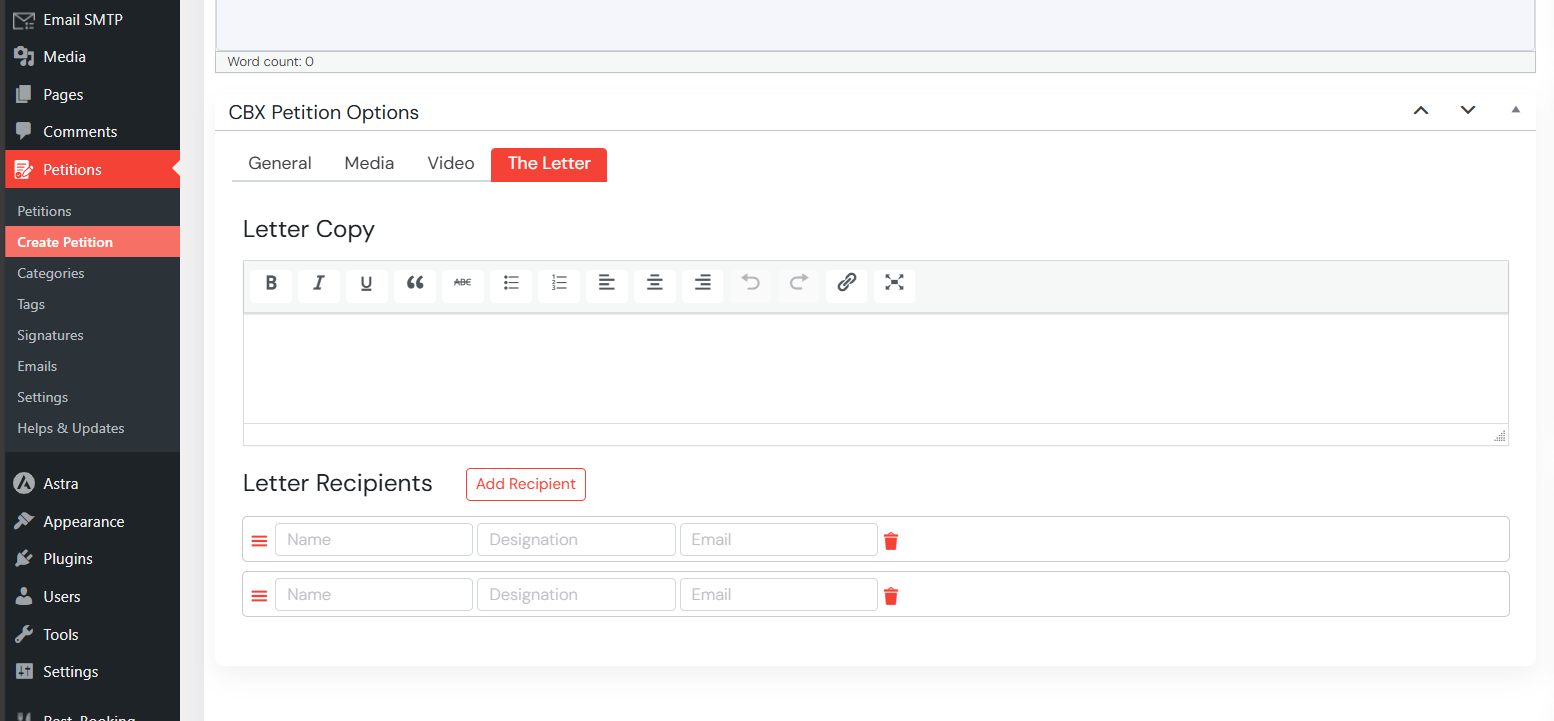
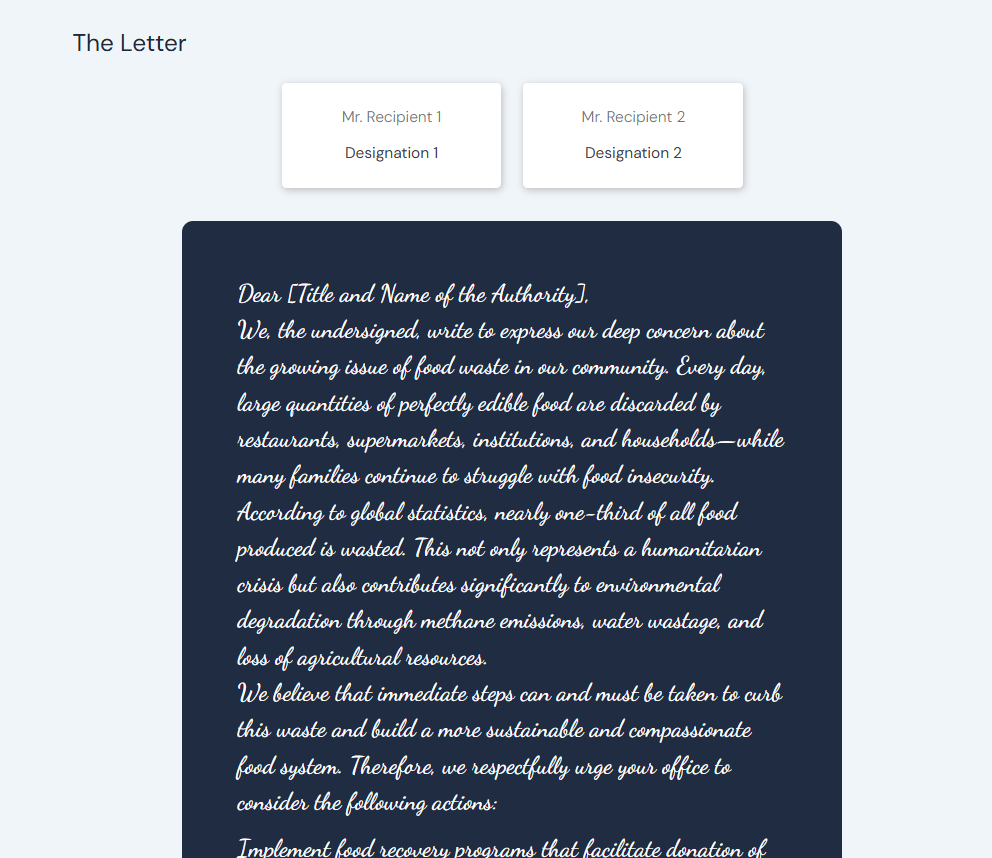
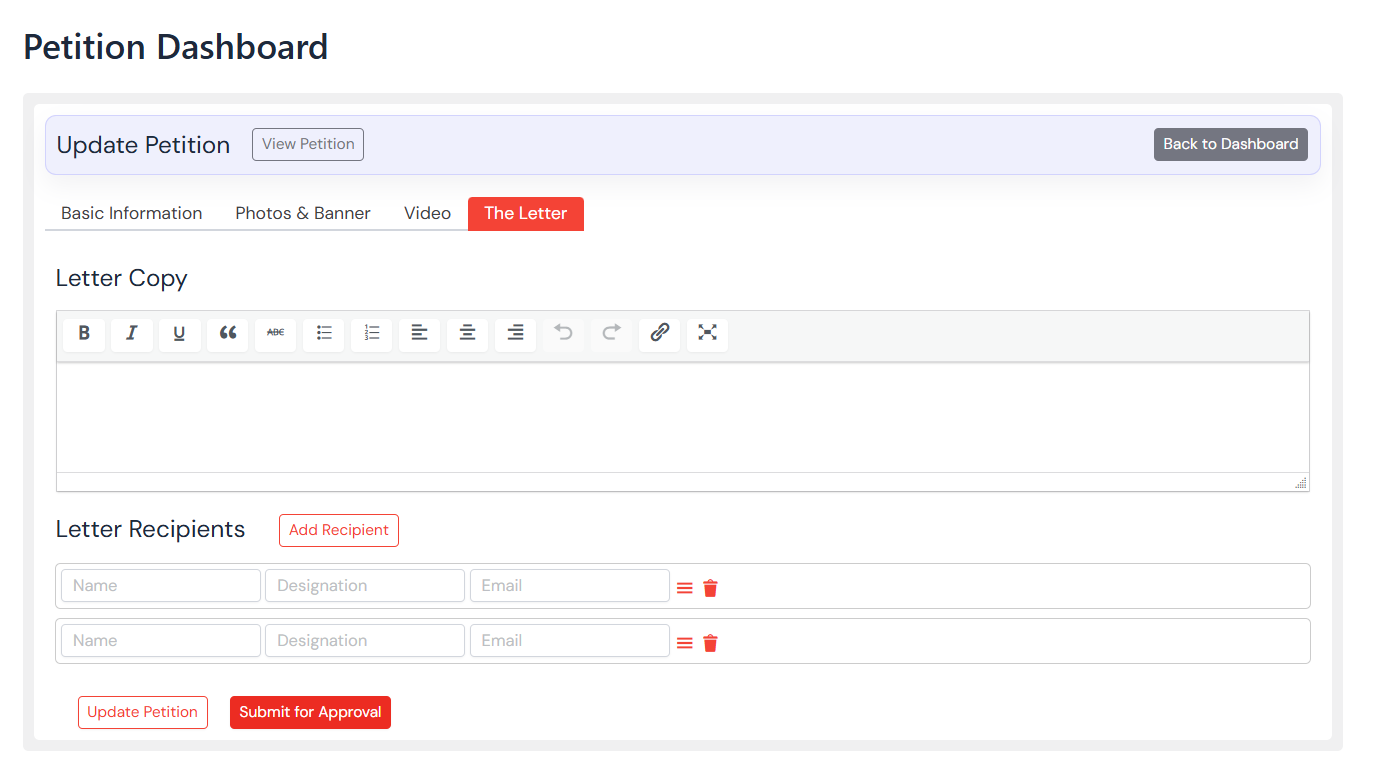
- Petition Letter/Letter Text Field
- Petition Recipients (Name, Designation, Email)
Frontend User Dashboard
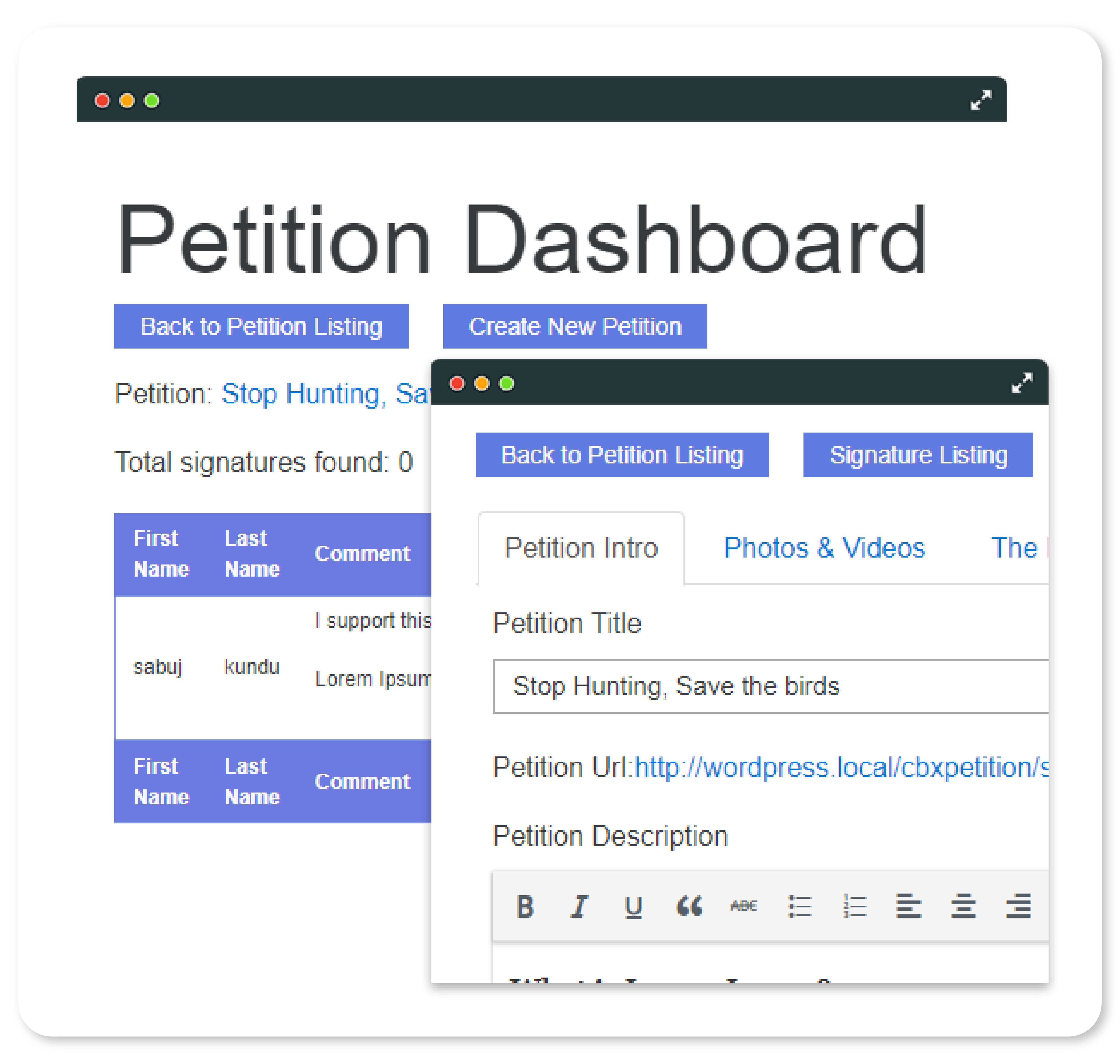
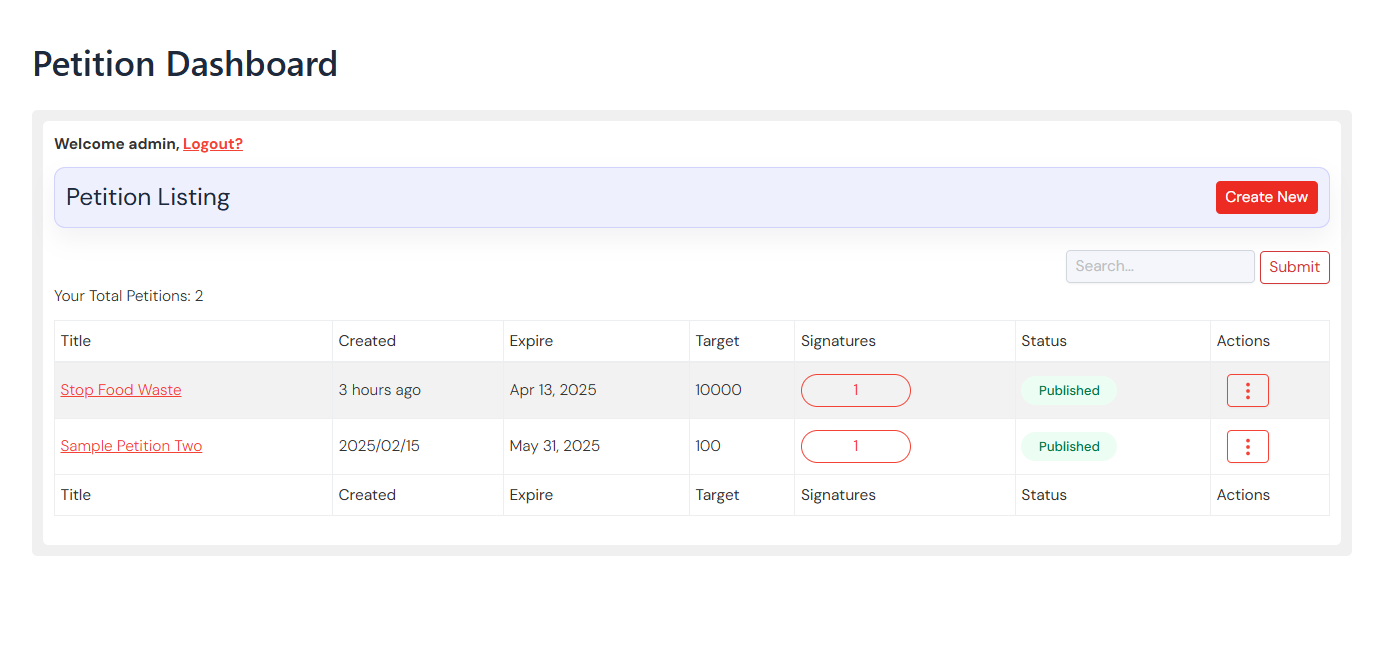
Create petition from frontend as per role and capability. Manage own petition from frontend, edit and view signatures. Frontend dashboard feature comes from CBX Petition Pro Addon.
- Frontend Dashboard shorcode [cbxpetition_dashboard]
- Frontend Petition listing
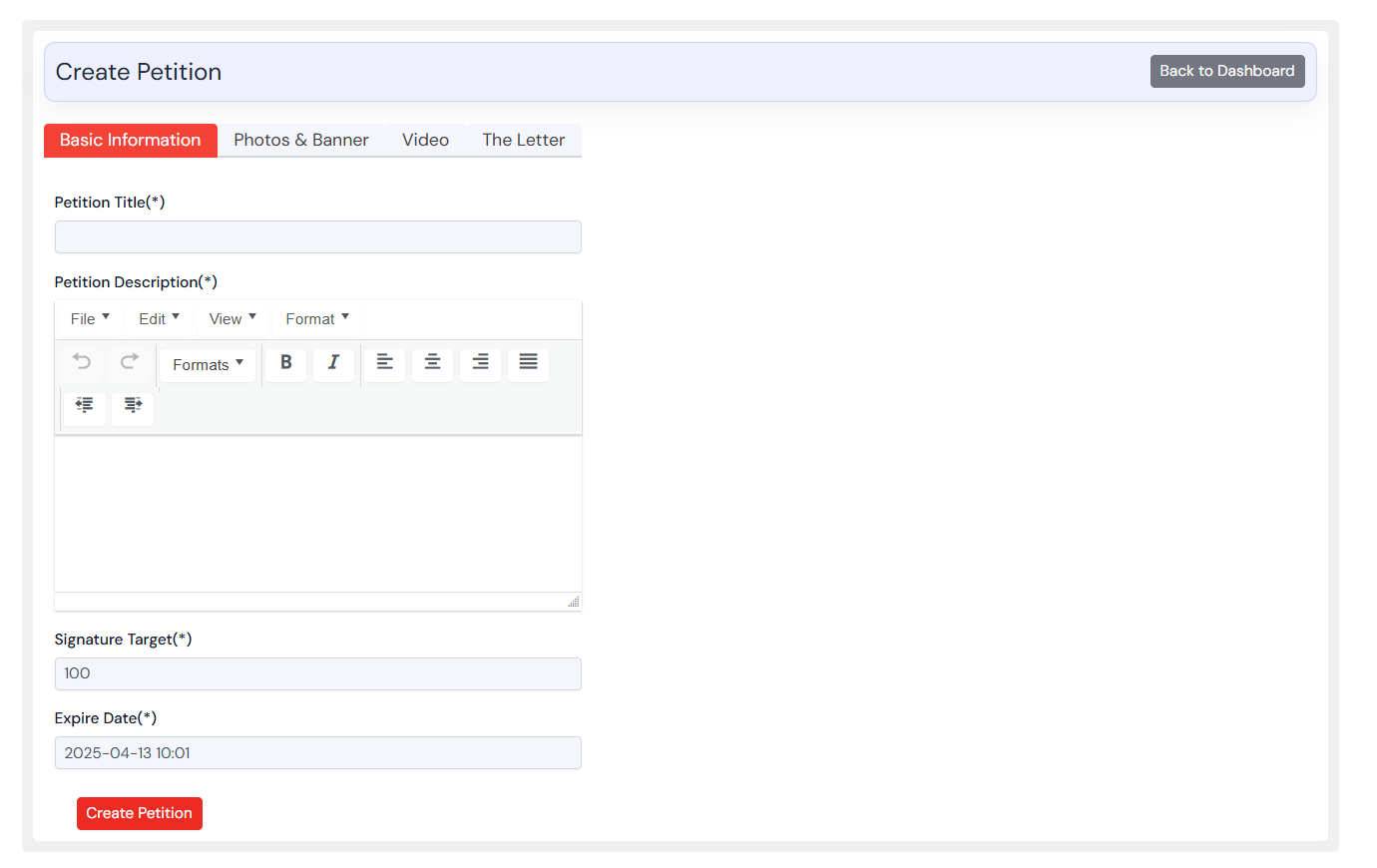
- Frontend Petition Create with same backend features(Title, Description, Photos, Banner, Video, Letter, Recipients)
- Frontend Petition Delete
- Frontend Petition Edit
- Frontend Per Petition Signature Listing
- Role based control and access
- Template/Theme override features like core for pro addon
Shortcodes & Widgets
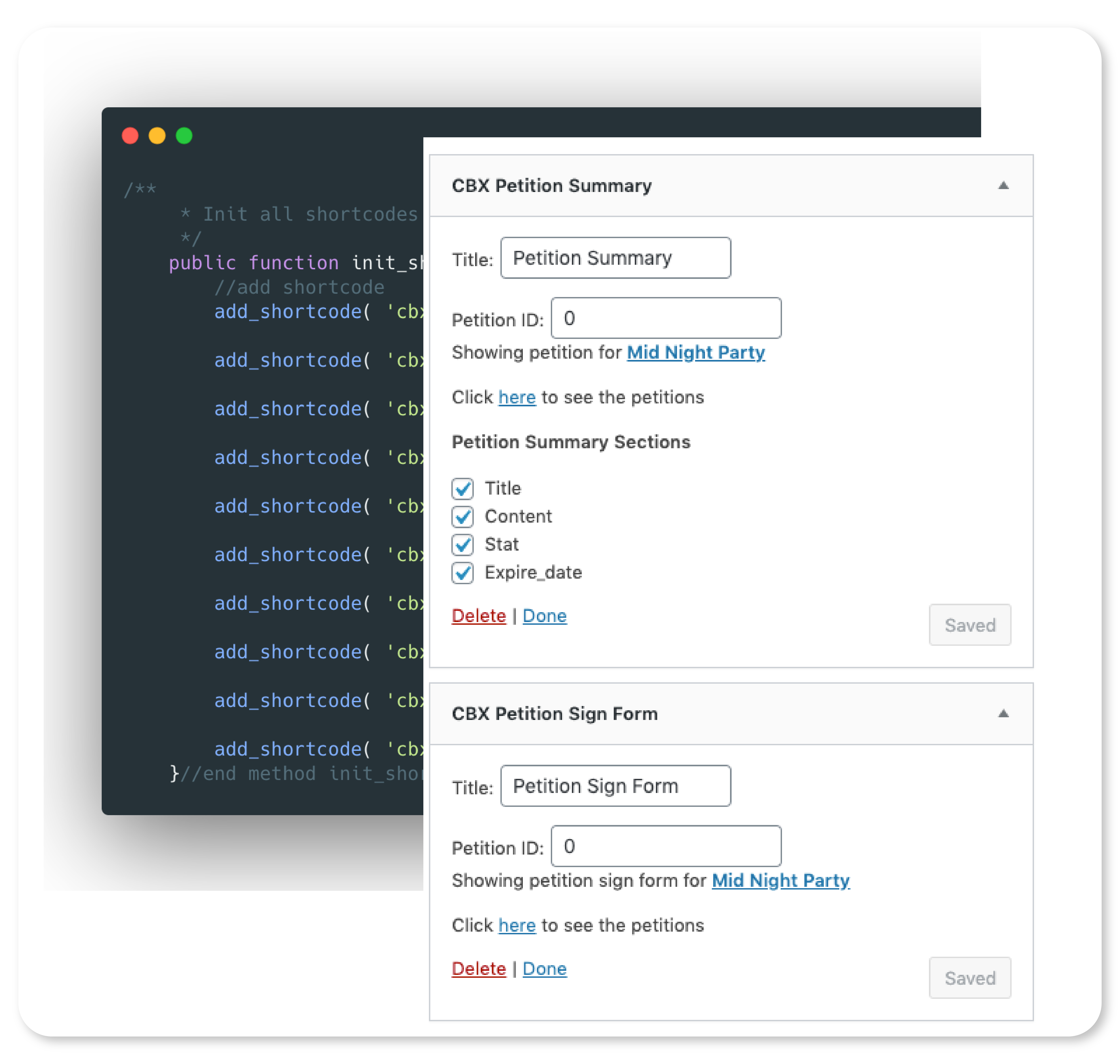
Core and pro addons plugins packed with lots of necessary shortcode and widgets
- Petition signature form [cbxpetition_signform]
- Petition video [cbxpetition_video]
- Petition photos [cbxpetition_photos]
- Petition letter [cbxpetition_letter]
- Petition signature listing [cbxpetition_signatures]
- Petition banner [cbxpetition_banner]
- Petition statistics [cbxpetition_stat]
- Frontend Dashboard shorcode [cbxpetition_dashboard]
- Petition Details [cbxpetition] (New in V1.0.1) to display full petition inside any page or post
- Petition Summary [cbxpetition_summary] (New in V1.0.1) to display petition summary inside any page or post
Signature Log & Moderation
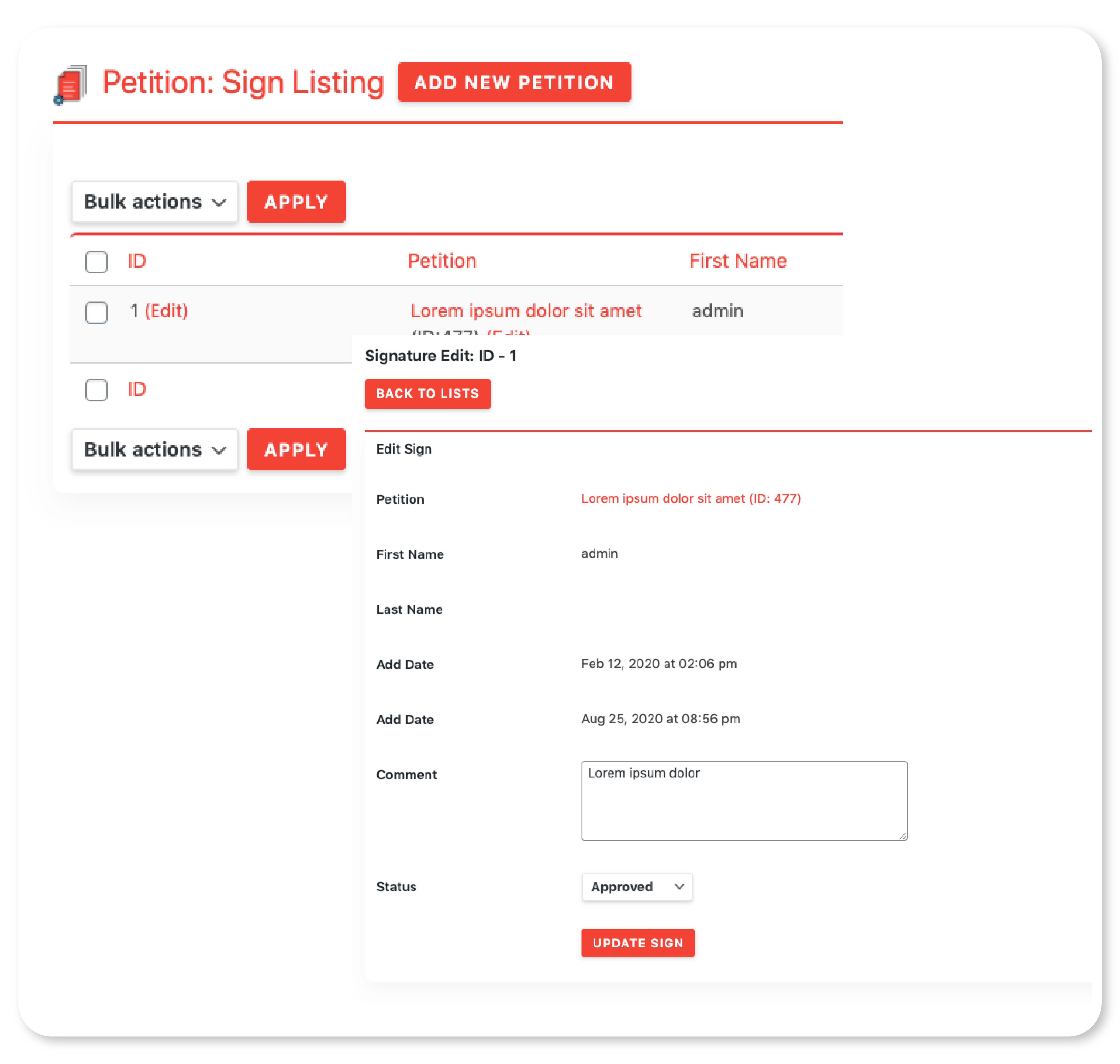
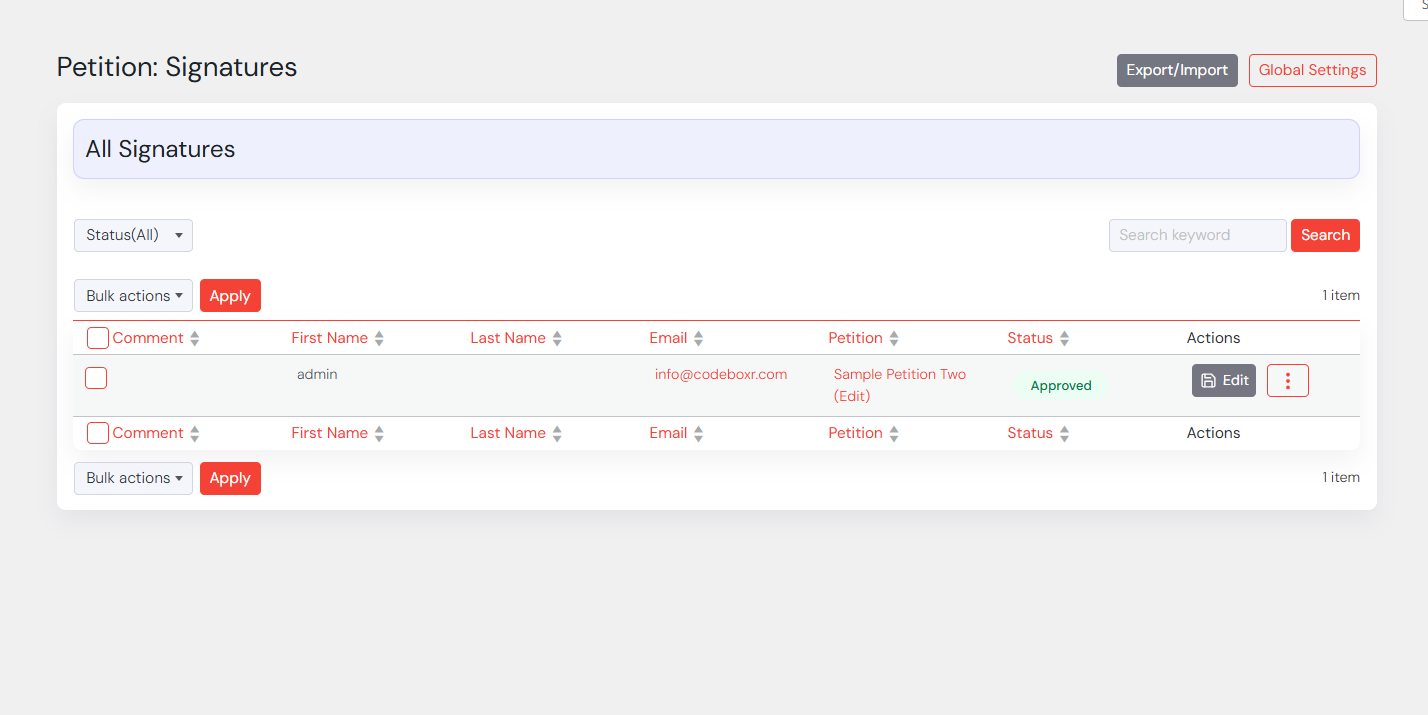
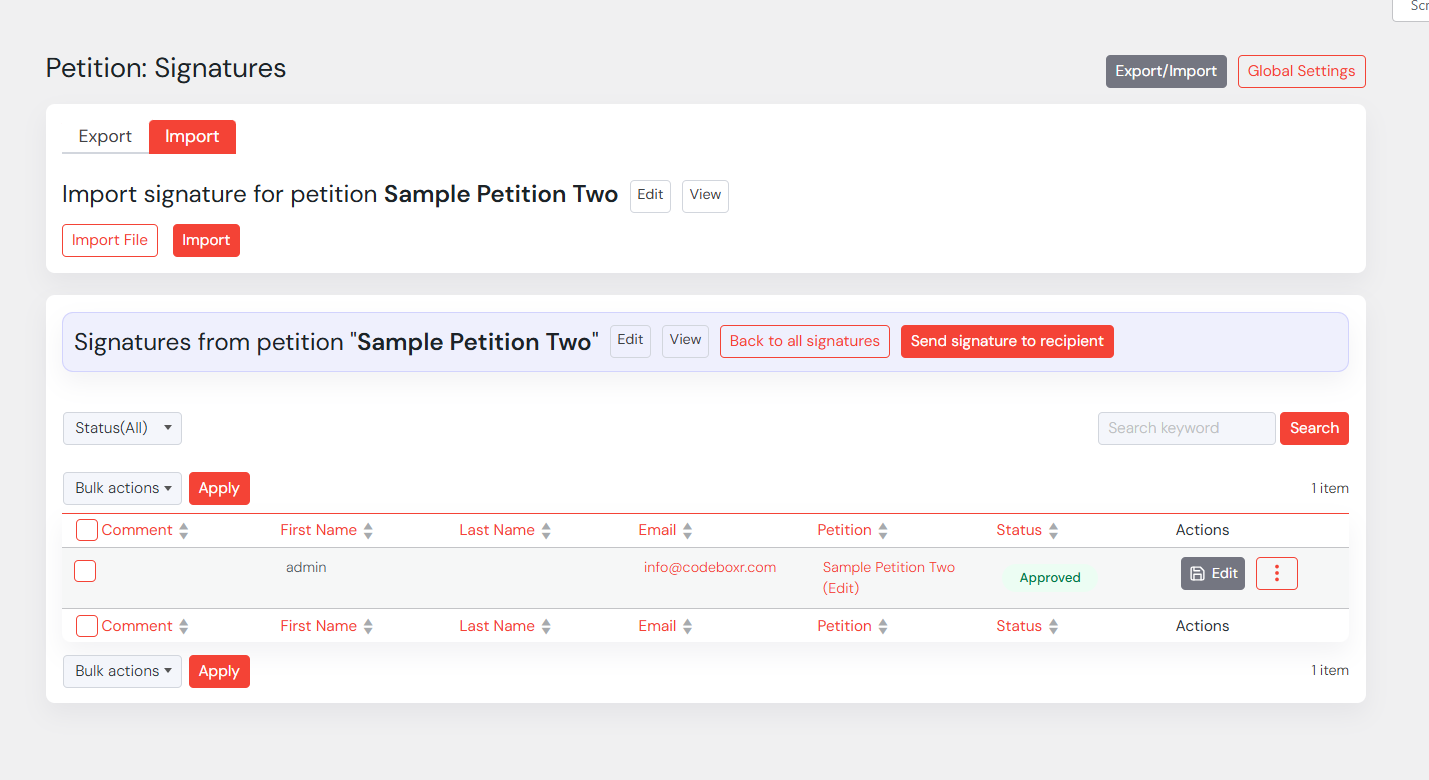
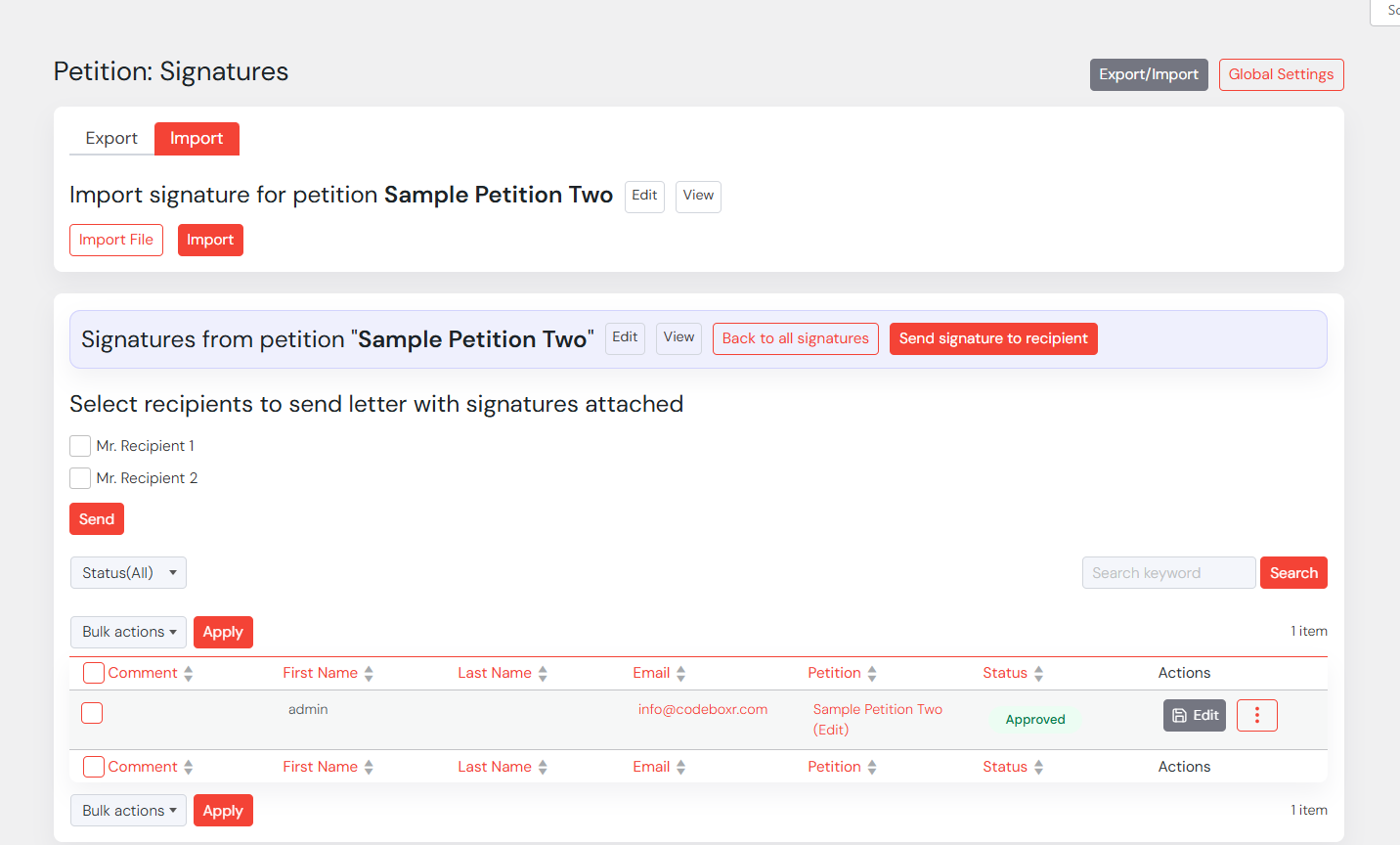
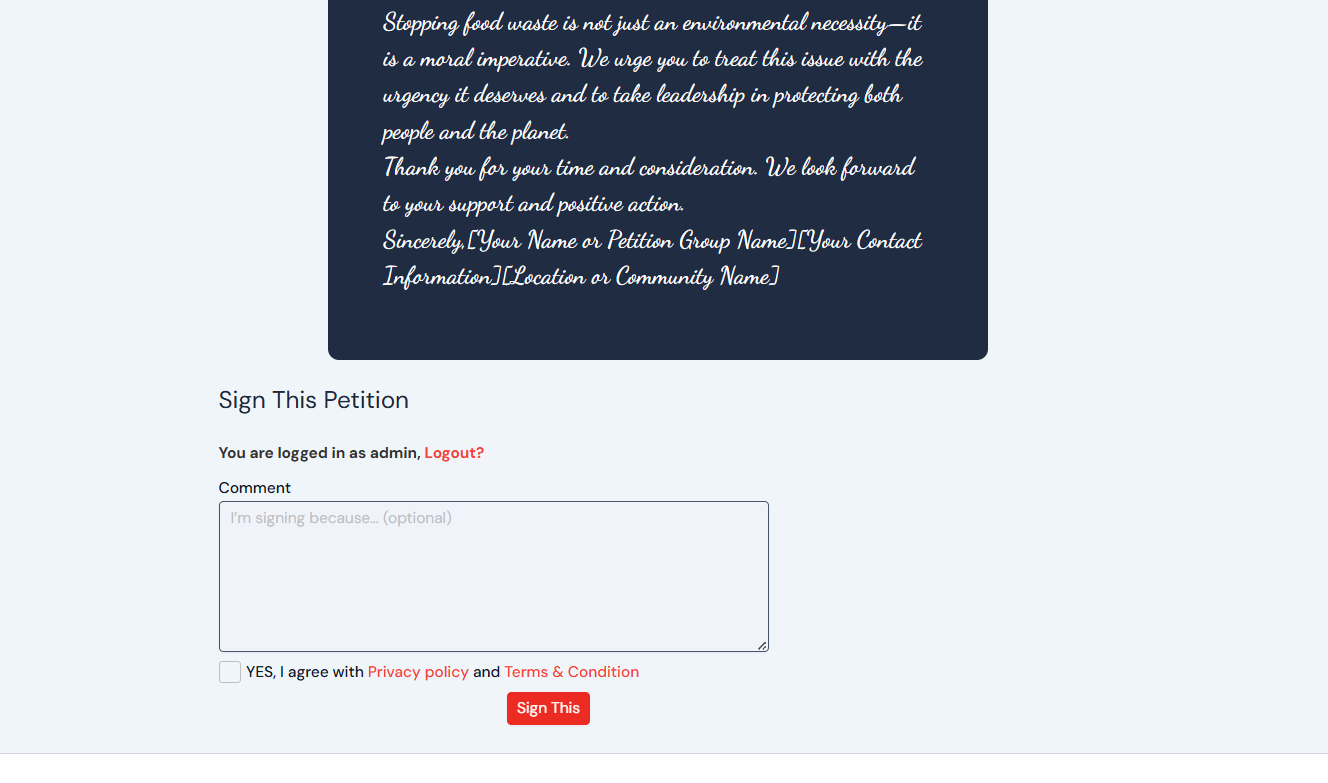
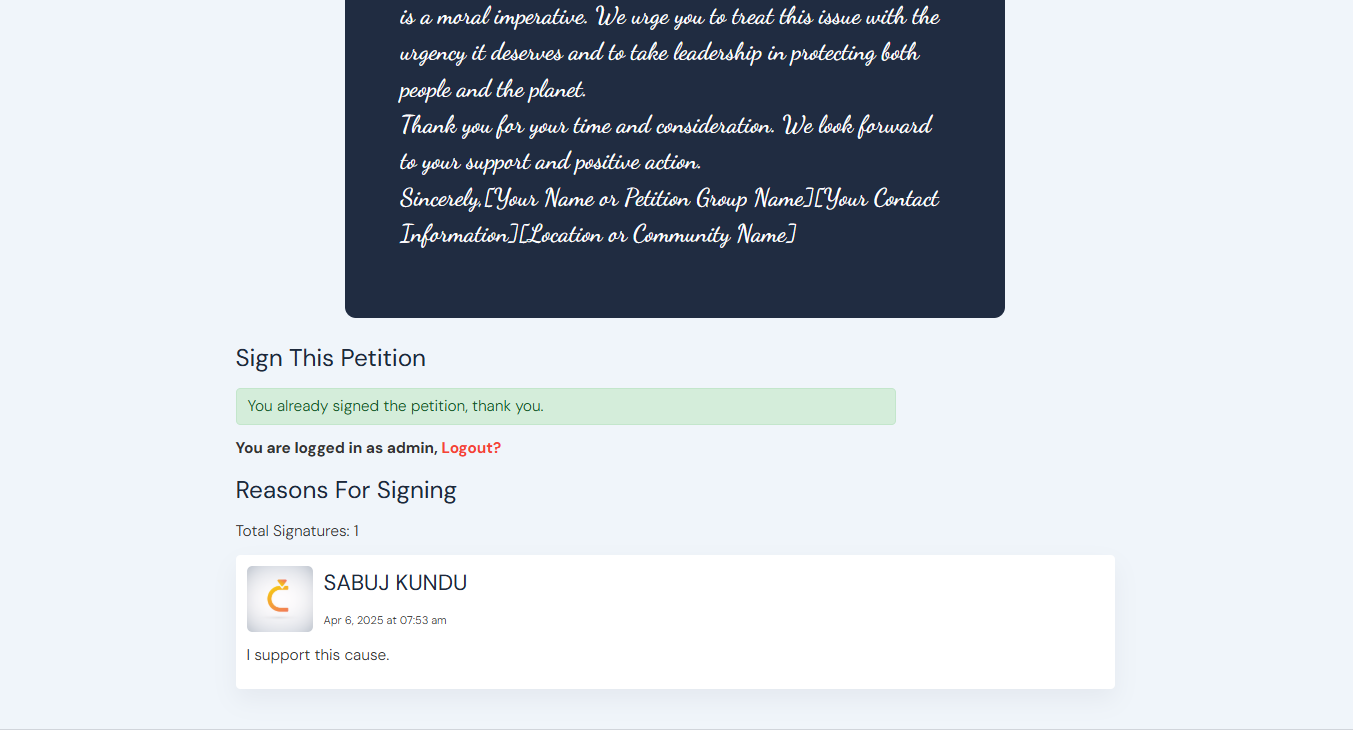
Every single signature is logged. Signatures are stored in custom table. Powerful signature moderation tool for admin user
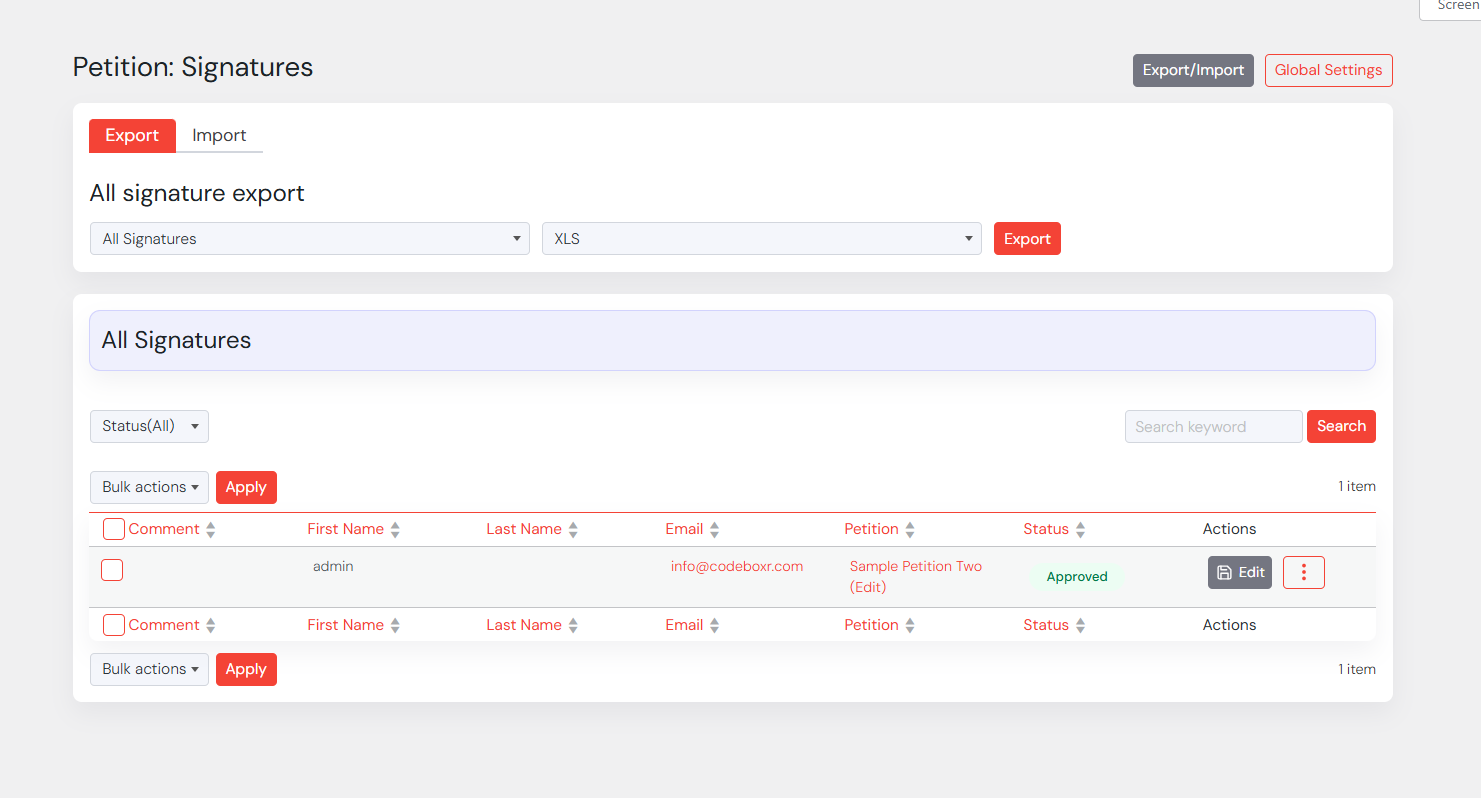
- Backend Signature listing
- Edit Signature, approve/unapprove signature
- Delete Signature
- Search Signature
- User or guest both can sign
- Guest signature needs First Name, Last Name and Email
- Signature submit needs privacy confirmation in frontend
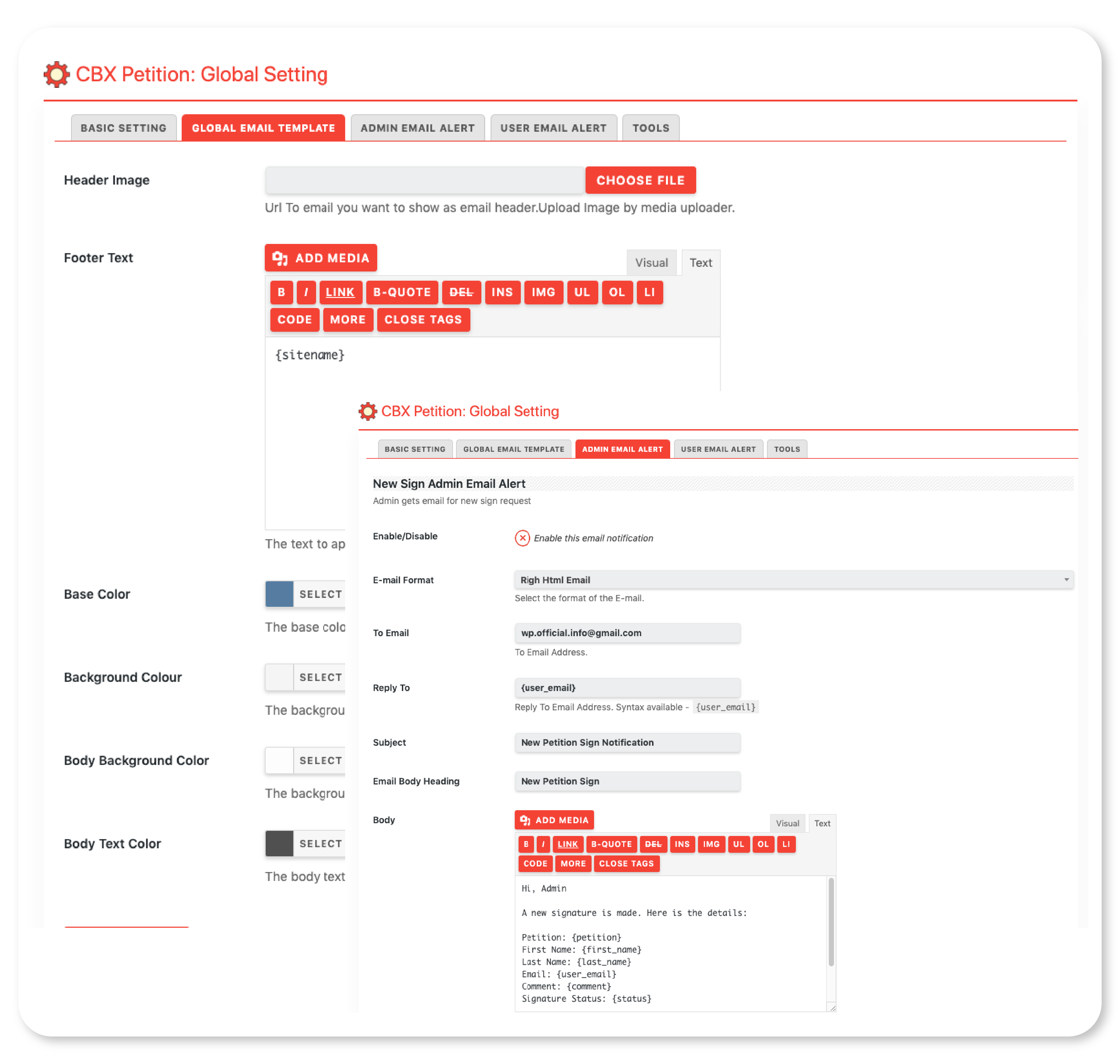
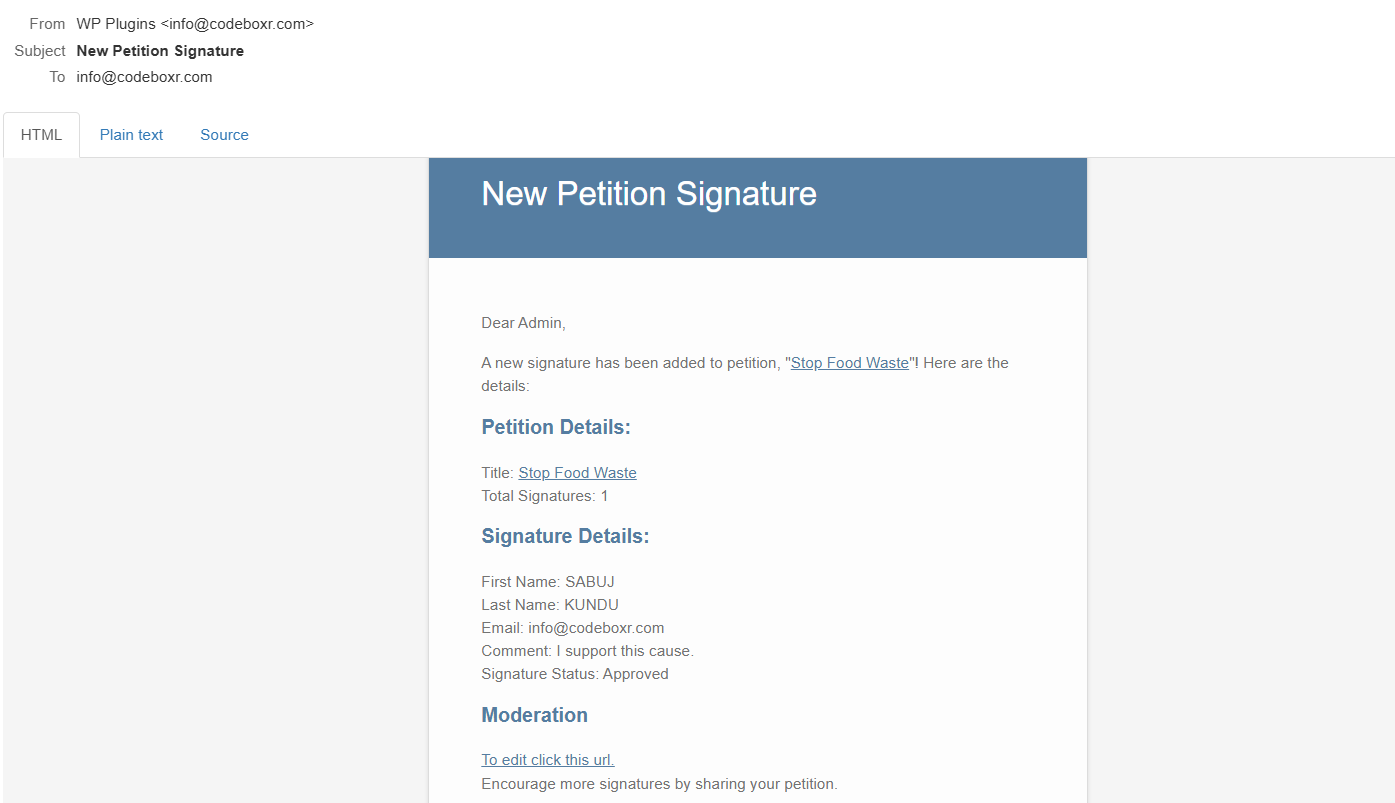
Email Alerts and Templates
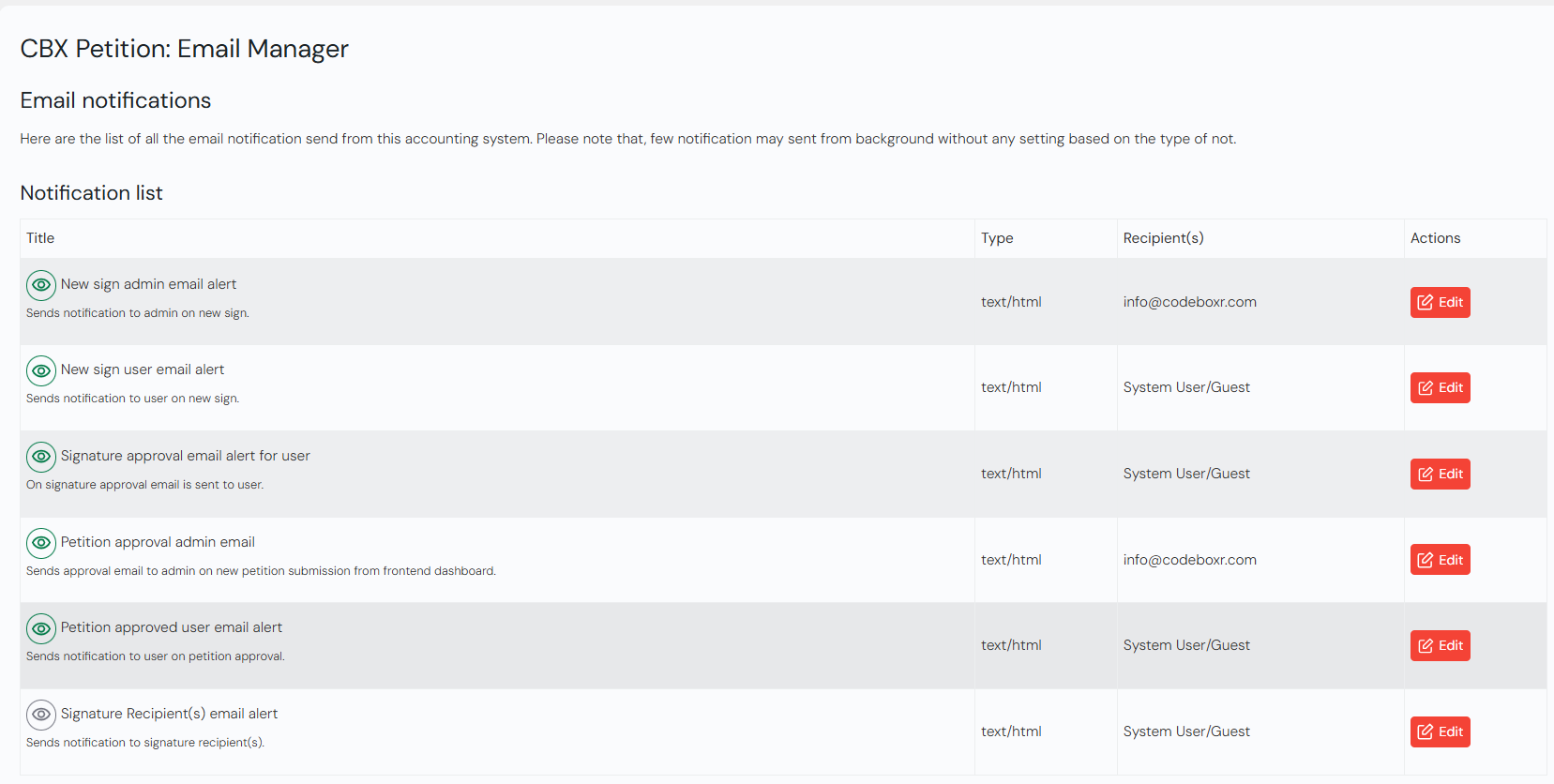
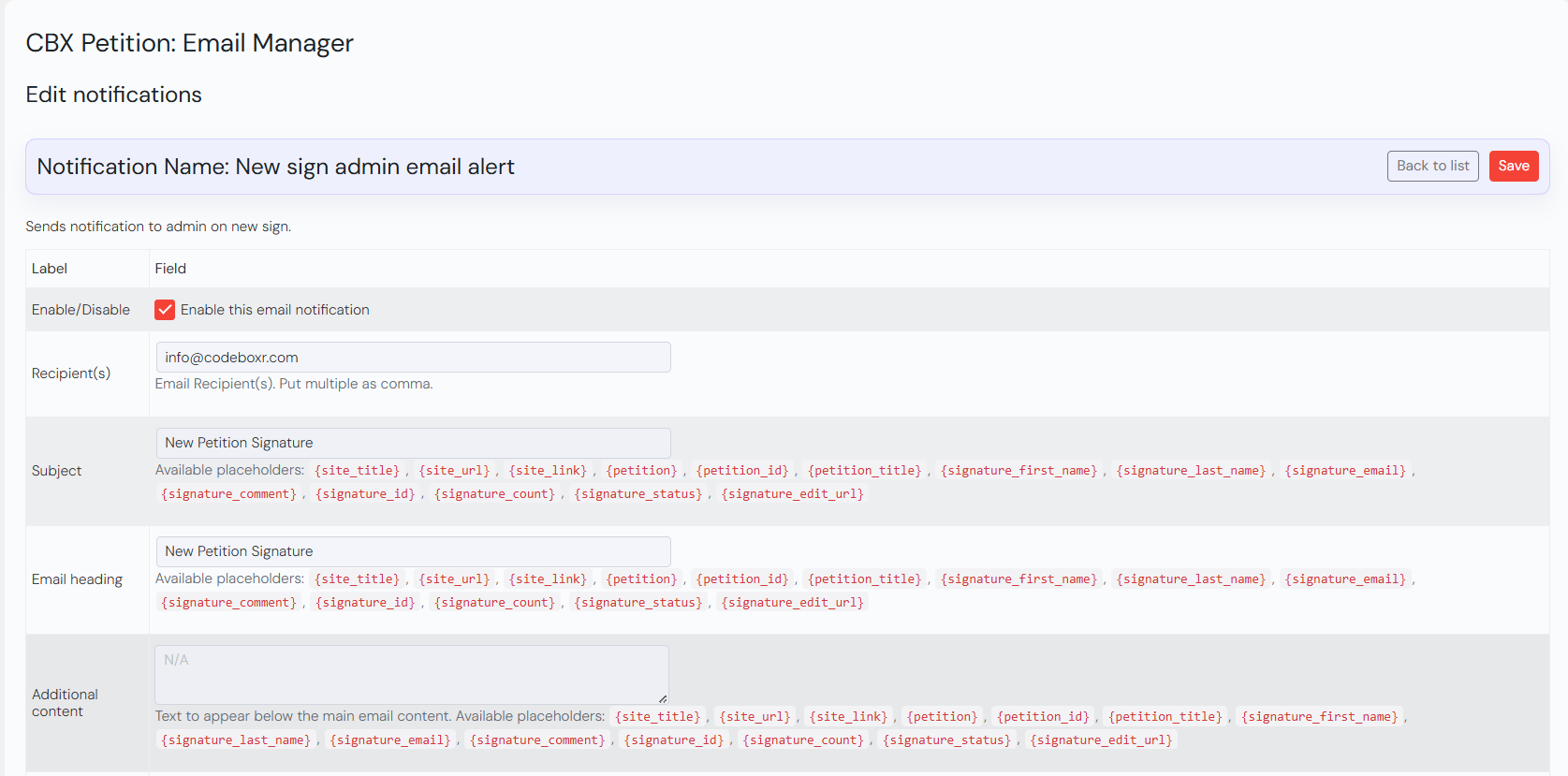
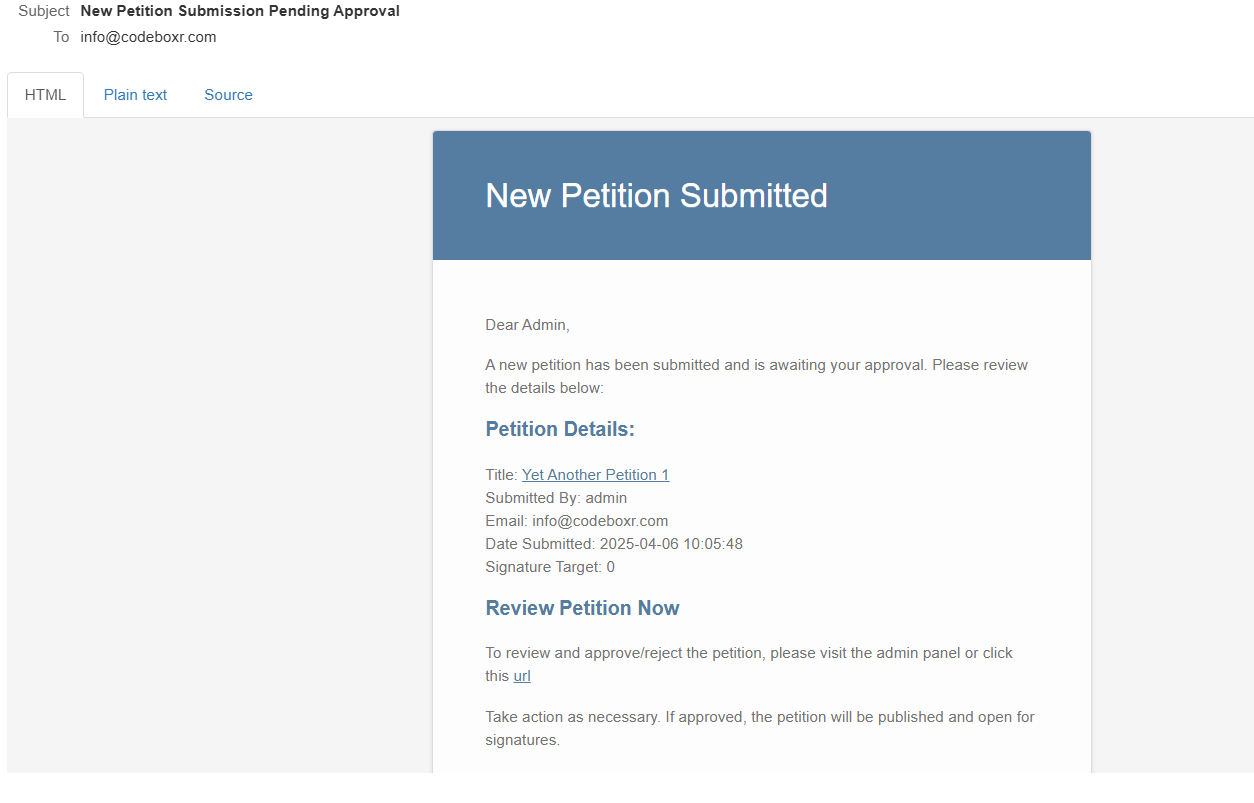
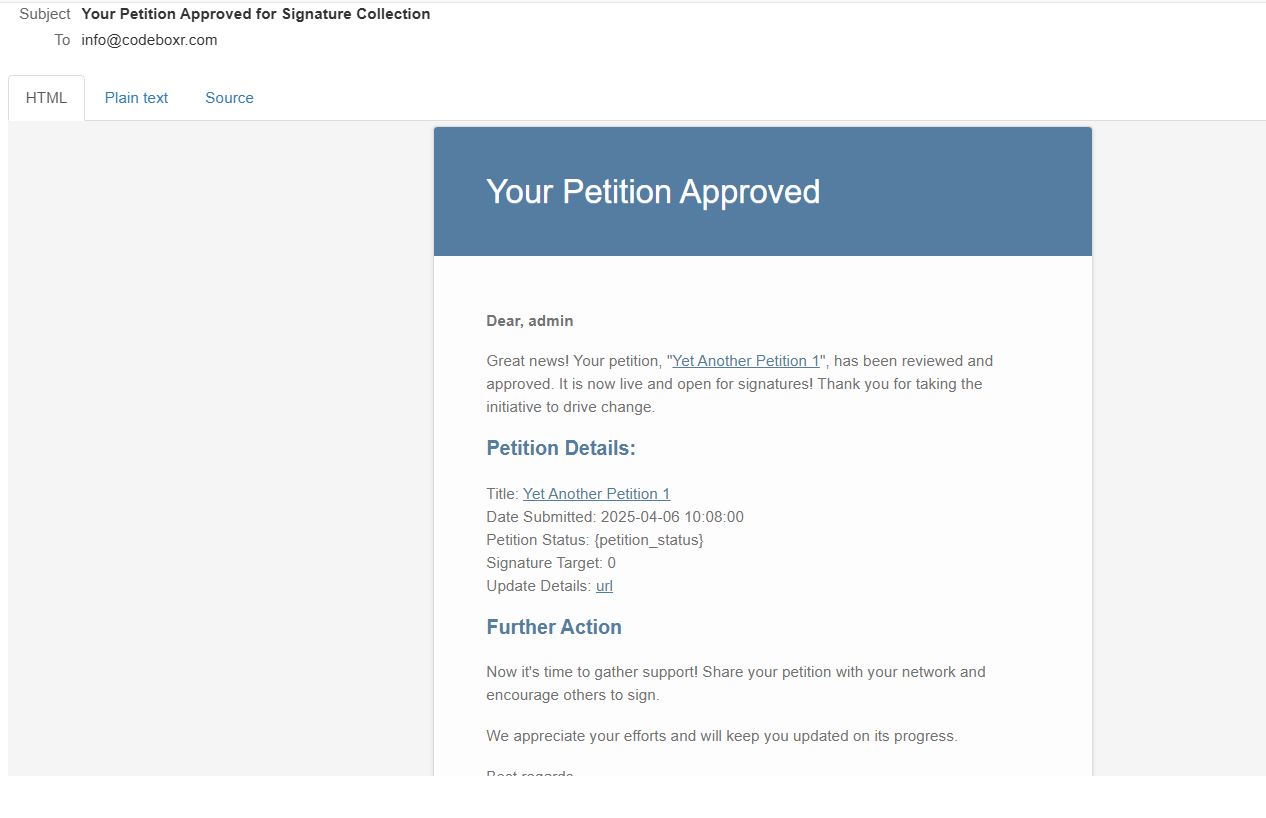
Different types admin and user alerts. Every email has configurable template system.
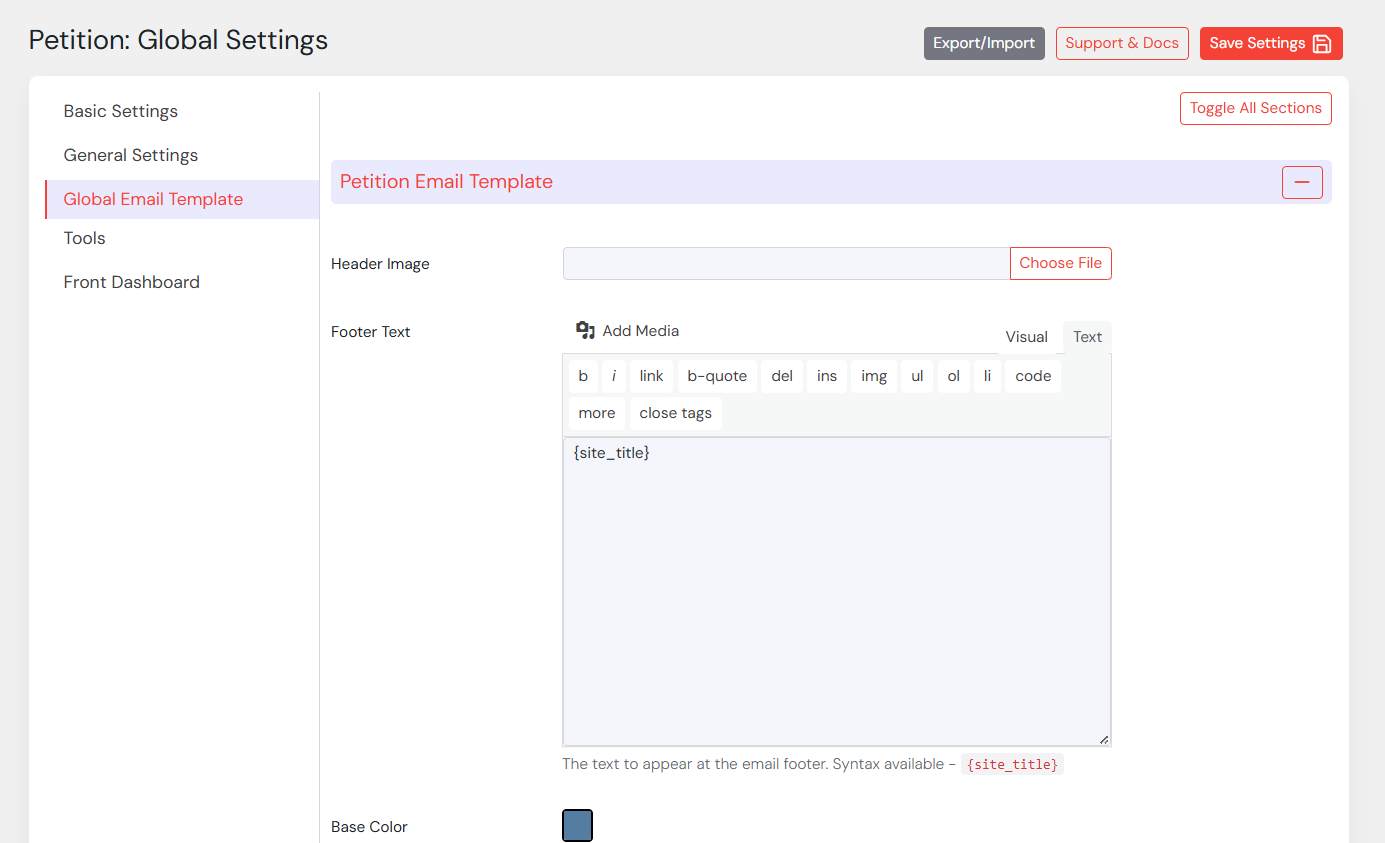
- Global Email Template
- Header Image
- Footer Text
- Base colors and other email template colors
- Admin Email Alert
- New Sign Admin Email Alert
- Email enable/disable
- Email Subject, Template Heading, Template, Template Syntax for dynamic parsing
- User Email Alert
- New Sign User Email Alert
- Sign Approve Email Alert
- Email enable/disable
- Email Subject, Template Heading, Template, Template Syntax for dynamic parsing
Extensive & Extendable Settings
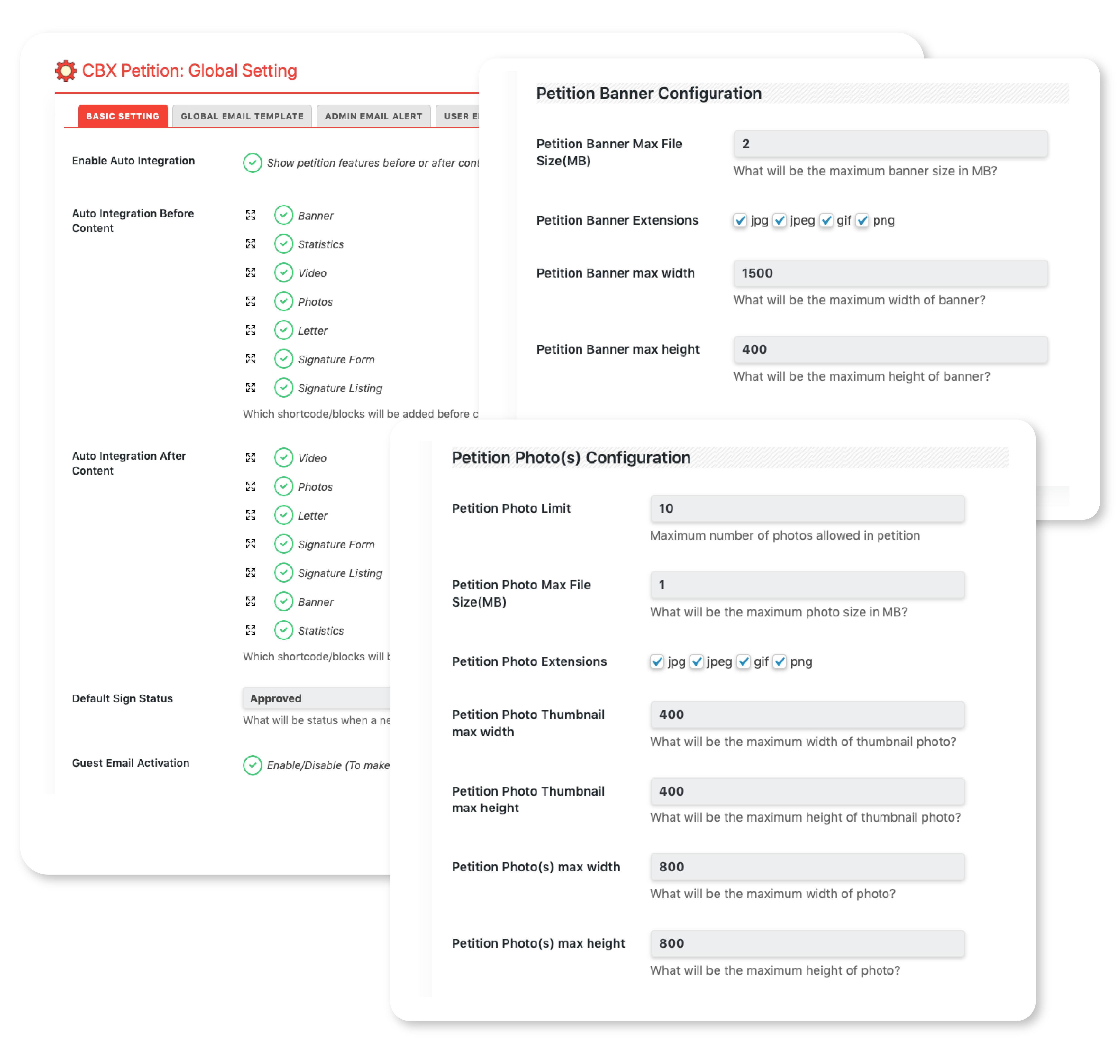
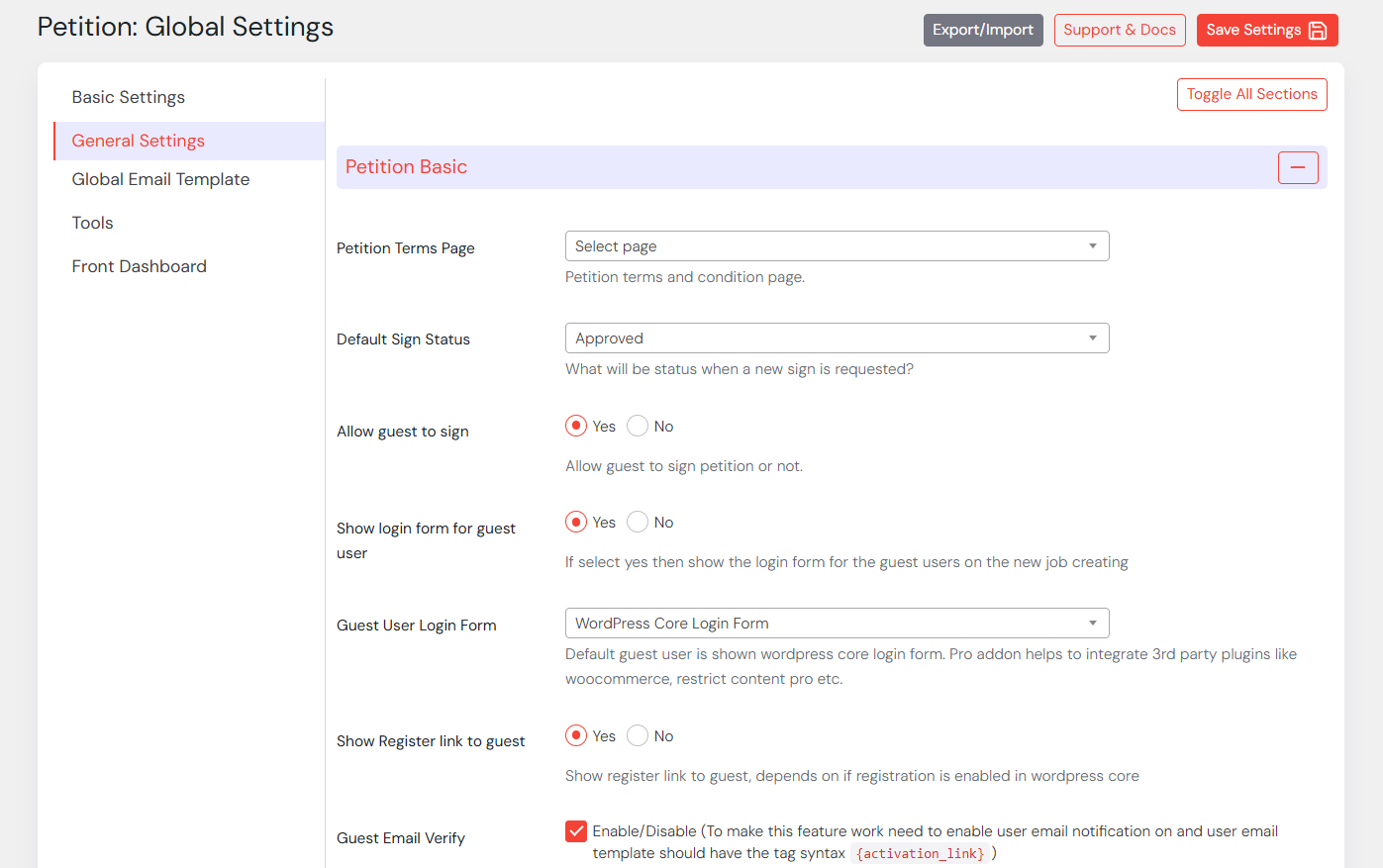
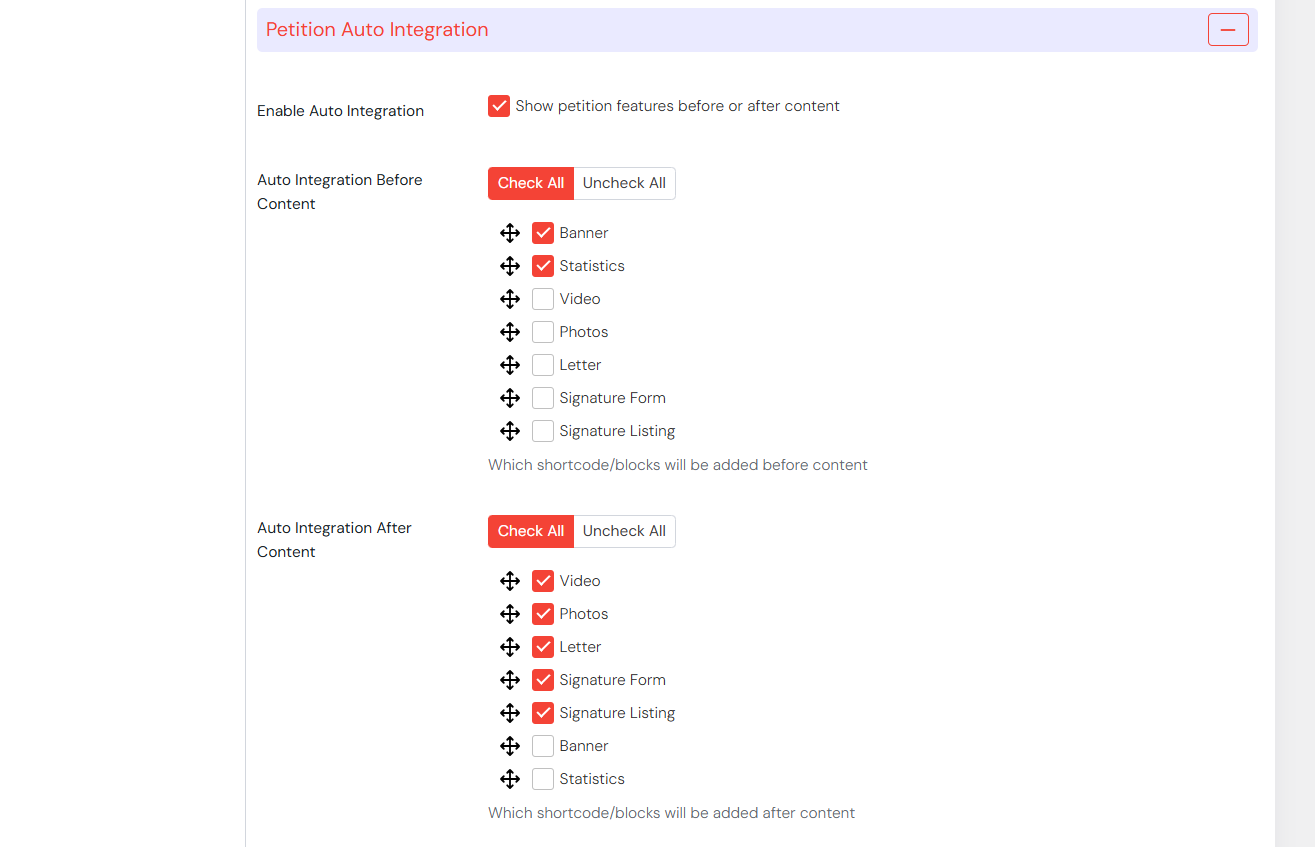
Plugin global setting has lots of options and can be extended via addon.
- Basic Setting
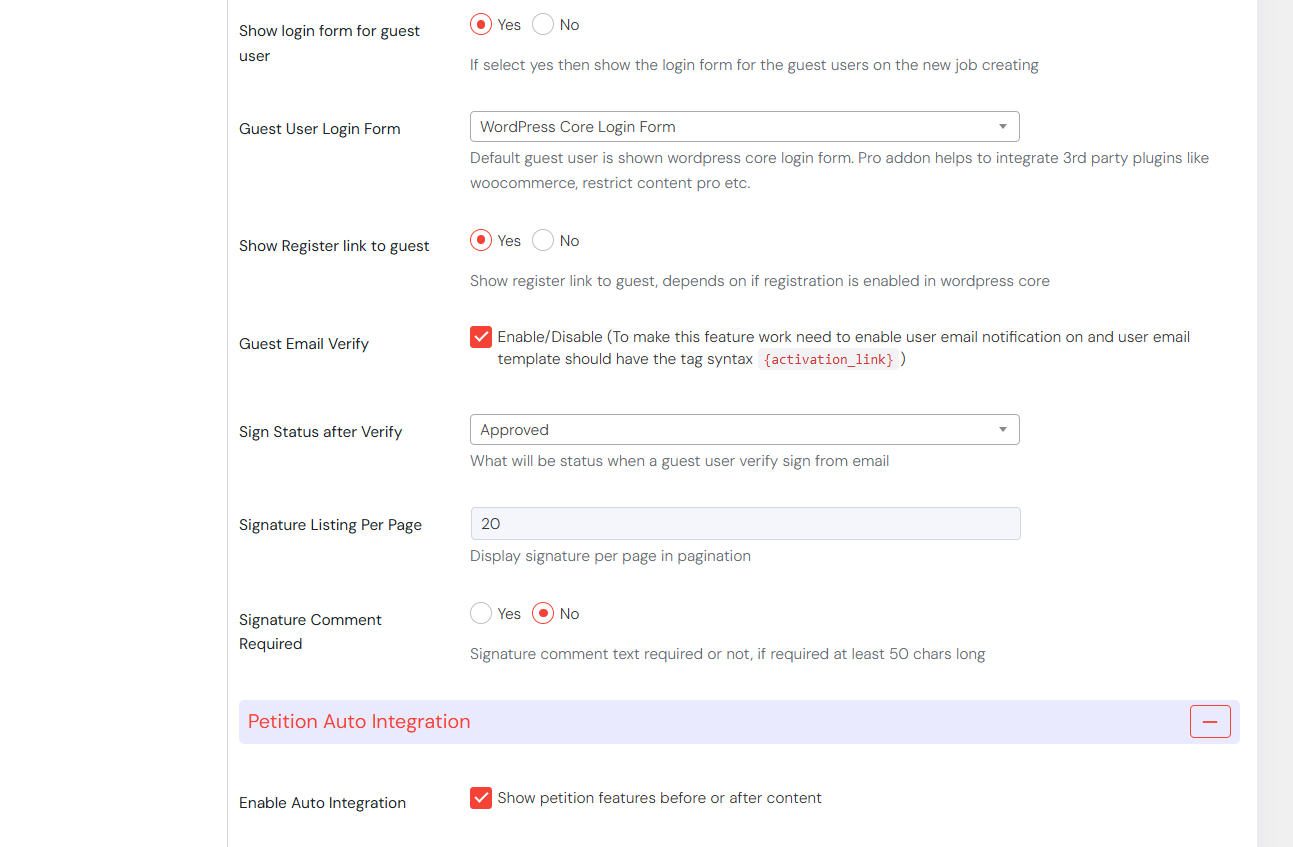
- Enable Auto Integration
- Auto Integration Before Content
- Auto Integration After Content
- Default Sign Status(Unverified, Pending, Approved, Unapproved), possible to extend
- Guest Email Activation(Guest signature approval can be verified via email)
- Frontend Signature listing limit
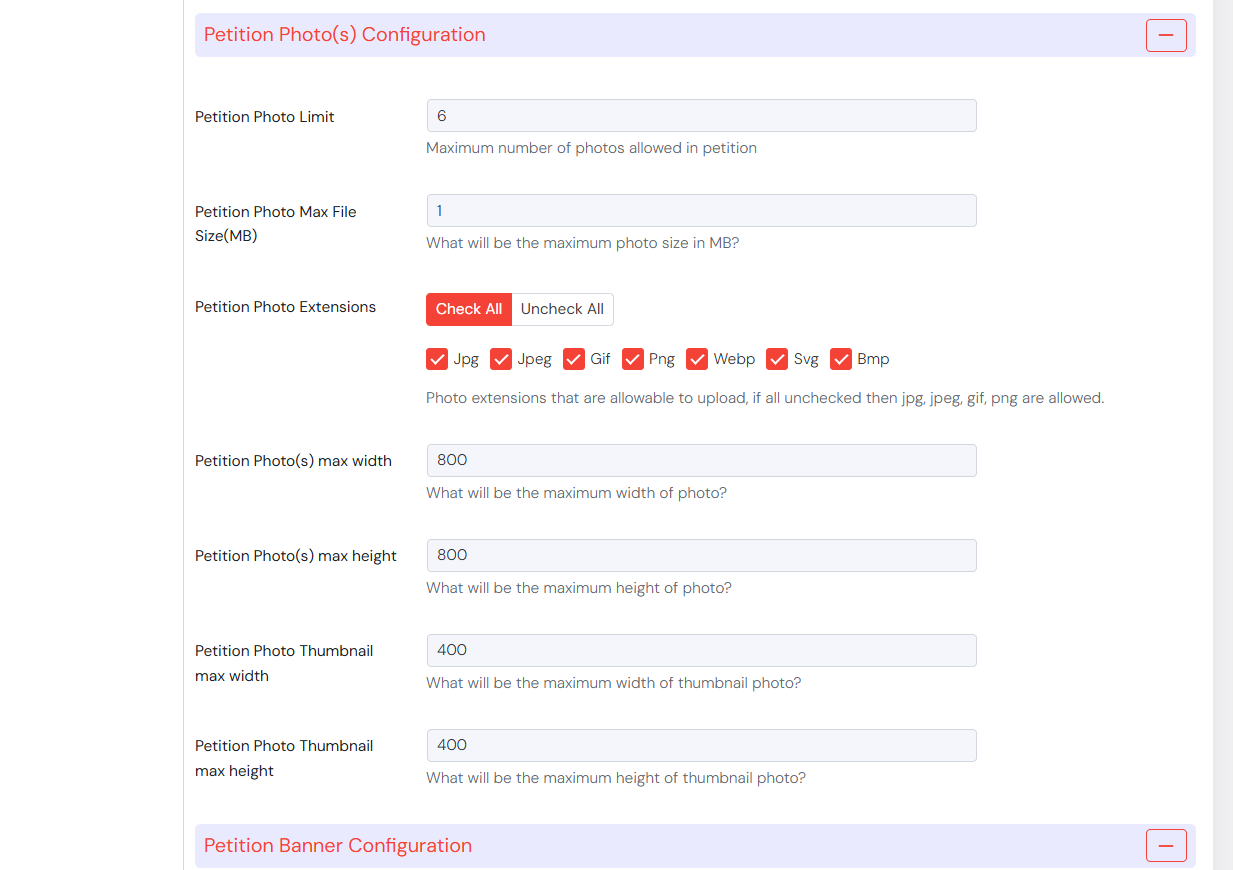
- Petition Photo(s) Configuration:
- Petition Photo Limit
- Petition Photo Max File Size(MB)
- Petition Photo Extensions
- Petition Photo Thumbnail max width
- Petition Photo Thumbnail max height
- Petition Photo(s) max width
- Petition Photo(s) max height
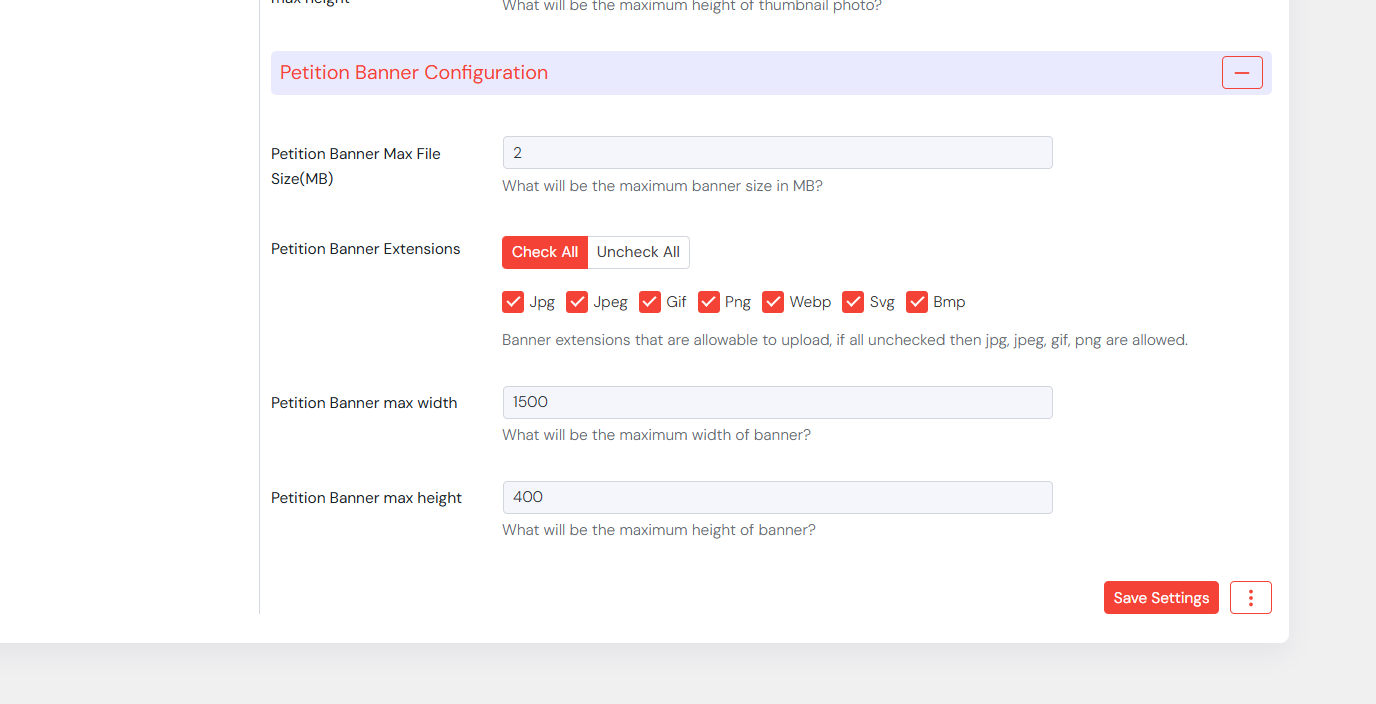
- Petition Banner Configuration:
- Petition Banner Max File Size(MB)
- Petition Banner Extensions
- Petition Banner max width
- Petition Banner max height
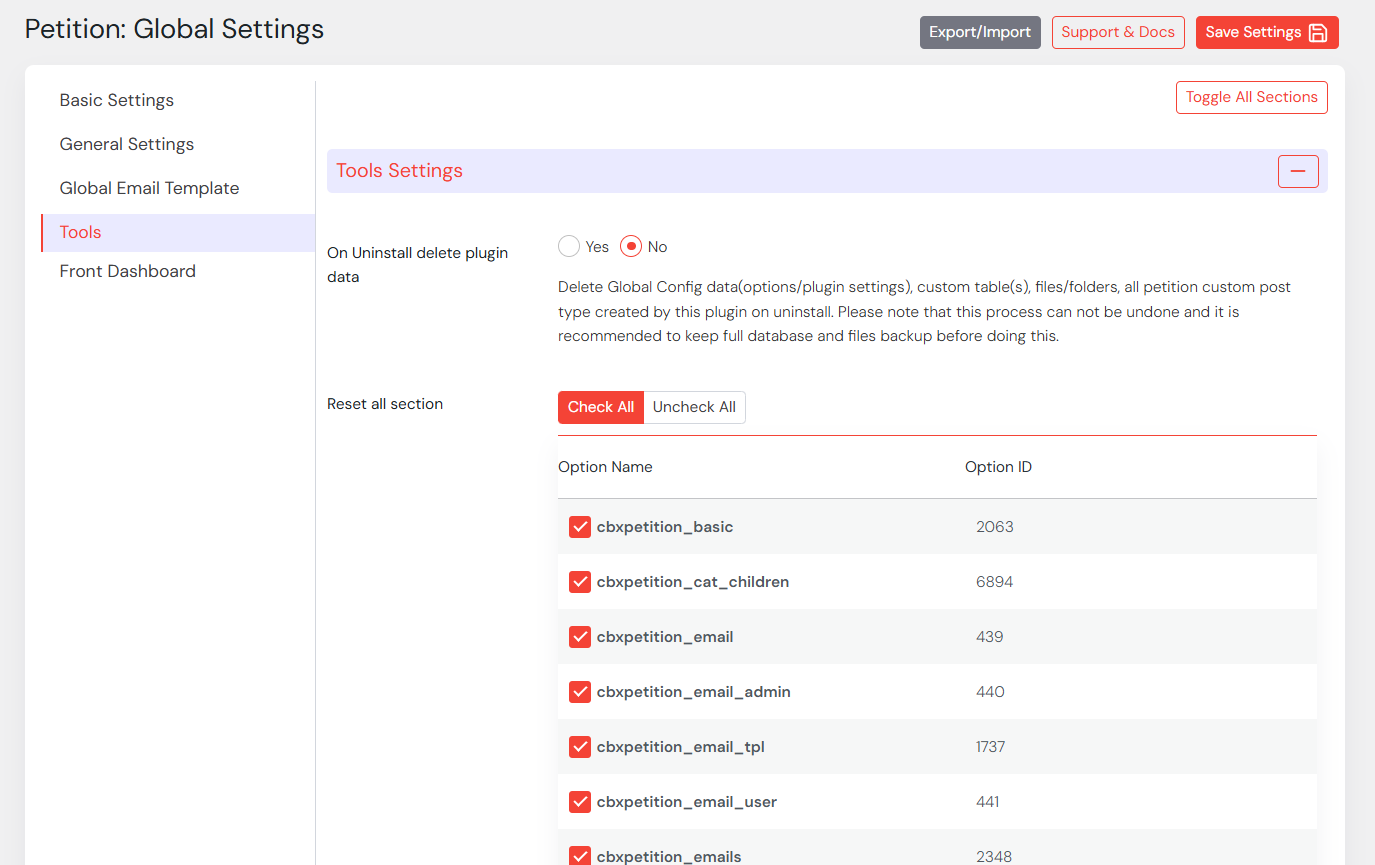
- Tools
- On Uninstall delete plugin data
- Pro Addon Settings
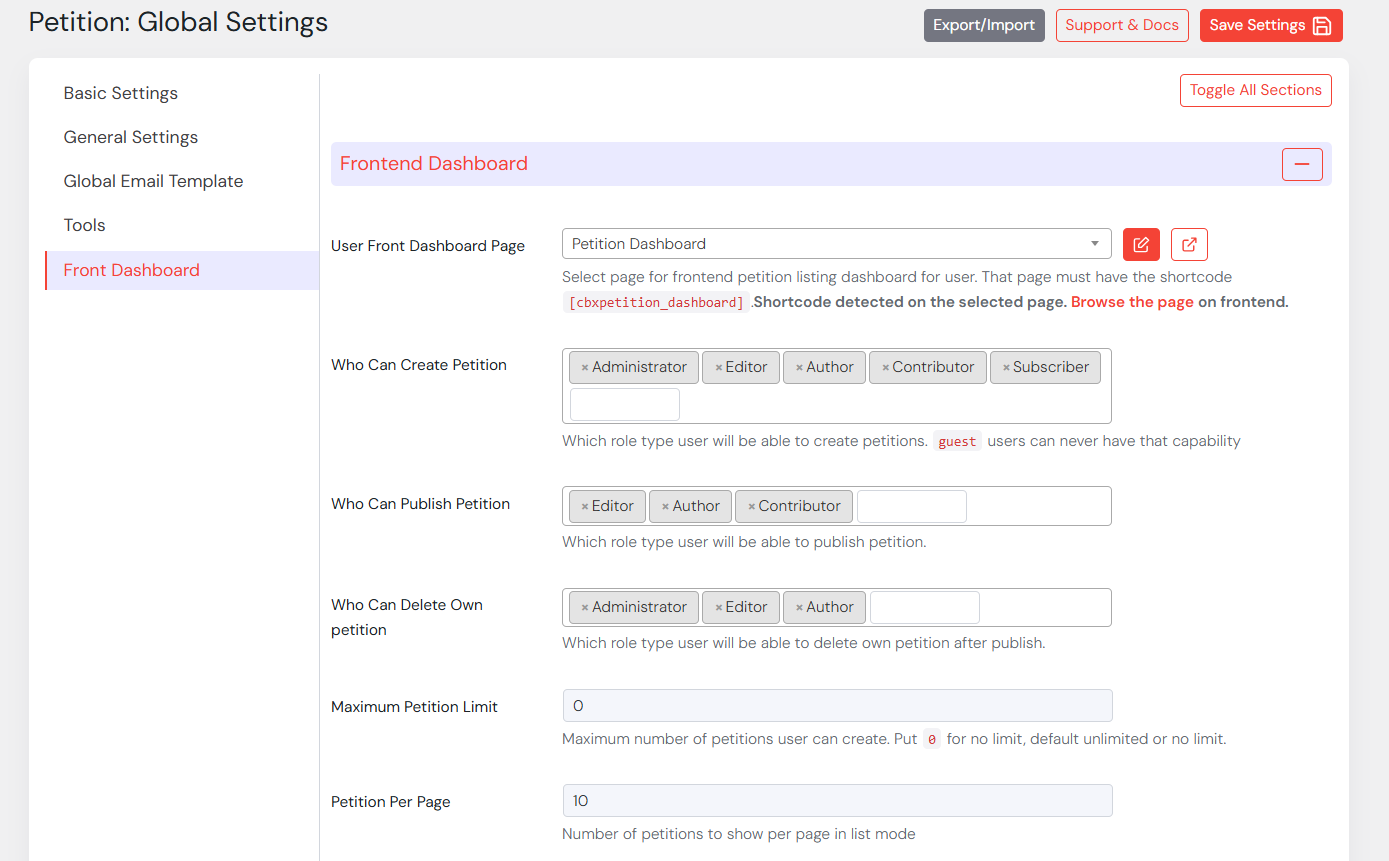
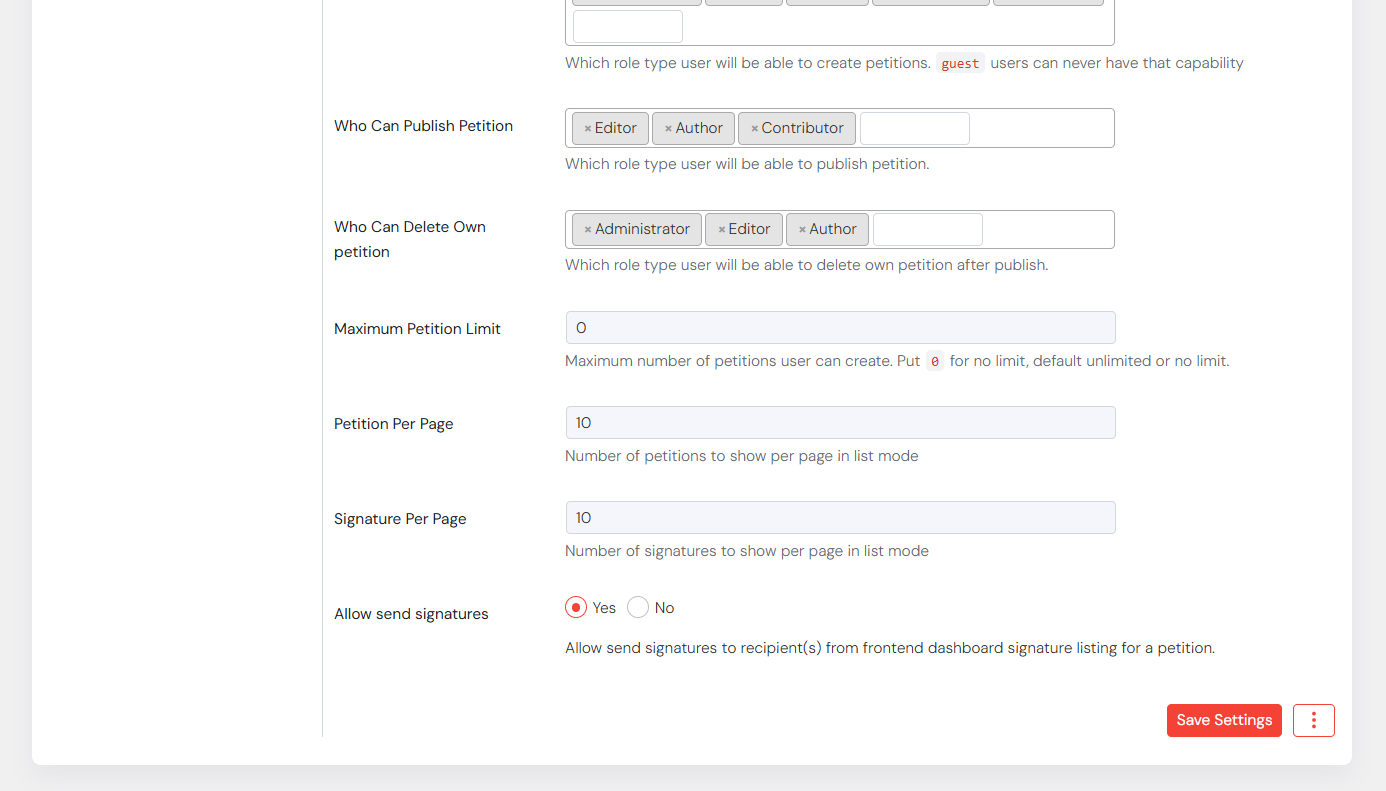
- Who Can Create Petition – Role Selection(s)
- Who Can Publish Petition – Role Selection(s)
- Who Can Delete Own petition – Role Selection(s)
- Who Can Delete Own petition – Role Selection(s)
- Maximum Petition Limit
- Maximum Petition Limit
- Petition Per Page
- User Front Dashboard Page – Page select dropdown
- Admin Email Alert for Petition Approval
- Enable/Disable and Email Template
- User Email Alert for Petition Approval
- Enable/Disable and Email Template
Template Override
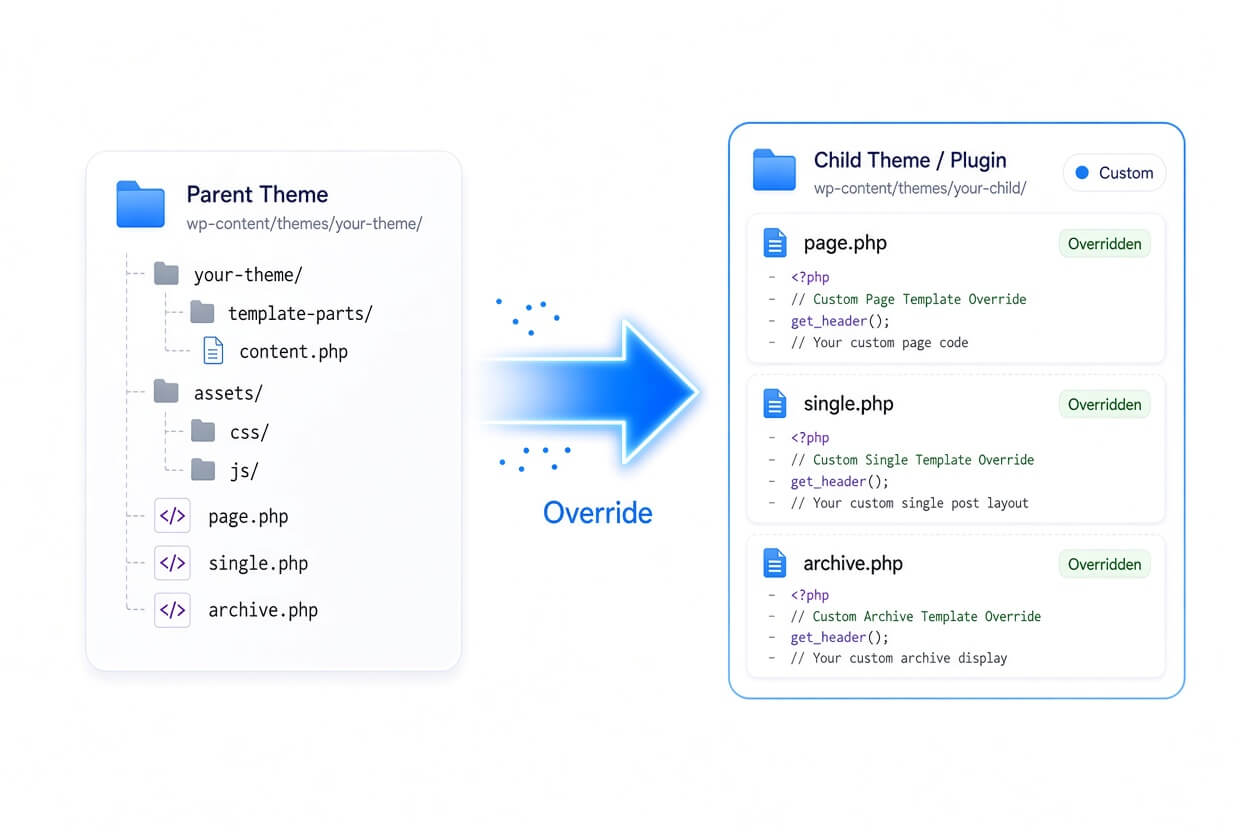
CBX Petition for WordPress is developer-friendly and fully customizable. It supports a template override system just like WooCommerce, allowing you to copy plugin templates into your theme and modify them safely. This means you can fine-tune the layout, structure and template files without touching the core plugin files — keeping updates smooth and your custom design intact. Template override documentation details available here.
Hooks & Filters
CBX Petition for WordPress plugin is thoughtfully coded with developers in mind, following WordPress coding standards and best practices. We’ve implemented a wide range of actions, hooks, and filters throughout the plugin, giving developers the flexibility to extend or modify its functionality without touching the core code.
Whether you want to customize the output, integrate it with your own workflow, or build additional features on top, the available hooks make it easy to adapt the plugin to your specific needs. This developer-friendly architecture ensures that CBX Petition for WordPress plugin remains both powerful and extensible for any kind of project or environment.
CBX Bookmark plugin uses prefix cbxpetition for any filter and hook.


Translatable/Localization
We have followed the native WordPress standards for internationalization (i18n) and localization (l10n) by using the proper text domain and translation functions throughout the plugin. This ensures that every label, message, and UI text can be easily translated into any language using popular tools like Poedit or plugins such as Loco Translate.
Along with this, a translation template file (.pot) is included in the plugin package, making it simple for translators and site owners to create or update language files. Whether you’re building multilingual websites or targeting a specific region, CBX Bookmark is fully ready to speak your users’ language with minimal effort.
- Localization
- Internationalization
Core plugin’s text domain name is cbxpetition and pro addon’s text domain cbxpetitionproaddon .

Licence & Pricing
Free Core vs Pro Addon
| Feature | Free Core | Pro Addon |
|---|---|---|
| Auto Integration | ||
| Category / No-Category Mode | ||
| All Shortcodes | ||
| Classic Widgets | ||
| Gutenberg Block | ||
| Elementor Widget | ||
| Default Category, Maximum Category | ||
| Custom Bookmark Icon | ||
| BuddyPress Integration | ||
| myCred | ||
| GamiPress | ||
| Pro Shortcodes, Widgets & Blocks (Gutenberg / Elementor / WPBakery) |
Ready for the Pro features? Pick a license below.
CBX Petition for WordPress Pro Addon
Choose your license term — every plan includes plugin updates and real developer support.
1 Site
- One Year Pro Support
- One Year Plugin Updates
- One Domain Support
- Email Support
2 Sites
- One Year Pro Support
- One Year Plugin Updates
- Two Domains Support
- Email Support
5 Sites
- One Year Pro Support
- One Year Plugin Updates
- Five Domains Support
- Email, Google Meet Support
1 Site
- Lifetime Pro Support
- Lifetime Plugin Updates
- One Domain Support
- Email, Google Meet Support
2 Sites
- Lifetime Pro Support
- Lifetime Plugin Updates
- Two Domains Support
- Email, Google Meet Support
5 Sites
- Lifetime Pro Support
- Lifetime Plugin Updates
- Five Domains Support
- Email, Google Meet Support
Support Policy
Support is simple and predictable. Every purchase includes one year of support for a single domain — updates and help for one production site, starting the day you buy.
1 Domain, 12 Months
Activate on one production site and get updates plus support for 12 months from purchase. Terms scale with the duration and domain count you choose at checkout.
Unlimited Dev & Staging
Building the project out? Use the plugin freely across any number of local, staging, or development sites — no separate license needed while you work.
Except 1 domain, there are other options in the pricing section. Need a custom feature? Talk to our sales team — we’ll reach you in email asap.